How To Clean A Projector Screen 2026 – Step By Step Guide
A projector screen looks simple — a flat white surface. But it is one of the most fragile parts of your entire setup. The reflective coating that makes the image bright and sharp is thin, and one careless wipe with the wrong cloth or cleaner can leave a permanent streak, dull patch, or scratch that shows up in every movie night from then on.
The good news: most screens only need gentle, occasional cleaning. Dust, fingerprints, and the odd splash come off easily if you use the right method for your screen type.
The bad news: the wrong method — a damp paper towel, a spray of glass cleaner, a hard scrub — can do more damage in thirty seconds than a year of dust ever would.
This guide covers how to clean every common screen type safely, what supplies you actually need, the mistakes that ruin screens, and how to deal with stubborn stains without making things worse.
What You Need : Projector Screen Cleaning Kit
You do not need a special “projector screen cleaning kit” for most jobs. Keep it simple:
- A clean, dry microfiber cloth (two, ideally — one for dusting, one for damp wiping)
- A second soft cloth, lint-free, for drying
- Distilled water (tap water leaves mineral spots as it dries)
- A small amount of mild dish soap — unscented, no dyes, no additives
- A spray bottle (for misting, never for spraying the screen directly)
- A soft-bristle brush or a feather duster for loose dust
- White cotton gloves, if your screen gets handled often
That is it. If a cleaning product is not on this list, do not use it on your screen unless the manufacturer specifically says it is safe for your screen type.
What NOT to Do — The Mistakes That Ruin Screens
Before the how-to, the do-not list matters more. Most screen damage comes from good intentions and the wrong tools.
Never use harsh chemicals. Glass cleaner, all-purpose cleaner, bleach, ammonia, alcohol, acetone, and anything labelled “degreaser” can dissolve or discolour the reflective coating. Even a product that says “safe for electronics” is not necessarily safe for a screen surface. If it is not mild soap and water, skip it.
Never use abrasive cloths. Paper towels, tissues, shop rags, and even some “soft” household cloths are abrasive at the microscopic level. They leave fine scratches that scatter light and create a hazy patch visible on bright scenes. Microfiber only — and make sure it is clean. A microfiber cloth that picked up grit from a countertop will scratch just as badly as a paper towel.
Never press hard. Screens are not countertops. Pressing stretches the material, leaves pressure marks, and on ALR screens can crush the microscopic optical ridges that do the light-rejecting work. Let the cloth do the work with light, even strokes.
Never clean a hot screen. If the projector has been running, let the screen cool and the room air out first. Heat plus moisture can set stains and warp some materials.
Cleaning by Screen Type
The right method depends on what your screen is made of. If you are not sure, check the manufacturer’s manual — and when in doubt, use the gentlest method listed here.
Matte White Screens (Fixed Frame and Retractable)
Matte white is the most forgiving screen type. The surface is a simple reflective white coating with no directional optical structure, so it tolerates light damp cleaning well.
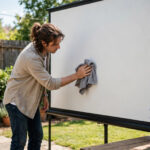
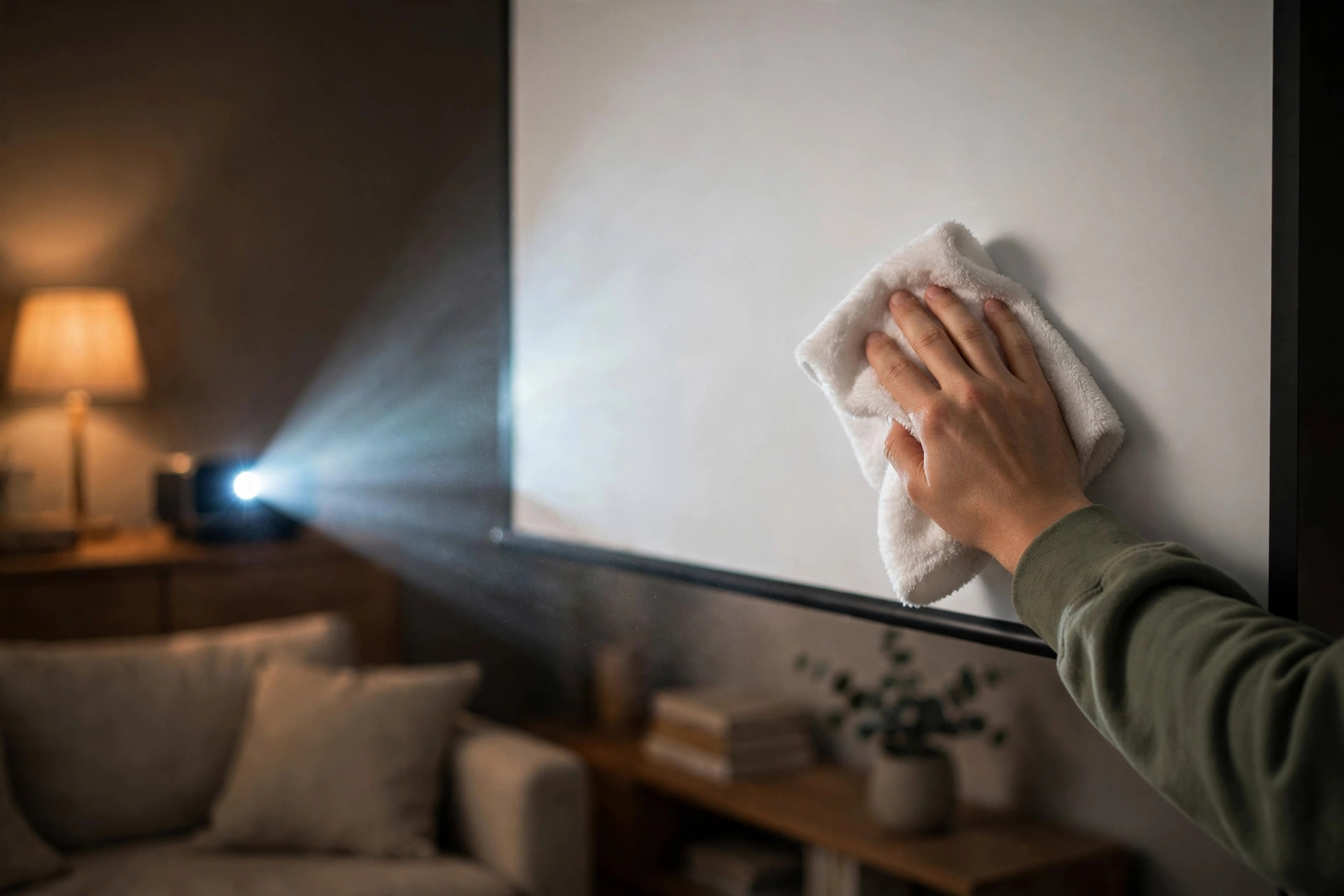
Start dry: brush or wipe loose dust off with a clean microfiber cloth using light vertical strokes. For marks, dampen (do not soak) a second microfiber cloth with distilled water and a drop of mild dish soap, wring it until barely damp, and wipe the marked area gently in one direction. Follow with a clean cloth dampened with plain distilled water to remove soap residue, then pat dry with a lint-free cloth. Let the screen air-dry fully before retracting a motorized screen or using the projector.
ALR (Ambient Light Rejecting) Screens
ALR screens are the most delicate. Their surface has microscopic ridges or lenticular structures that reject room light from above and the sides while reflecting the projector’s beam toward viewers. Those structures are easy to damage.
Grey/High-Contrast Screens
Grey screens work by absorbing some ambient light to deepen blacks. The coating is similar to matte white but tinted, so the same method applies: dry dusting first, then barely-damp microfiber with distilled water for marks. Avoid soap if you can — on a grey surface, even a faint soap film shows as a lighter patch. Test any damp cleaning on a small corner or the bottom edge first, where a faint mark will be least visible.
Painted Wall Screens
If you project onto a painted wall (a common budget setup), you have more freedom but one new risk: you can rub the paint off. Use a dry microfiber cloth for dust. For marks, a barely-damp cloth with plain distilled water, very light pressure, and a small test area first. Do not use soap on matte or eggshell wall paint — it can leave a shiny spot where the finish is disturbed. If your painted screen is a dedicated screen paint, follow that product’s care instructions, which usually allow a gentle damp wipe.

Inflatable and Portable Screens
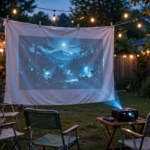
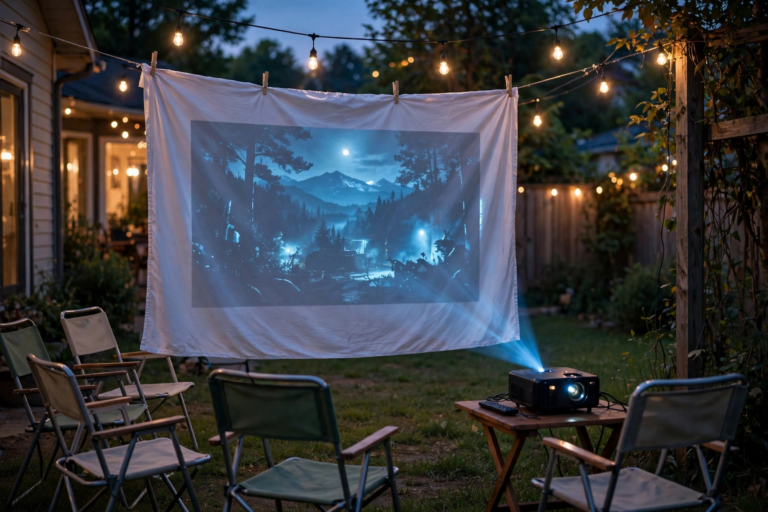
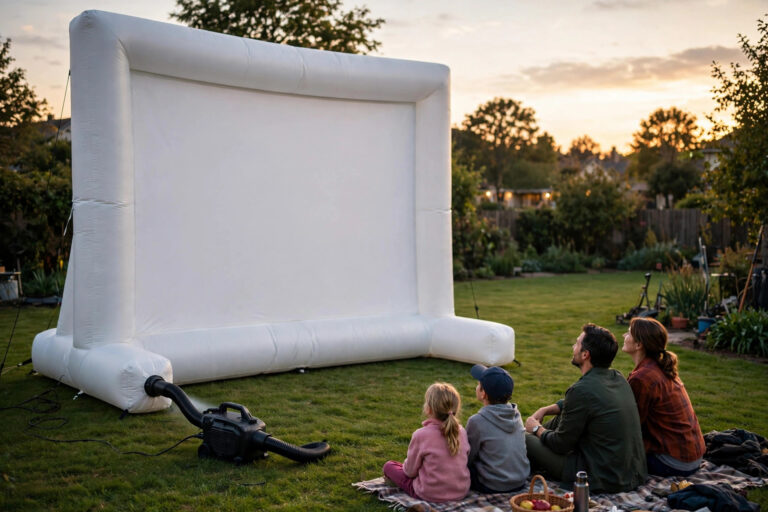
Portable screens pick up more dirt than any other type — they go outside, get folded, and get handled. That is why the outdoor projector screen guide stresses keeping the storage bag clean too. For the screen surface itself, use the matte-white method above: dry dusting, then barely-damp microfiber for marks. The extra step for portables is cleaning before storage. Never fold and store a damp or dirty screen — moisture trapped in folds breeds mildew, and grit ground between folds scratches the surface. Let the screen dry completely, in open air, before packing it away.
How to Clean a Projector Screen? Step-by-Step Process
For a routine clean of any standard (non-ALR) screen:
- Prepare the room. Turn the projector off and let the screen cool. Close windows to keep new dust from blowing in. Wash and dry your hands, or wear clean cotton gloves.
- Dry-dust first. Using a clean microfiber cloth or soft brush, wipe the entire screen with light vertical strokes, top to bottom. This removes loose dust that would otherwise turn to mud when it meets moisture.
- Spot-test. If you plan to use any moisture, test a small area at the bottom corner first. Wait for it to dry and check for any change in texture or colour.
- Damp-clean marks only. Mist a clean microfiber cloth (not the screen) with distilled water and one drop of mild dish soap. Wring it until it is barely damp. Wipe the marked area gently, one direction, no scrubbing. Work in small sections.
- Rinse the soap off. Go over the same area with a second cloth dampened with plain distilled water. Soap left on the surface attracts dust and can leave a film.
- Dry. Pat (do not rub) with a clean, dry, lint-free cloth. Let the screen air-dry completely before retracting it or turning the projector back on.
- Inspect with the projector on. Project a plain white image and a dark image and look for streaks or spots you missed. A white test image reveals smudges; a dark one reveals dust and scratches.
Removing Stubborn Stains
Most stains come off with the process above. For the ones that do not:
Smudges and fingerprints. The most common stain, usually from setup or from someone touching the screen. A barely-damp microfiber cloth with distilled water, gentle circular motion over just the smudge, then a dry-cloth pat. Fingerprint oils sometimes need the drop-of-dish-soap version. Patience beats pressure — two light passes are safer than one hard scrub.
Food, drink, or insect marks. Blot first — do not wipe, which spreads the stain. Dampen a cloth with distilled water, lay it over the spot for a few seconds to soften it, then lift and dab. Repeat rather than scrubbing. If a faint mark remains after two rounds, accept it; aggressive cleaning will do more visible damage than the stain.
Mold or mildew spots. These appear on screens stored damp or used in humid rooms. Do not use bleach or vinegar on the screen — both can damage the coating. Wipe the area with a cloth barely dampened with distilled water and a drop of mild soap, dry thoroughly, and improve the room’s ventilation or dehumidification so it does not return. If mold has penetrated the material or covers a large area, contact the manufacturer — the screen may need professional cleaning or replacement. Prevention matters more than cure here: always store screens dry, in a ventilated space.
Yellowing. Older vinyl screens can yellow with age and UV exposure. This is a chemical change in the material, not a surface stain, and no cleaning method reverses it. If yellowing is uniform and mild, it is mostly cosmetic. If it is patchy or severe, replacement is the only real fix.
How Often Should You Clean Your Screen?
Less often than you think. A fixed screen in a clean living room might need a dry dusting every two to three months and a damp clean once or twice a year. A screen in a dusty room, near a kitchen, or used with the windows open will need dusting monthly. Portable and outdoor screens need a quick inspection and dusting after every use, since they pick up debris every time they are set up and taken down.
The best cleaning schedule is the one you barely notice: a quick dry dust when you see dust in the projected image, and a damp clean only when you see an actual mark. Over-cleaning is itself a risk — every wipe is a small chance of a scratch.
Storage Tips That Prevent Damage
Most screen damage happens in storage, not in use. A few habits prevent most of it:
- Retract motorized screens when not in use. A screen left down collects dust, cooking grease, and sunlight. Retract it after each session.
- Store portable screens clean and fully dry. Shake out the storage bag before packing — grit inside the bag scratches the screen every time it moves.
- Never fold a screen along a crease it was not designed for. Follow the manufacturer’s folding or rolling instructions. Creases become permanent bright lines.
- Keep screens away from direct sunlight in storage. UV fades and yellows the coating over time.
- Do not lean anything against a stored screen. Pressure marks from stored objects do not come out.
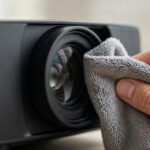
While you are maintaining the screen, do not forget the other end of the image — a dirty projector lens causes haze and soft focus that looks like a screen problem. The companion guide on how to clean a projector lens covers that side of maintenance.
Frequently Asked Questions
Can I use Windex or glass cleaner on a projector screen?
No. Glass cleaner contains ammonia and solvents that attack the reflective coating. Even one use can leave a permanent dull or discoloured patch. Stick to distilled water and, only when needed, a drop of mild dish soap.
Can I use a vacuum cleaner on my screen?
A soft brush attachment on the lowest suction setting can work for loose dust on a sturdy fixed-frame screen, but it is risky — the nozzle can catch an edge or press the surface. A dry microfiber cloth or soft brush is safer and just as effective for most dust.
How do I clean an ALR screen without damaging it?
Dry-clean only, whenever possible: a soft brush or dry microfiber cloth, light strokes, no pressure. Avoid water and soap entirely unless the manufacturer specifically approves them for your model. The microscopic optical ridges that make ALR work are easily damaged by moisture and pressure.
My screen has a permanent mark. Can it be fixed?
It depends on the cause. Surface dirt and smudges usually come off with careful cleaning. Scratches, pressure marks, coating damage, and yellowing are permanent — they are damage to the material itself, not dirt on top of it. If the mark is in the main viewing area and visible during movies, replacing the screen is usually the practical answer.
The Bottom Line
The rule for screens is simple: dry first, damp only when needed, and never press hard. ALR screens stay dry-only unless the manufacturer says otherwise. Clean gently and rarely, store portable screens dry, and your screen will stay bright and streak-free for years. For the other end of the image, see our guide on how to clean a projector lens. See how to clean an outdoor projector screen for outdoor-specific steps. See whether you can use a white sheet as a projector screen before trying a DIY setup.