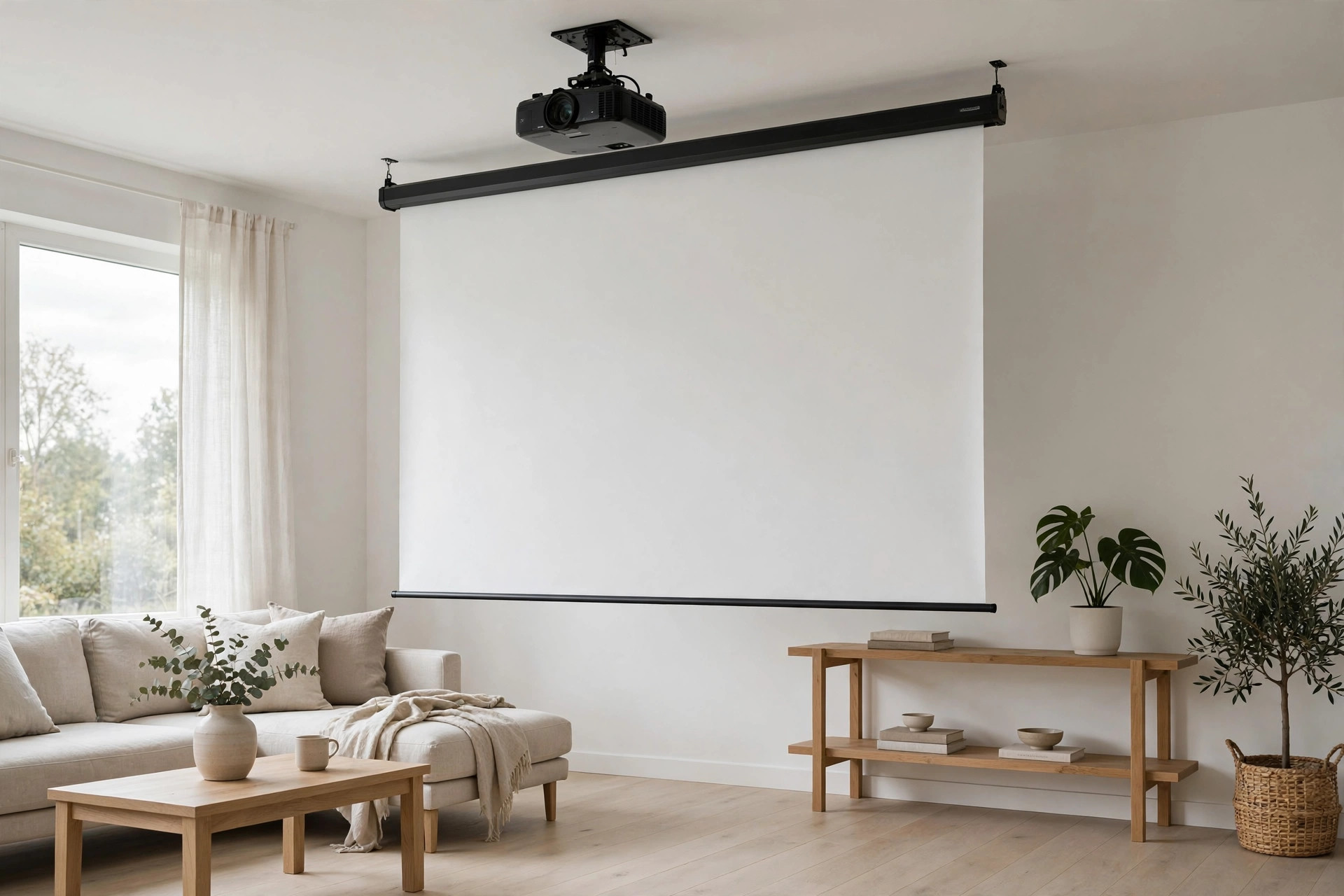
How To Hang Projector Screen From Ceiling 2026 – Screen Mounting Guide
A ceiling-mounted projector screen looks clean, saves wall space, and keeps the screen at the right height for comfortable viewing. It is also one of the most common DIY installs people get wrong — usually because they skip the measuring step, mount into drywall instead of a joist, or hang the screen too high. This guide walks you through the whole job, from tools to final testing, so you can do it once and do it right.
The process is nearly the same whether you are hanging a fixed-frame screen or a motorized (retractable) screen. The main differences are weight, wiring, and how the mounting brackets attach. We cover both below.
Tools and Materials You Will Need
Before you start, gather everything. Stopping halfway through to buy a stud finder or the right drill bit is how projects stall.
- Stud finder (electronic, not the magnetic kind)
- Tape measure (at least 25 feet)
- Level (a 48-inch level is ideal; a small torpedo level works for brackets)
- Pencil or painter’s tape for marking
- Power drill with drill bits and a socket or driver bit
- Socket wrench or adjustable wrench
- Ladder or step stool tall enough to work comfortably at the ceiling
- Lag bolts or lag screws rated for the screen’s weight (usually supplied with the screen)
- Mounting brackets (supplied with most screens, or sold separately for motorized models)
- Wall anchors rated for your ceiling type (only if you cannot hit a joist — see below)
- Wire covers, cable raceway, or a cable concealer kit for the power cord
- Optional: a second person to hold the screen while you fasten it
Check your screen’s manual before you start. It will list the exact bolt size, bracket spacing, and weight. A fixed-frame 100-inch screen typically weighs 15 to 25 pounds. A motorized 120-inch screen can weigh 30 to 50 pounds. That weight decides whether you need one joist or two, and what hardware is safe.
How To Hang Projector Screen From Ceiling in 2026 – Step by Step Guide
Measuring and Placement: Get This Right Before You Drill
Most bad installs come from bad measuring. Take 20 minutes here, and the rest of the job is straightforward.
Centering. The center of the screen should line up with the center of your seating area. Mark the center point on the ceiling with painter’s tape. Measure from the side walls to confirm — do not trust your eyes.
Viewing distance. How far you sit depends on screen size and resolution. Use this as a starting point:
- 80-inch screen: sit 8 to 10 feet away
- 100-inch screen: sit 10 to 13 feet away
- 120-inch screen: sit 12 to 15 feet away
- 150-inch screen: sit 15 to 18 feet away
These are ranges, not rules. For 4K projectors, you can sit a little closer without seeing pixels. For 1080p, stay toward the far end of the range. If your room is smaller than the recommended distance for your screen size, consider a smaller screen rather than forcing a big one into a tight space.
Throw distance. Your projector needs a specific distance from the screen to fill it. Check your projector’s manual or use the manufacturer’s throw distance calculator. The projector’s lens should sit at the right distance, and the projector should be level with the top of the screen or slightly above it. If you are ceiling-mounting the projector too, do that math now — moving a screen after it is hung is far more annoying than moving a projector.
Mark everything on the ceiling with pencil or painter’s tape: the screen’s left and right edges, the center line, and where the brackets will go. Step back and check it from your seat. This is the last easy moment to change your mind.
Finding Ceiling Joists
A projector screen must hang from joists, not from drywall alone. Drywall can hold a picture frame. It cannot hold a 40-pound motorized screen.
Run an electronic stud finder slowly across the ceiling in the area where the brackets will go. When it beeps, mark the edge of the joist with pencil. Slide the finder from both directions to find both edges, then mark the center. Joists in most homes are spaced 16 inches apart on center, but older homes and some new builds use 24-inch spacing, so verify rather than assume.
If your bracket holes do not line up with joists, you have three options:
- Shift the screen. Move it left or right a few inches so the brackets hit joists. A few inches off-center is barely noticeable in practice.
- Add a mounting board. Screw a sturdy board (a 1×6 or a piece of 3/4-inch plywood, cut to span two joists) into the joists, then screw the screen brackets into the board. Paint the board to match the ceiling, and it disappears.
- Use toggle bolts. Heavy-duty toggle bolts rated for 50+ pounds each can work in drywall ceilings, but this is the last resort. They are harder to remove, and if the drywall is thin or damaged, they can pull through. Joists are always better.
For motorized screens, hitting at least two joists is strongly recommended. The screen’s weight plus the vibration from the motor adds stress over time.
Mounting Brackets: Fixed vs Motorized
Fixed-frame screens usually ship with simple L-brackets or ceiling hooks. The frame hangs from the brackets like a picture on a wall. Some models use a sliding bracket system that lets you adjust the height by a few inches after hanging. This is useful if your measurements were slightly off.
Motorized screens ship with end brackets that clamp onto the screen’s housing. The housing is a long tube that holds the rolled-up screen and the motor. The brackets typically mount to the ceiling, and the housing slides or locks into them. Some motorized screens also include wall-mount brackets if you would rather hang from the wall behind the screen area. Ceiling mounting is more common because it keeps the screen flush with the ceiling when retracted.
Whatever type you have, read the bracket instructions before drilling. Bracket spacing is not always the same as the screen width. Some brackets sit inside the screen’s end caps; others sit outside them. Measure the bracket-to-bracket distance on the actual screen, not from the manual’s diagram alone.
Step-by-Step Installation
- Confirm your marks. Double-check the ceiling marks for bracket positions, center line, and screen height. Measure twice, drill once.
- Pre-drill pilot holes. Using a drill bit slightly smaller than your lag bolts (typically 1/8 inch smaller), drill pilot holes into the joists at each bracket mark. Pilot holes prevent the joist from splitting and make the lag bolts go in straight.
- Attach the brackets to the ceiling. Drive the lag bolts through the bracket holes into the joists. Tighten them firmly with a socket wrench, but do not over-torque — you can crack the bracket or strip the wood. The brackets should not wiggle at all when you tug them.
- Attach brackets to the screen (if separate). Some screens require you to bolt brackets onto the screen housing first, then lift the whole assembly to the ceiling brackets. Others have the ceiling brackets and screen brackets as one piece. Follow your model’s instructions.
- Lift and hang the screen. This is a two-person job. One person holds each end. Lift the screen up to the ceiling brackets and hook or slide it into place. For fixed-frame screens, this usually means hooking the frame’s top edge over the bracket lip. For motorized screens, it means sliding the housing into the end brackets and tightening the clamp screws.
- Secure everything. Tighten all set screws, clamp bolts, and safety screws. Give the screen a gentle tug in each direction. It should feel solid, with no sway or rattle.
- Lower the screen. For a fixed screen, it is already down. For a motorized screen, use the remote or wall switch to lower it. Watch it unroll. It should come down straight, with no skew to one side.
- Check height and level. Measure from the floor to the bottom of the screen on both sides. They should match. Hold a level against the bottom edge. If it is off by more than a quarter inch, loosen the brackets, adjust, and re-tighten.
For motorized screens, you may need to set the drop limit. Most motors have small adjustment screws or a programming sequence that controls how far the screen unrolls. Set it so the bottom of the screen lands at your target height (24 to 36 inches from the floor). Consult the manual — every brand does this slightly differently.
Cable Management and Power for Motorized Screens
A fixed screen has no wires. A motorized screen needs power, and a dangling cord ruins the clean look you just built.
The simplest option is to run the power cord along the ceiling to the nearest outlet using a paintable cable raceway. These are cheap, stick to the ceiling with adhesive, and can be painted to match. Route the cord along a corner or ceiling edge where it is least visible.
The cleaner option is to install a recessed outlet in the ceiling near the screen, wired by a licensed electrician. This hides the cord entirely. If you are already running electrical for a ceiling-mounted projector, have the electrician add a second outlet for the screen at the same time. It costs little extra when the ceiling is already open.
If your motorized screen uses a wireless remote or a 12-volt trigger cable from the projector, route that cable the same way as the power cord. The 12-volt trigger automatically lowers the screen when you turn on the projector — a small convenience that feels surprisingly good in daily use.
Leveling and Testing
Once the screen is hung and wired, do a full test before you call the job done.
- Visual check. Stand back and look at the screen. Is it level? Is it centered on your seating? Is the bottom edge at the right height?
- Projector test. Turn on the projector and fill the screen. The image should fill the viewing area with a small black border all around. If the image is wider than the screen, move the projector back or zoom out. If it is narrower, move the projector forward or zoom in.
- Keystone check. If the image is trapezoidal (wider at the top than the bottom, or vice versa), the projector is not level with the screen or is angled. Adjust the projector mount first. Use digital keystone correction only as a last resort — it softens the image slightly.
- Motor test (motorized). Raise and lower the screen three or four times. It should move smoothly, stop at the same place each time, and not make grinding or clicking sounds. If it stops short or overshoots, adjust the limit setting.
- Weight test. Gently pull down on the bottom of the screen with about 10 pounds of force. The brackets should not flex or creak. If they do, tighten the lag bolts or add a second joist.
Common Mistakes to Avoid
- Mounting into drywall only. The number one cause of screens falling. Always hit a joist or use a mounting board spanning two joists.
- Hanging the screen too high. A screen whose bottom edge is 48 inches off the floor forces you to look up for two hours. Aim for 24 to 36 inches.
- Ignoring throw distance. If the projector cannot fill the screen from where it sits, you will end up moving the projector, the screen, or both. Do the math before drilling.
- Not leveling the brackets. If the brackets are not level, the screen will not be level, and no amount of adjusting the screen will fix it. Level the brackets before the screen goes up.
- Forgetting the drop limit on motorized screens. An unadjusted motor will either stop too high (leaving the bottom of the image on the ceiling) or unroll too far (draping screen material on the floor). Set the limit during install, not later.
- Skipping the second person. A 100-inch fixed screen is awkward and fragile. One slip and you crack the frame or dent the screen surface. Get help for the lift.
- Drilling into a wire or pipe. Ceilings hide electrical wires, plumbing, and HVAC. Use a stud finder with wire detection, and if you are unsure what is behind the ceiling, drill a small exploratory hole first.
Take your time. A ceiling-mounted screen is a one-time job if you measure carefully and mount into solid wood. Rush it, and you will be patching drywall and re-drilling holes.
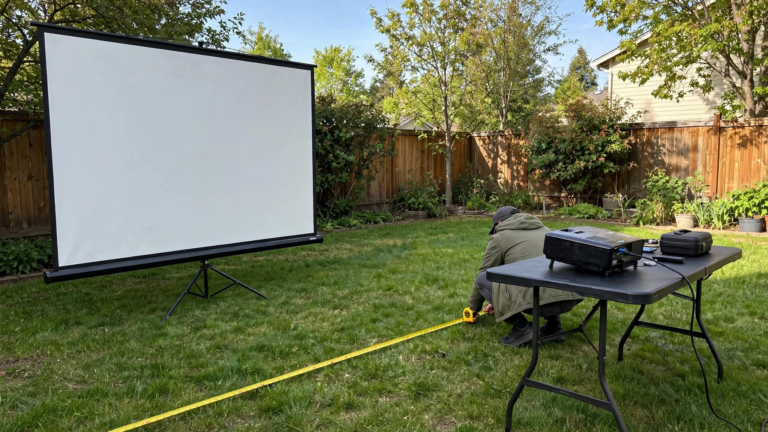
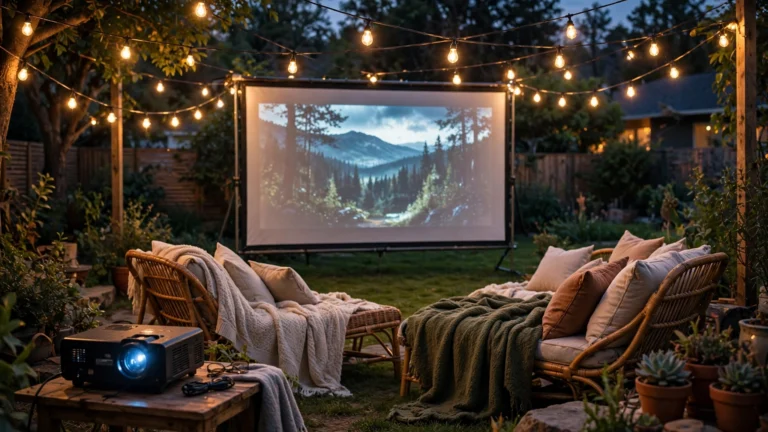
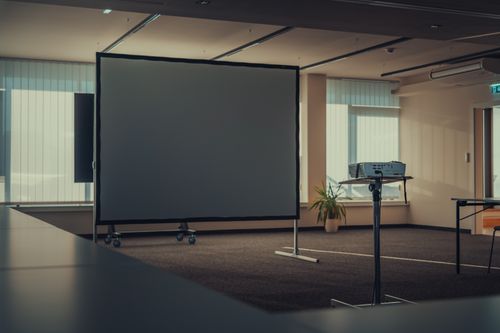
If you are setting up an outdoor viewing area instead of an indoor room, the mounting logic changes — outdoor screens use stands, tripods, or wall mounts rather than ceiling brackets. Our guide to the best outdoor projector screen covers those options.
Frequently Asked Questions
How high should a projector screen be from the floor?
The bottom edge of the screen should sit 24 to 36 inches above the floor. This puts the center of the image near seated eye level (about 36 to 42 inches) and avoids neck strain. For most living rooms, 24 to 30 inches is a good target.
Can I hang a projector screen from a drywall ceiling without joists?
Not safely with standard screws. Drywall alone cannot hold a projector screen’s weight. You need to hit a ceiling joist, span two joists with a mounting board, or use heavy-duty toggle bolts rated for 50+ pounds each. Joists are always the safest option.
How far should I sit from a 100-inch projector screen?
For a 100-inch screen, sit 10 to 13 feet away. For 4K projectors, you can sit slightly closer; for 1080p, stay toward the far end. If your room is smaller than the recommended distance, consider a smaller screen rather than cramming a large one into a tight space.
Do I need an electrician for a motorized projector screen?
If you are just plugging the screen into an existing outlet with a cable raceway, no. If you want a hidden ceiling outlet or are running wires through walls, hire a licensed electrician. Running standard extension cords inside walls is a fire hazard and violates code in most areas.
The Bottom Line
Measure twice, drill once, and always mount into joists. Get the height right (24–36 inches to the bottom edge), level the brackets before the screen goes up, and test the full setup before calling it done. For room layout, seating distance, and screen pairing, see our guide to the best projectors for living rooms. For outdoor setups with no wall, see how to hang a projector screen outside without a wall.