Why Is My Mini Projector Fan So Loud 2026 – Causes & Fixes Guide
You settle in for a film, the picture comes up beautifully, and then the whirring starts. In a quiet room, a mini projector fan can feel surprisingly loud, and it is natural to wonder whether something is wrong with your projector.
In most cases, nothing is wrong — the fan is doing exactly the job it was built for. But the question is: Why Is My Mini Projector Fan So Loud?
There is a real difference between normal fan noise and a fan working too hard, and a few simple changes can often make the whole room feel quieter.
Your Projector Is Not Broken — It Is Just Hot
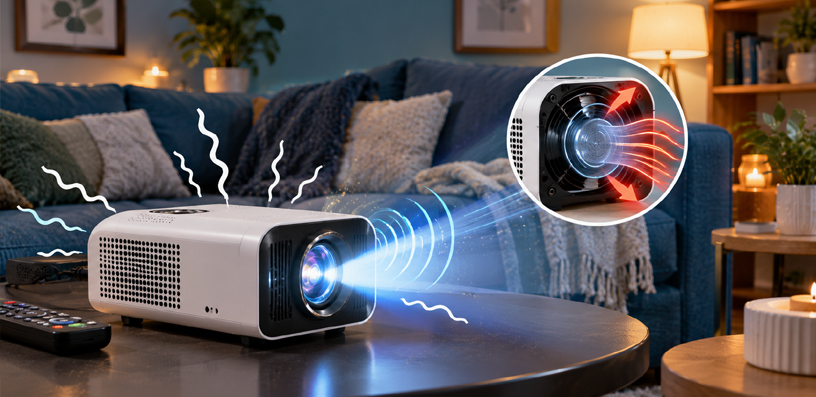
Every projector makes heat. The light source, whether it is a lamp, an LED, or a laser, runs hot while it produces the picture, and the electronics around it add more warmth on top.
Left unchecked, heat shortens the life of the light source and can damage the electronics. So every projector has a cooling system, and in a mini projector that system is almost always a small fan pushing air through the body.
The fan is not a flaw in the design. It is the design. The question is never really how to switch the fan off — it is why it is running as fast as it is, and whether you can give it an easier job.
Why Is Mini Projector Sound Louder Than Big Ones
A full-size home theater projector has room for a large fan that turns slowly and moves a lot of air. A mini projector does not have that luxury.
Inside a pocket-sized body, the fan itself is small, so it has to spin much faster to move the same amount of air — and a small fan spinning fast makes a higher-pitched, more noticeable sound than a large fan turning slowly.
The small body also means the fan sits close to the outer shell, with little material between it and your ears. That is why two projectors with similar brightness can sound very different: the smaller one often sounds louder even when it is working perfectly.
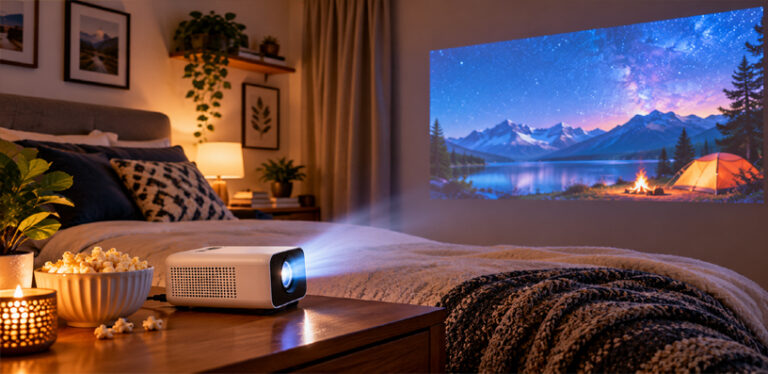
Distance matters too. A mini projector usually sits on a bedside table right next to you, while a ceiling-mounted projector sits several feet away — and every extra foot makes the fan noticeably quieter.
Why Is My Mini Projector Fan So Loud in 2026?
If your mini projector fan seems louder than it should be, one of these causes is usually behind it. Work through them in order, because the first few are the most common and the easiest to fix.
1. It Is Running in Its Brightest Mode
Many projectors ship in their brightest mode by default. Switching to eco mode, low lamp mode, or a cinema mode usually drops brightness slightly and slows the fan noticeably. In a dim room, you may barely notice the picture difference, but you will hear the change straight away.
2. The Vents Are Blocked
A projector breathes through its vents, pulling cool air in and pushing hot air out. Anything that blocks that airflow forces the fan to work harder.
Common culprits are a projector pushed against a wall, sitting on a soft bed that covers the underside vents, or placed inside a closed cabinet. Give every vent a few inches of clear space, and never cover the projector with cloth while it is running.
3. Dust Has Built Up Inside
Over months of use, dust collects on the vents, on any dust filter, and on the fan blades themselves. Dust acts like a blanket: it traps heat inside and narrows the air passages.
The fan then has to spin faster just to keep temperatures where they were when the projector was new. A gentle clean of the vents and filter with a can of compressed air, following your projector manual, often brings the noise straight back down.
Do this with the projector off and unplugged, and never use a vacuum cleaner or blower, since those can cause static damage.
4. The Room Is Hot
Projector fans respond to temperature. On a warm summer evening, or in a small room that heated up during the day, the fan runs faster than in a cool room.
This is normal behaviour, not a fault. Opening a window, running a room fan, or moving the projector away from a radiator can all lower the fan speed. If it feels very hot and the fan is racing, give it a break before the next film.
5. The Projector Is Working at Its Limit
Some situations ask a lot of a small projector: maximum brightness, a very large picture, and a long film, all at once. The harder the projector works, the hotter it gets, and the louder the fan becomes.
If the noise only appears at maximum brightness or during long sessions, the projector is probably just near its thermal limit. Dropping one notch of brightness or taking a short break between films usually settles it.
Normal Noise vs Warning Sign
Not every projector sound is harmless, so it helps to know what to listen for. A steady rushing or whirring sound that rises and falls gently with brightness is normal.
Most mini projectors run at roughly 25 to 35 decibels in normal use, quieter in eco mode — around the level of a quiet conversation. Figures vary by model, but a soft, steady hum is what normal sounds like.
These sounds are warning signs instead. A grinding, rattling, or clicking noise often points to a worn fan bearing or something caught in the fan.
A sudden change — quiet for months, suddenly loud — usually means blocked vents, heavy dust, or a failing fan. A high-pitched whine at certain brightness levels can come from other moving parts, such as a colour wheel in some DLP models.
If you hear grinding or rattling, or the noise appears suddenly and does not improve after cleaning the vents and switching to eco mode, stop long sessions and contact the maker’s support team.
Do not open the projector body yourself unless the manual explicitly allows it, since that can void the warranty and risk damage.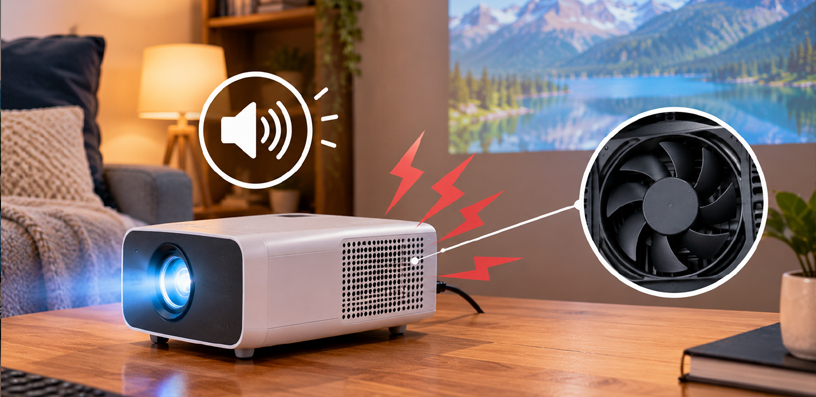
How to Make a Mini Projector Quieter
Try these fixes in order. Most people find the first two or three solve the problem on their own.
Switch to ECO Mode
This is the single biggest win for most owners. It lowers brightness slightly, cuts heat, slows the fan, and usually extends the life of the light source as well. Look for eco, low lamp, or power-saving mode in the picture or light source settings.
Clear The Vents
Move the projector so every vent has a few inches of open space. Lift it off soft surfaces onto a hard, flat table or small stand. Never place it inside a closed box or cabinet while running.
Clean The Dust
With the projector off and unplugged, clear the vents and any removable dust filter with compressed air. In a dusty home, doing this every few months stops the fan from creeping louder over time.
Cool The Room
A cooler room means a slower fan. Ventilation, shade, or waiting for the evening cool-down can all help, especially in summer.
Move it Further Away
Even a foot or two of extra distance from your seat makes a real difference. A rear shelf or small tripod behind the seating area often sounds far quieter than a bedside table right beside you.
Let The Speakers Do The Masking
A small external speaker near your seat raises dialogue above the fan noise without much extra volume. It does not quiet the fan, but it makes the fan far less noticeable, and usually sounds better than the projector’s own speakers anyway.
Our guide to connecting speakers to a projector walks through the wired and wireless options.
Keep Sessions Reasonable
Very long back-to-back films in a warm room push any small projector to its thermal limit. A short break between films lets it cool, and the fan settle.
One thing to avoid: never block the vents with foam, cloth, or a home-made enclosure to muffle the sound. Trapped heat forces the fan to spin even faster, making the noise worse and risking real damage. Good airflow always comes first.
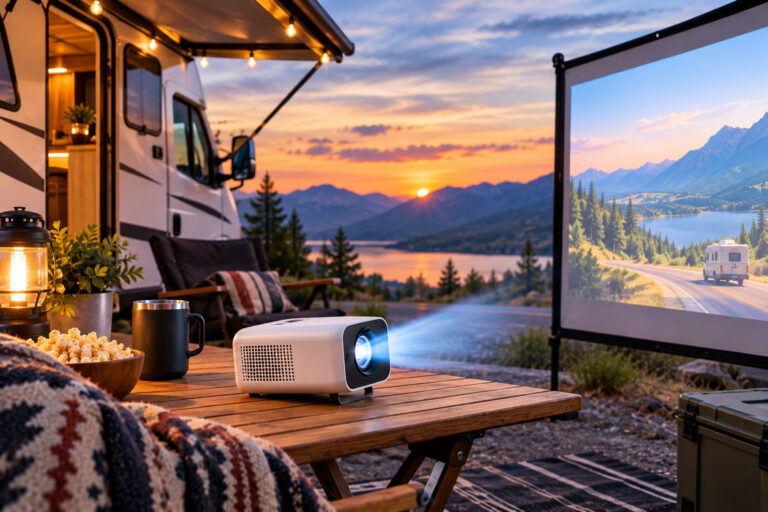
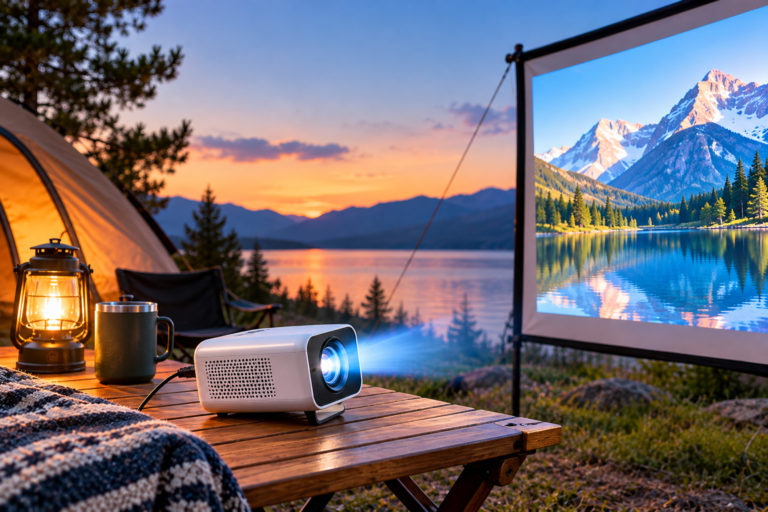
If you use your projector outdoors, heat and airflow matter even more, since there is no room to absorb the warmth. Our guide to powering a projector outdoors without an outlet covers the setup side, and the same ventilation rules apply.
Frequently Asked Questions
Why is my mini projector fan so loud?
Most often because the fan is small and has to spin fast, the projector is in its brightest mode, the vents are partly blocked, or dust has built up inside. Switching to eco mode, clearing the vents, and cleaning out dust usually quiets it down a lot.
Is it normal for a projector fan to be loud?
A steady rushing or whirring sound is normal, especially in a small projector. Most mini projectors run at roughly 25 to 35 decibels, around the level of a quiet conversation. Grinding, rattling, or a sudden change in noise is not normal and is worth investigating.
Can I turn off a projector fan?
No, and you should not try. The fan protects the light source and electronics from heat damage. Switching the fan off, or blocking it, risks overheating and permanent damage. Use eco mode instead to slow the fan down safely.
Does eco mode make a projector quieter?
Yes, in most cases. Eco mode lowers the light output, which produces less heat, which lets the fan run slower. The picture gets slightly dimmer, but in a dark or dim room the difference is small and the noise drop is easy to hear.
How do I clean a projector fan?
Switch the projector off and unplug it, then clear the vents and any removable dust filter with a can of compressed air, following your projector manual. Never use a vacuum cleaner or blower, since those can cause static damage to the electronics inside.
Why does my projector fan get louder over time?
The usual reason is dust. As dust builds up on vents, filters, and fan blades, airflow drops and the fan spins faster to compensate. A regular clean usually restores the original noise level.
Should I worry if my projector fan suddenly gets louder?
Check the simple causes first: blocked vents, a hot room, or a switch to maximum brightness. If none of those explain it, and the noise is grinding or rattling, stop long sessions and contact the maker’s support team, since the fan itself may be wearing out.
Does placing a projector on a bed make the fan louder?
Yes, it often does. A soft surface can cover the vents underneath the projector, trapping hot air inside and forcing the fan to spin faster. Always place a projector on a hard, flat surface with clear space around every vent.
Bottom Line
A loud mini projector fan is usually not a fault. Small fans spin fast, bright modes make heat, and dust and blocked vents make the fan work harder than it needs to. The fixes are simple, in order: eco mode, clear vents, a dust clean, a cooler room, and a little more distance from your seat.
If the sound is a steady hum, your projector is almost certainly fine — just doing its job in a small body. If it is grinding, rattling, or suddenly much worse, check vents and dust first, then talk to the maker’s support team rather than opening the projector yourself.
Once the fan is under control, the rest is easy too. Pairing a small speaker near your seat, as covered in our guide to connecting speakers to a projector, makes dialogue clearer and the fan fade further into the background. A quiet projector is mostly a well-ventilated one, and that is a setup choice you only need to make once.