How to Connect Speakers to An Outdoor Projector — 2026 Guide
You’ve got four good options — Bluetooth (easiest, wireless), a 3.5mm AUX cable (zero delay, most reliable), HDMI ARC or optical (best for soundbars), or pairing the speaker to your streaming stick instead of the projector. For most backyard movie nights, Bluetooth is fine; if dialogue ever looks out of sync, switch to the AUX cable, and the problem vanishes.
One thing to accept up front: your projector’s built-in speaker was designed for a quiet conference room, not an open lawn. Sound outdoors dissipates fast — double the distance from the speaker, and you lose roughly three-quarters of the intensity — so “loud enough indoors” means “barely audible” ten feet into the yard. External speakers aren’t an upgrade outdoors; they’re a requirement.
How to Connect Speakers to an Outdoor Projector: 4 Methods
1. Bluetooth — the wireless default
This is how most people do it, and when it works, it’s effortless. The steps are nearly identical on every projector:
- Put your speaker into pairing mode (usually a long-press on the Bluetooth button until it flashes or announces itself).
- On the projector, open Settings → Bluetooth (sometimes under Sound or Audio Output).
- Select the speaker from the discovered devices list and confirm the pairing.
- Play something with dialogue and check the sync — more on fixing delay below.
The honest trade-off is latency. Standard Bluetooth (SBC codec) adds roughly 100–300ms of delay between picture and sound — enough that careful viewers notice lips moving before words arrive.
For casual cartoon nights nobody cares; for dialogue-heavy films it nags. If both your projector and speaker support aptX Low Latency, delay drops to around 40ms, and the problem effectively disappears — worth checking before you buy anything new.
2. 3.5mm AUX cable — the zero-delay king
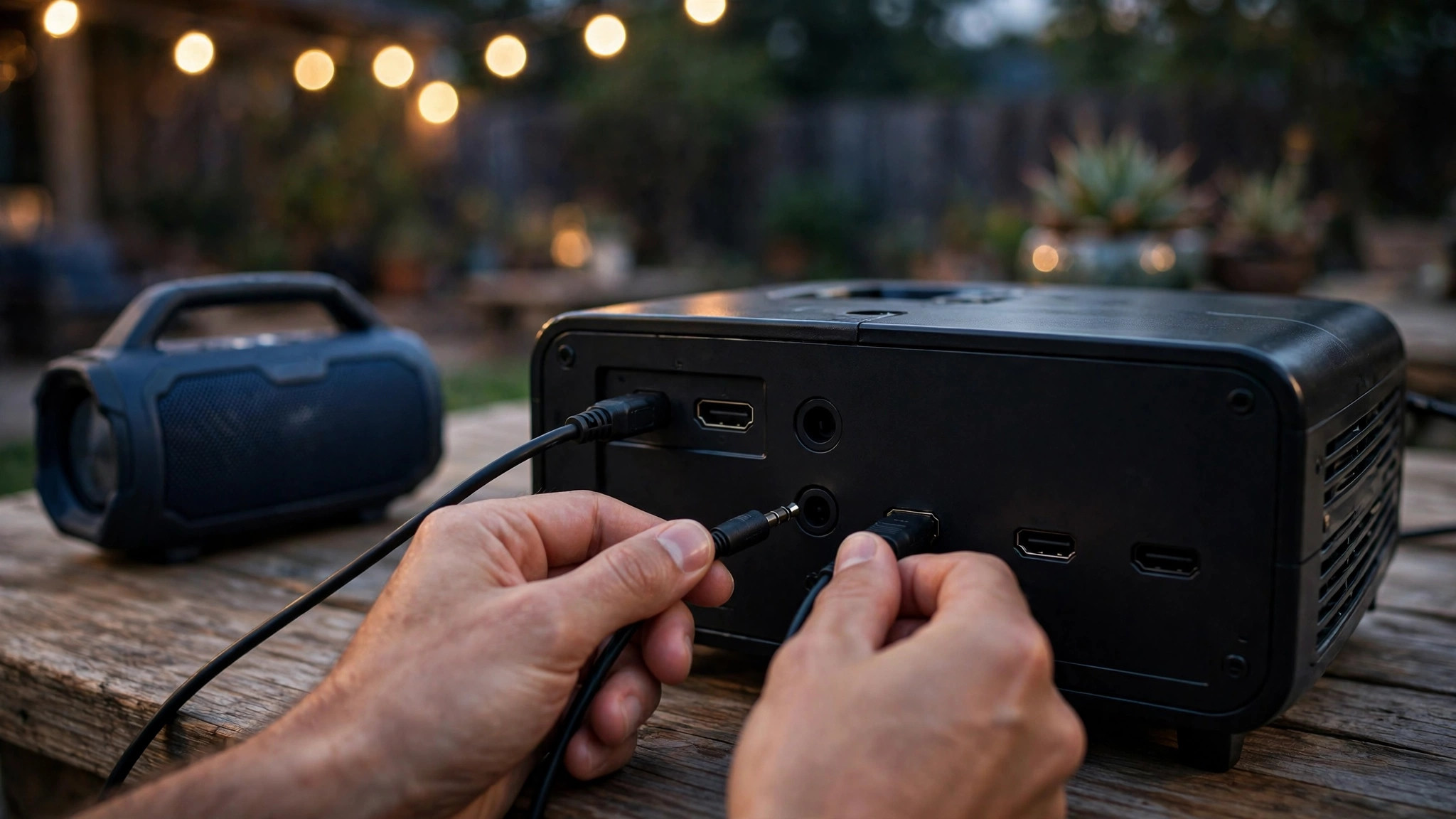
A plain aux cable from the projector’s headphone/audio-out jack to the speaker’s aux-in is the most reliable connection in this entire article. Latency: effectively zero. Dropouts: impossible. Cost: nearly nothing.
The only downside is the cable itself — but outdoors, that’s barely a downside, because you can run 25 feet of aux cable along the ground to wherever the speakers sit and nobody trips over it in the dark (tape it down anyway).
Use this method whenever sync matters more than convenience: movie nights with real films, sports with commentary, anything where lip-sync will bug you. If your speaker is a stereo pair that links together (TWS), connect the cable to the primary speaker and let the pair handle the rest.
3. HDMI ARC or optical — the soundbar route
If your projector has an HDMI ARC port or an optical (Toslink) audio output, you can feed a soundbar or AV receiver digitally — the cleanest signal path of the bunch.
This is the right call for a semi-permanent backyard theater where the gear lives in a weatherproof box and you want one remote controlling volume. Check your projector’s specs first: plenty of portable models have HDMI inputs only, with no ARC or optical out at all — in which case you’re back to Bluetooth or AUX.
4. Pair the speaker to your streaming stick instead
Here’s the trick most guides bury: you don’t have to connect the speaker to the projector at all. Pair your Bluetooth speaker directly to the Fire TV Stick, Roku, or laptop that’s feeding the projector.
The video still goes to the projector over HDMI; the audio goes straight to the speaker. This often gives you better latency control (streaming sticks tend to have newer Bluetooth stacks than budget projectors), simpler volume control from the stick’s remote, and it works even on projectors with no Bluetooth whatsoever. If your setup already centers on a stick, try this method first.
No Bluetooth on your projector? Get a transmitter
A small Bluetooth transmitter plugs into the projector’s 3.5mm or optical output and broadcasts to your speaker — it adds wireless to any projector for the price of a pizza. Look for one with aptX Low Latency support and, ideally, dual-link (two speakers at once) if you want a stereo spread without running cables.
Where to Place Speakers Outdoors
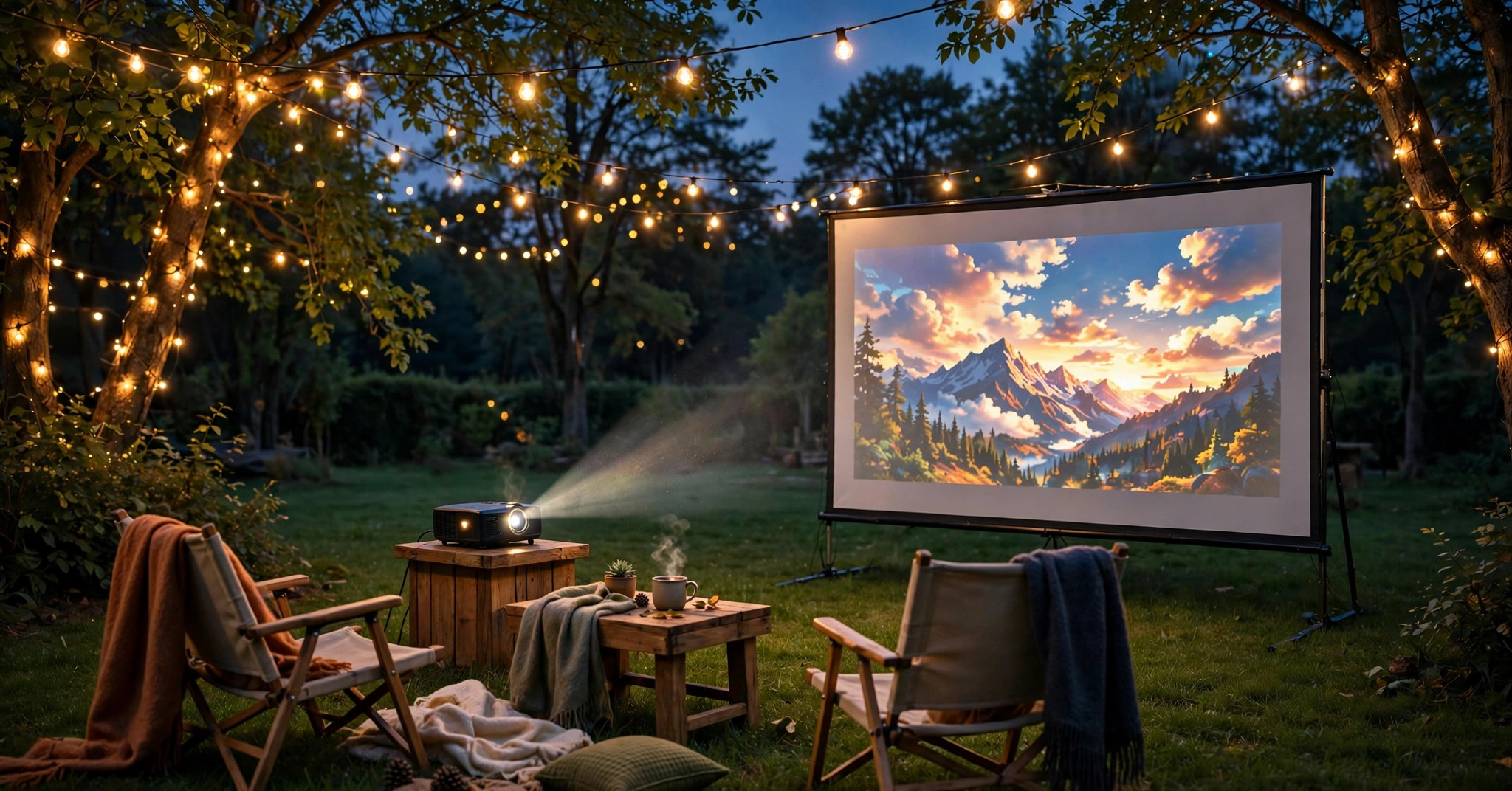
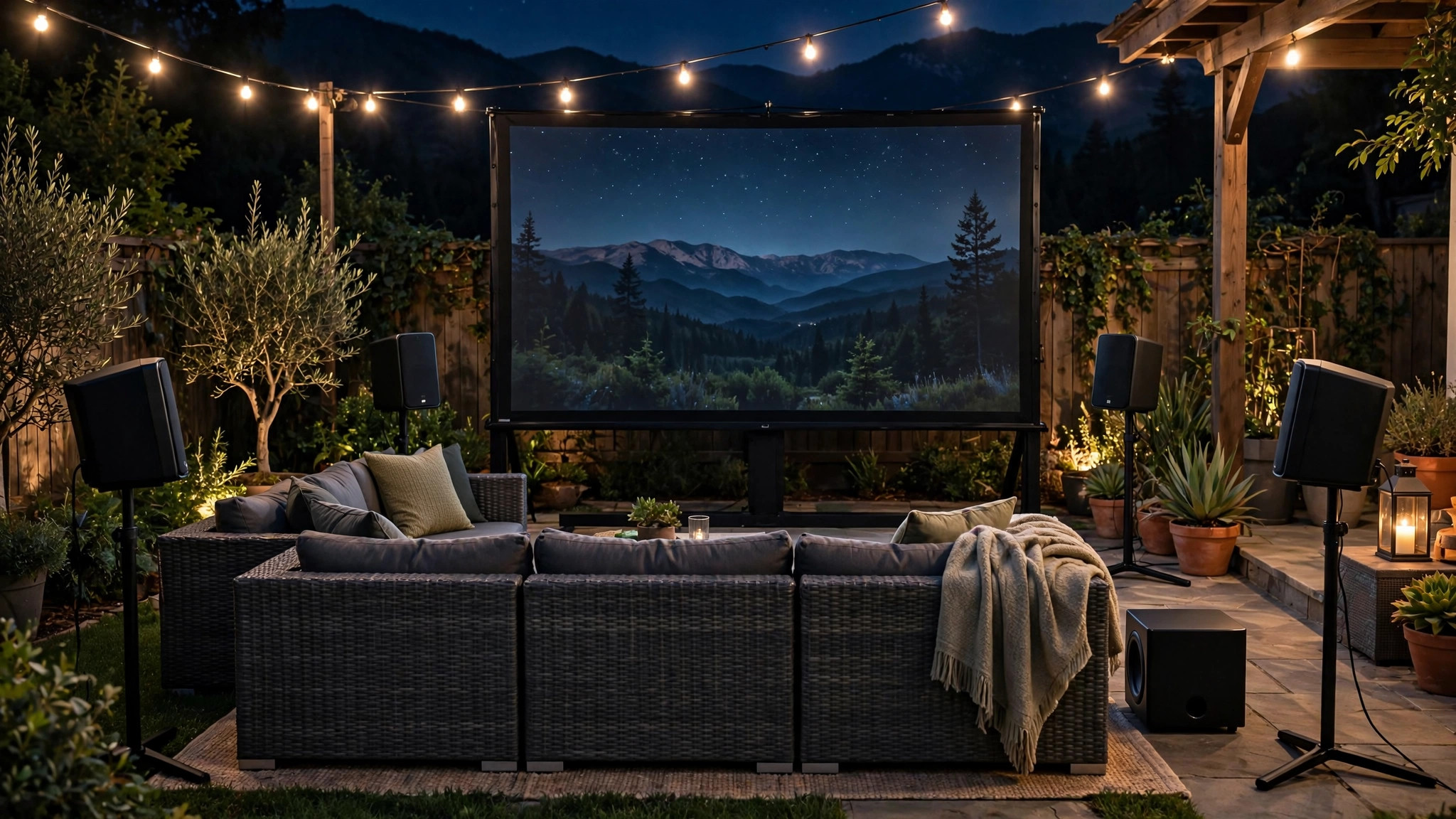
Placement matters as much as connection type. The instinct is to put speakers next to the screen like a cinema — but outdoors, that forces you to crank the volume so the back row hears, which annoys the neighbors and distorts the sound for the front row. Better: put the speakers near the seating area, flanking the audience and angled inward, roughly at ear height when seated (a cooler or small table works).
Why this wins: sound only has to travel a few feet to every ear, so you get clear dialogue at moderate volume, the neighbors hear less, and your speaker’s battery lasts longer. If you’re running a stereo pair, separate them 6–10 feet for a real sense of space.
Keep speakers off bare ground if dew is expected — moisture and electronics are a short-lived friendship — and if wind picks up, remember it carries sound away from whatever direction it blows toward, so nudge the volume up rather than moving everything.
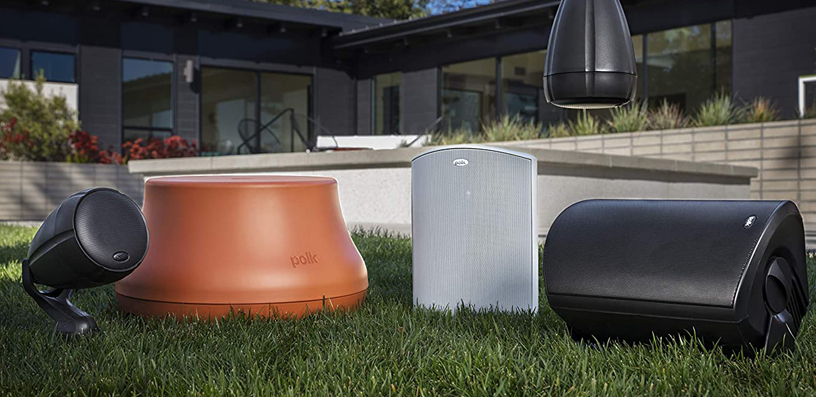
Choosing the speakers themselves is half the battle — our outdoor projector speaker guide breaks down what actually works by party size, and our screen size guide helps you lay out the whole yard so seating, screen, and speakers land in the right spots.
Fixing Lip-Sync Delay and Dropouts
If voices don’t match mouths, work through this list in order:
- Switch to AUX. The nuclear option that always works — a cable has no latency, period.
- Check for aptX Low Latency. If both ends support it, enable it in the Bluetooth settings; ~40ms is imperceptible.
- Look for an audio-delay setting. Many projectors and streaming sticks have a “lip sync” or “audio delay” adjustment — nudge it until dialogue locks in.
- Keep line of sight. Bluetooth hates bodies of water, human bodies, and walls between transmitter and speaker. At a backyard movie night, “bodies” means your audience — elevate the speaker so the signal path clears heads.
- Reduce interference. A dozen phones with Bluetooth and Wi-Fi on, plus a microwave-era router blasting nearby, can cause stutters. It rarely matters, but if audio cuts out, it’s the first suspect.
- Re-pair from scratch. Forget the device on both ends and pair fresh — stale pairings cause a surprising share of weirdness.
Frequently Asked Questions
Why is my Bluetooth speaker out of sync with the projector?
Bluetooth audio encoding takes time — typically 100–300ms with the standard SBC codec, which your eyes read as lip-sync error. Fix it by switching to a 3.5mm AUX cable (zero delay), enabling aptX Low Latency if both devices support it, or adjusting the projector’s audio-delay/lip-sync setting.
Can I connect two Bluetooth speakers to one projector?
Most projectors pair with only one Bluetooth device at a time — so pair the two speakers to each other first using their stereo/TWS link mode, then pair the primary speaker to the projector. Alternatively, use a dual-link Bluetooth transmitter, or pair both speakers to your streaming stick if it supports multiple audio devices.
My projector has no Bluetooth. What are my options?
Plenty: a 3.5mm AUX cable is the simplest, a Bluetooth transmitter plugged into the aux or optical output adds wireless to any projector, and pairing your speaker directly to the Fire TV Stick, Roku, or laptop feeding the projector bypasses the projector’s audio entirely.
Is a soundbar good enough for outdoor movies?
For a small group (under ~8 people) sitting close, yes — especially connected via HDMI ARC or optical. For bigger yards, a soundbar’s narrow dispersion leaves the edges of the audience straining; a pair of portable speakers flanking the seating covers more area more evenly. Match the speaker to the party size, not the screen size.
Should speakers go next to the screen or near the seats?
Near the seats, outdoors. Cinema convention puts sound at the screen, but an open yard isn’t a cinema — placing speakers by the audience delivers clear dialogue at lower volume, disturbs neighbors less, and stretches battery life. Flank the seating, angle inward, elevate to ear height.
The Bottom Line
Start with Bluetooth for convenience; keep an AUX cable in the gear bag for the night lip-sync ruins the film. Put the speakers by the seats, not the screen. And if your projector lacks Bluetooth entirely, the streaming stick in your HDMI port is already the audio solution — pair the speaker to it and skip the projector’s sound system altogether.
For the projector side of the equation, our best outdoor projectors guide covers which models even give you these audio options in the first place.