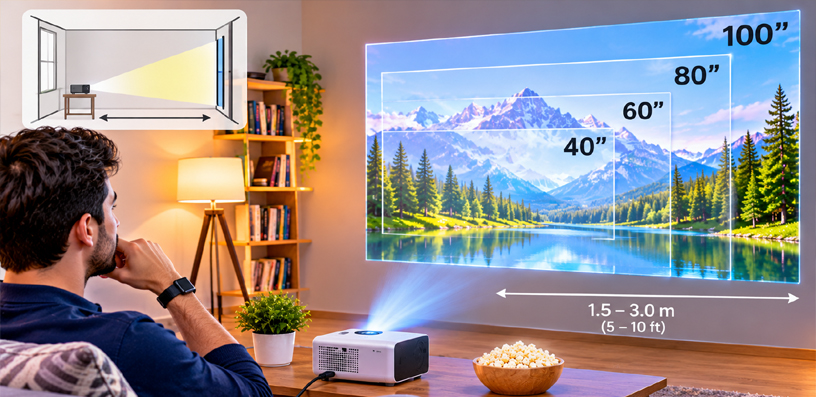
How to Choose Projector Screen Size for Your Room 2026 – Complete Guide
Learning how to choose projector screen size for your room starts with a simple shift: the room picks the screen, not the other way round.
The Room Decides the Screen, Not the Other Way Round
A screen that looks perfect in a showroom can feel overwhelming in a small living room, while the same screen can look lost on a long basement wall. The difference is never the screen alone — it is the room around it.
This guide walks through the three measurements that matter: your wall, your seating distance, and your projector’s throw distance. Get those three right and the size almost picks itself.
One note before we start: sizing for a garden or patio is a different problem, with different light and seating. If that is your project, see our guide to what size screen you need for a backyard movie night instead — this guide is for rooms only.
Measure the Wall First
Start with the wall the screen will live on, not with a screen size you like the sound of.
Measure the clear width and height of that wall. Ignore the space behind the sofa, the door swing, the radiator, and the window frame — what counts is the flat, usable rectangle.
Then subtract the practical margins. A screen should not touch the ceiling, crowd a light switch, or block a vent, and a fixed frame needs a few inches of clear wall on every side for its border and mounts.
Ceiling height matters as much as width. A 16:9 screen that is 120 inches diagonally is about 59 inches tall, plus its frame and a sensible gap from the floor — in a room with a low ceiling, height runs out before width does.
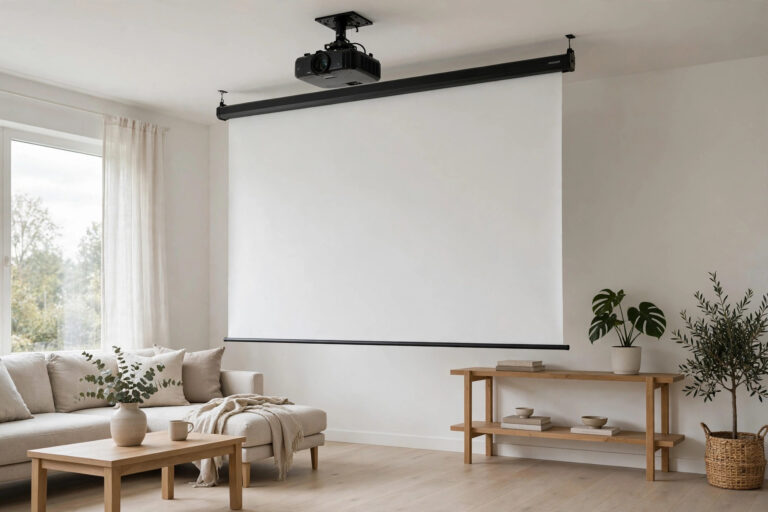
If no wall is fully free, a screen hung from the ceiling is a genuine option for many rooms. Our guide to hanging a projector screen from the ceiling covers how that setup works.
Finally, note the width in inches, not just the diagonal. Two screens with the same diagonal can differ in width if their aspect ratios differ, and width is what has to fit your wall.
How to Choose Projector Screen Size for Your Room From Your Seat
Once the wall allows a size, seating distance decides whether that size feels right.
Sit too close, and your eyes work to take the whole picture in — you turn your head instead of watching the film. Sit too far, and the screen stops feeling like a cinema and starts feeling like a television.
A useful way to think about it is field of view: from your seat, the screen should fill roughly a third of what you can see without turning your head. That is wide enough to feel like a cinema, and narrow enough to take in at a glance.
Modern projectors also let you sit closer than older guidance suggests, because a 4K picture shows far less pixel structure than older resolutions. The ranges below assume a modern projector — if yours is 1080p, favour the larger end of each distance band.
| Seating distance | Suggested screen size |
|---|---|
| 6 to 8 feet | 80 to 100 inches |
| 8 to 10 feet | 100 to 120 inches |
| 10 to 12 feet | 120 to 135 inches |
| 12 feet or more | 135 to 150 inches |
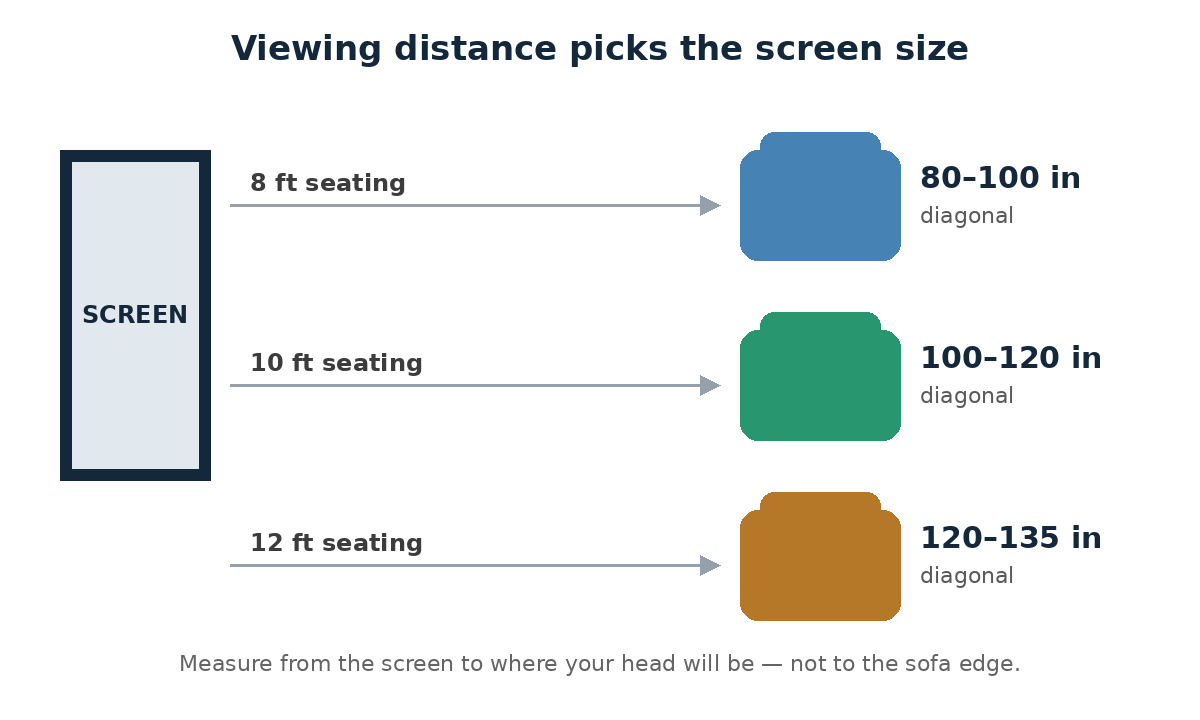
Treat the table as a starting range, not a prescription. A darker room and a 4K picture both let you sit closer, while a bright living room and a lower-resolution picture both argue for sitting a little further back.
Measure from the screen to where your head will be, not to the front edge of the sofa. A deep sofa can add a foot or more to the real viewing distance.
Fixed Frame, Pull-Down, or Motorized — Which Suits a Room?
A dedicated room, used only for films, suits a fixed-frame screen. It stays flat, it never needs rolling up, and it gives the cleanest picture of the three types.
A living room that does other jobs usually suits a pull-down or motorized screen. It disappears when the film ends, leaving the wall for everyday life, and a motorized one adds a tidier look and a remote — at the cost of a housing that needs ceiling or wall space.
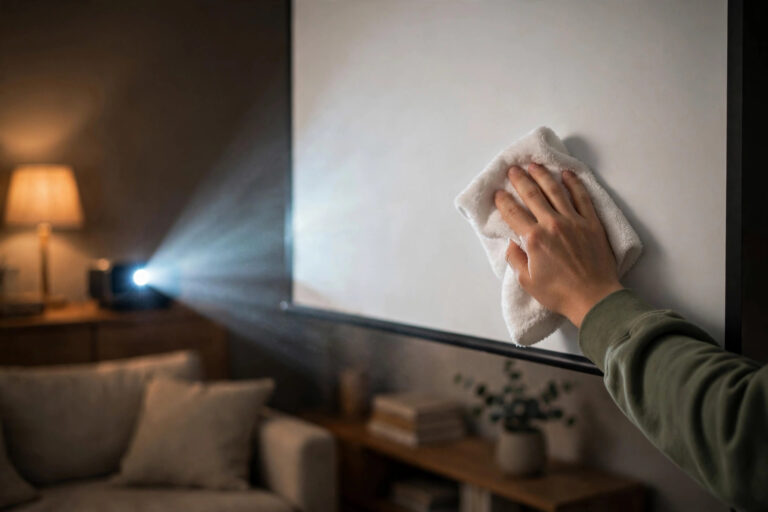
Whichever type you choose, remember that a screen left up in a living room gathers dust over time. Cleaning a projector screen now and then keeps the picture bright.
Ambient light matters more than screen type. A room with windows that cannot be fully darkened favours a seating plan that keeps direct light off the screen, and curtains or blinds are often a better investment than a brighter projector.
Screen gain is the last piece. A gain around 1.0 is neutral and suits most rooms. Higher gain brightens the centre of the picture but narrows the angle it looks good from, so in a room where people sit off to the sides, neutral gain is the safer choice.
Throw Distance: The Limit Your Room Sets
Throw distance is the distance from the projector’s lens to the screen, and it sets a hard ceiling on size. Move a projector back, and its picture grows; move it forward, and it shrinks.
Every projector has a throw ratio — the distance it needs for each foot of picture width. A projector with a throw ratio of 1.5 needs about 1.5 feet of distance for every foot of picture width, so a 100-inch screen (about 7.25 feet wide) needs roughly 11 feet of throw.
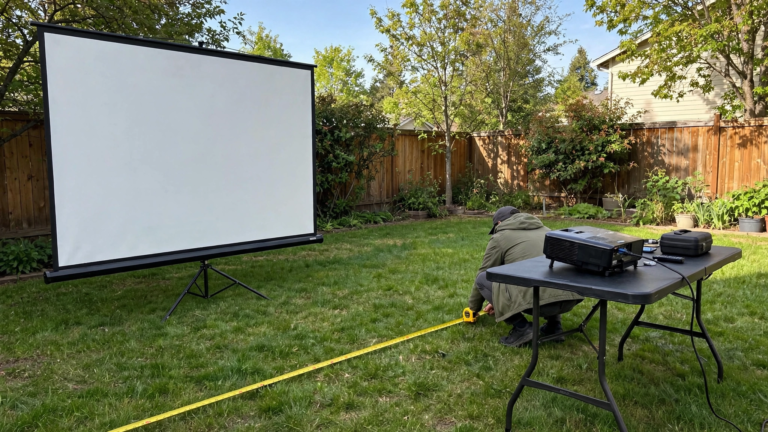
Before ordering, measure the real lens-to-screen distance in your room, including the mount. A ceiling mount or a back shelf can eat a foot of distance you forgot to count.
If the numbers do not reach the size you want, you have three honest options: a smaller screen, a projector with a shorter throw ratio, or moving the projector closer. Buying the big screen first and hoping is the one option that never works.
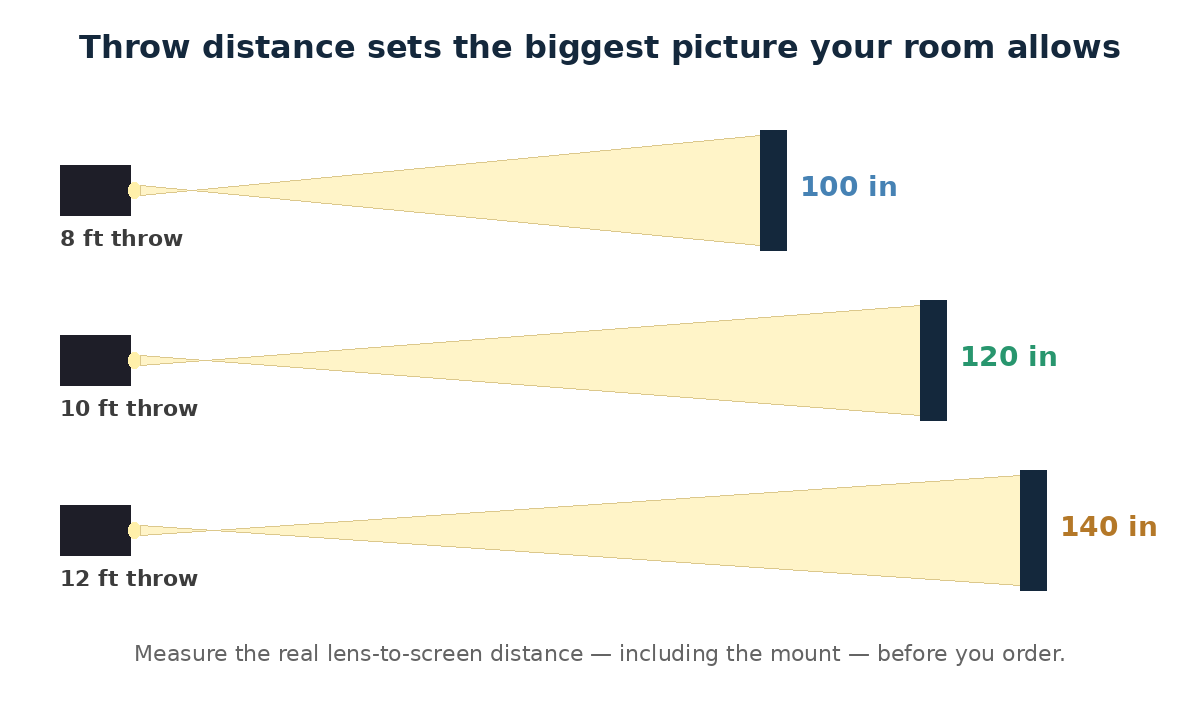
Table placement deserves the same check. A projector on a coffee table sits further forward than one on a back shelf, and the same room can give two very different maximum sizes depending on where the projector lives.
Mistakes That Make a Room Screen Feel Wrong
The most common mistake is buying the biggest screen the wall allows. A screen that fills the wall but overwhelms the seating distance is tiring to watch, not impressive.
The second is measuring the diagonal when you needed the width. A 135-inch screen sounds like a modest step up from 120 inches, but it is nearly a foot wider — and that foot is often exactly what the wall does not have.
The third is forgetting the projector’s own limits. A room can have wall space and seating distance for a big screen, yet the projector’s throw distance caps the picture smaller. Measure throw before you buy, not after.
And do not forget the room’s other jobs. A screen that blocks a door, a window you need to open, or the only light switch will annoy you daily, long after the novelty of the size wears off.
Frequently Asked Questions
How do I choose projector screen size for my room?
Measure your wall’s clear width and height, then your seating distance, then your projector’s throw distance. The smallest of those three limits is your maximum size — pick at or below it, not above it.
How far should I sit from a 100-inch projector screen?
For a 100-inch screen, roughly 8 to 10 feet works well in most rooms. With a 4K projector, you can sit a little closer; with 1080p, favour the further end of that range.
What size screen fits a small living room?
In a small living room with 6 to 8 feet of seating distance, an 80 to 100-inch screen is usually the sweet spot. Check your wall width and throw distance too — either can shrink that range further.
Can a projector screen be too big for a room?
Yes. A screen that is too big for the seating distance forces your eyes to scan the picture instead of watching it, and it can make motion feel uncomfortable. Bigger is only better up to the point your room supports.
What is throw distance, and how does it limit screen size?
Throw distance is the distance from the projector’s lens to the screen. Combined with the projector’s throw ratio, it sets the largest picture that projector can make in your room — no screen can be bigger than that picture.
Should I buy a fixed frame or pull-down screen for a living room?
For a living room that does other jobs, a pull-down or motorized screen is usually better, since it disappears when not in use. A fixed frame suits a dedicated film room where the screen can stay up permanently.
Does ceiling height limit my screen size?
Yes, often before width does. A 120-inch 16:9 screen is about 59 inches tall plus its frame, so in a low-ceilinged room, height — not width — decides the largest screen that fits.
Does room brightness change the screen size I should choose?
Brightness does not change the size directly, but it changes the setup around it. In a bright room, control the light with curtains or blinds and keep direct light off the screen, rather than buying a bigger screen to compensate.
Bottom Line
The right screen size for a room is the one your wall, your seating, and your throw distance all agree on. Measure the wall first, let seating distance choose the range, and let throw distance set the ceiling — then pick inside those limits.
Resist the biggest screen the wall allows. A screen that fits the room feels like a cinema every night; a screen that fights the room feels wrong every night, no matter how impressive it looked in the box.