How to Use an FM Transmitter With a Projector for a Drive-In Movie Night in 2026
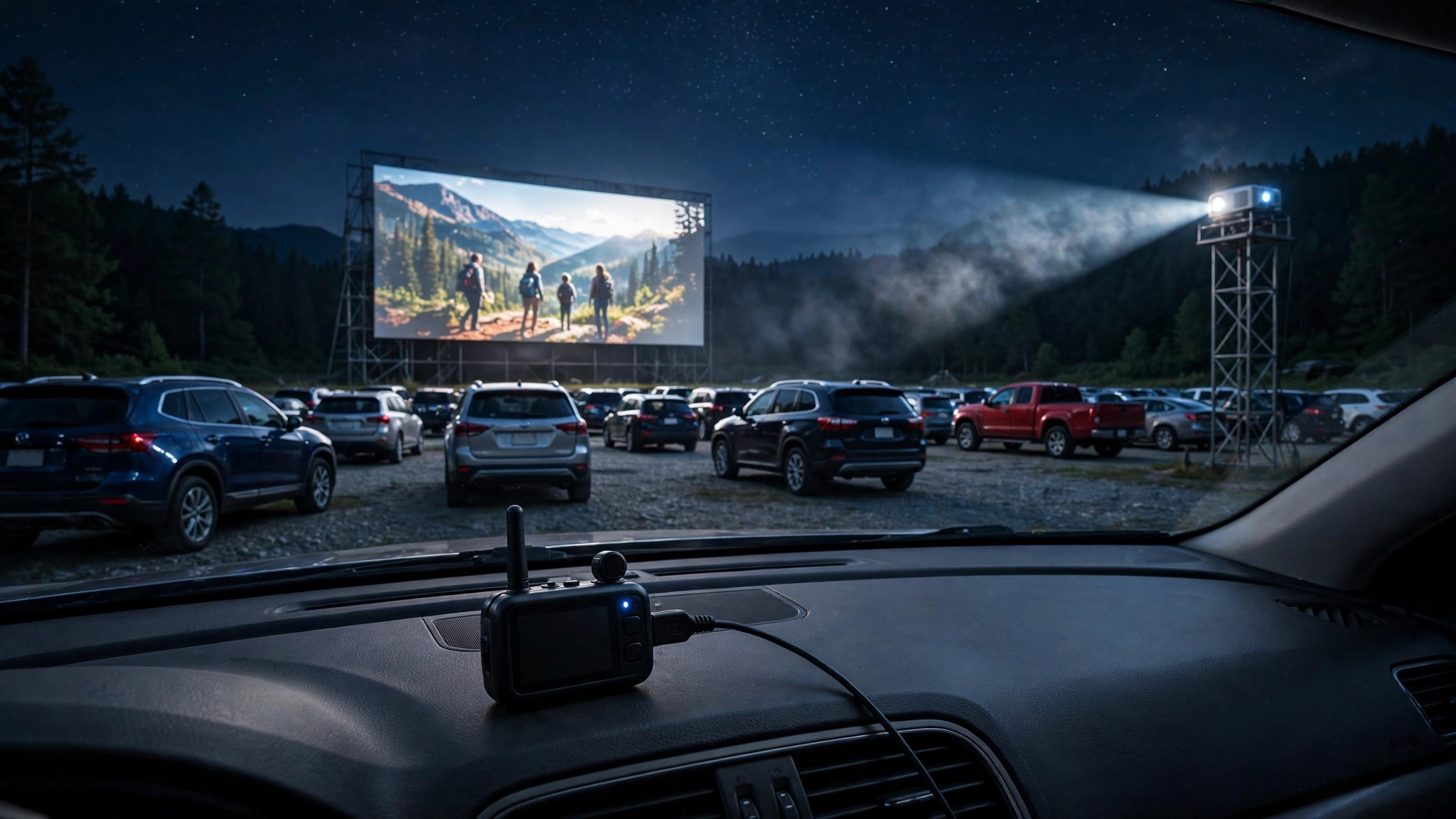
Yes, and it is simpler than most people expect. To use an FM transmitter with a projector for a drive-in movie night, you plug the transmitter into your movie player’s headphone or audio-out jack, set it to an empty FM frequency, and have every car tune its radio to that station.
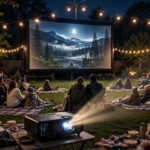
The picture goes on the screen, the sound comes through each car’s own speakers, and nobody disturbs the neighbors. Here is the complete setup, plus how to kill static and how far your signal will actually reach.
What You Need for a Drive-In FM Audio Setup
The gear list is short. You need a projector and a screen (or a white wall), something to play the movie from (like a laptop or media player), a low-power FM transmitter with a 3.5mm aux input, and cars with working FM radios. That is genuinely it. Most of the cost and effort goes into the projector and screen; the FM transmitter is the cheapest part of the night.
One thing to settle early: the transmitter connects to your audio source, not to the projector’s video input. If your laptop plays the movie, the transmitter plugs into the laptop.
If a streaming stick plugged into the projector plays the movie, you use the projector’s audio-out or headphone jack. The video signal and the audio signal take separate paths, and that is exactly what you want.
How to Use an FM Transmitter With a Projector for a Drive-In Movie Night? – Step-by-Step Guide
Step 1: Find an empty frequency before anything else. Sit in your yard with a car radio and slowly scan the FM band from 88 to 108 MHz. You are hunting for a frequency that is pure static with no hint of a station, ideally with empty neighbors on both sides.
Frequencies at the low end of the dial, near 87.9 to 90.1, are often emptier in suburban areas, but every location is different. Write down two or three candidates, so you have backups.
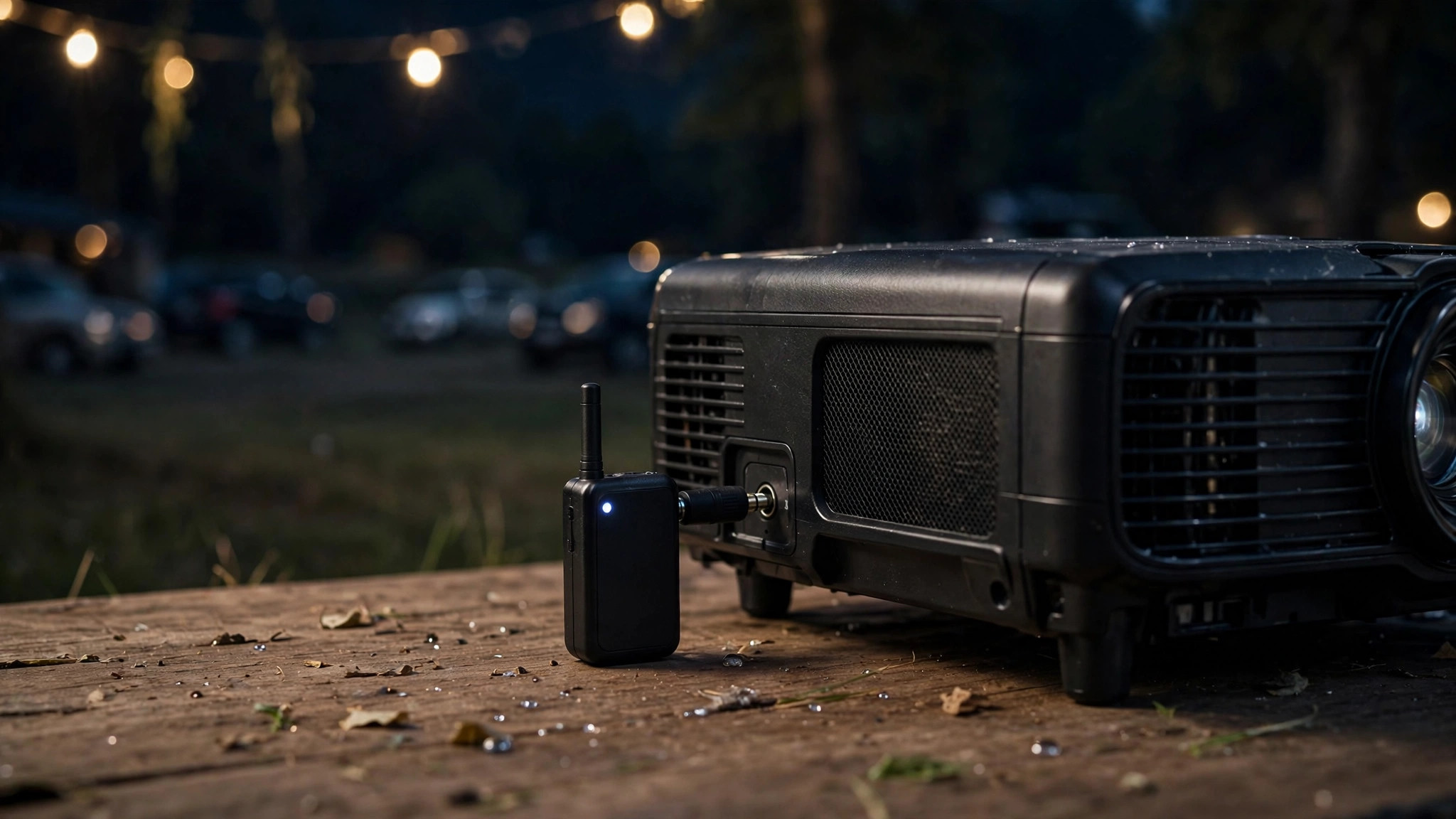
Step 2: Connect the transmitter to your audio source. Use a 3.5mm aux cable from the headphone jack or line-out of your laptop, media player, or projector to the transmitter’s audio input.
If your source only has Bluetooth and no headphone jack, use a wired connection from whatever device is actually decoding the movie; Bluetooth adds noticeable audio delay, which puts voices out of sync with lips on screen.
Step 3: Power up and set the frequency. Most small transmitters run on USB power or a car charger, so a portable power bank or your car’s USB port works fine. Set the transmitter to the empty frequency you found in step 1. Keep the transmitter’s volume or gain at a moderate level; cranking it to maximum is the most common cause of distorted, harsh audio.
Step 4: Tune every car radio to the station. Have drivers turn their keys to accessory mode (engine off, radio on) and tune to your frequency. Do a roll call: a quick “raise your hand if you hear the test tone” saves you from discovering a silent car twenty minutes into the movie.
Step 5: Run a full test before guests arrive. Play five minutes of the actual movie, walk to the farthest car, and listen. Check for static, fading, or a station bleeding through. If it sounds clean at the farthest car, you are done. If not, see the static fixes below before showtime, not during it.
Choosing the Right FM Frequency
This is the step people rush, and it causes most of the problems. An FM transmitter is a whisper competing with radio stations that are shouting. If a real station sits anywhere near your frequency, even a weak distant one, it will bleed through as hiss, music fragments, or a second voice under your movie.
Scan at the same time of day as your movie night, because FM reception changes between afternoon and evening as atmospheric conditions shift. A frequency that is empty at 3 PM can carry a faint station at 9 PM. Also re-check if you move the setup to a new location; an empty frequency at your house may be occupied three streets over.
When in doubt, pick the emptiest stretch of dial you can find rather than the first static you hit, and keep the transmitter’s antenna as high and clear of obstructions as you reasonably can.
How Far Will the Signal Reach?
Set honest expectations: a typical low-power FM transmitter covers roughly 30 to 50 meters (about 100 to 150 feet) reliably. That is plenty for a backyard or driveway with six to ten cars parked in rows. It is not enough to broadcast to the whole neighborhood, and that limitation is actually a legal feature, not a bug.
In most countries, very-low-power FM transmitters operate license-free under rules like the FCC’s Part 15 in the United States, which is why these little devices are sold openly. The tradeoff for staying license-free is tiny transmit power.
Do not buy a “long range” high-power transmitter to cover a bigger area unless you understand your local broadcast regulations; transmitting at high power on the FM band without authorization can bring real fines. For a private movie night, low power is all you need, and keeping the signal small also keeps it clean.
If your farthest car fades in and out, the fix is rarely more power. Move the transmitter closer to the center of the cars, raise it a meter or two off the ground, and keep it away from large metal objects. A transmitter sitting on the ground behind a car will always underperform one sitting on a table in the open.
Fixing Static, Hiss, and Dropouts
Static has a short list of usual suspects. Work through them in order. First, confirm the frequency is truly empty at showtime, not just when you scouted it. Second, lower the transmitter’s input gain; distortion from an overloaded input sounds like crackle and harshness.
Third, check the aux cable itself; a loose or cheap cable is a classic static source, and swapping it takes thirty seconds. Fourth, look for interference sources near the transmitter: LED string lights, cheap phone chargers, and generators can all spray radio noise.
Move the transmitter a few meters away from them, and the hiss often vanishes. Fifth, if one car sounds bad while the rest sound fine, the problem is that car’s radio or antenna, not your broadcast; have them try a portable radio or a different vehicle.
One more sync note: if voices do not match lips, you are probably routing audio through Bluetooth somewhere in the chain. FM radio transmission itself has effectively zero delay. Trace the audio path and replace any Bluetooth hop with a wire, and sync snaps back into place.
Do Not Kill Your Car Battery
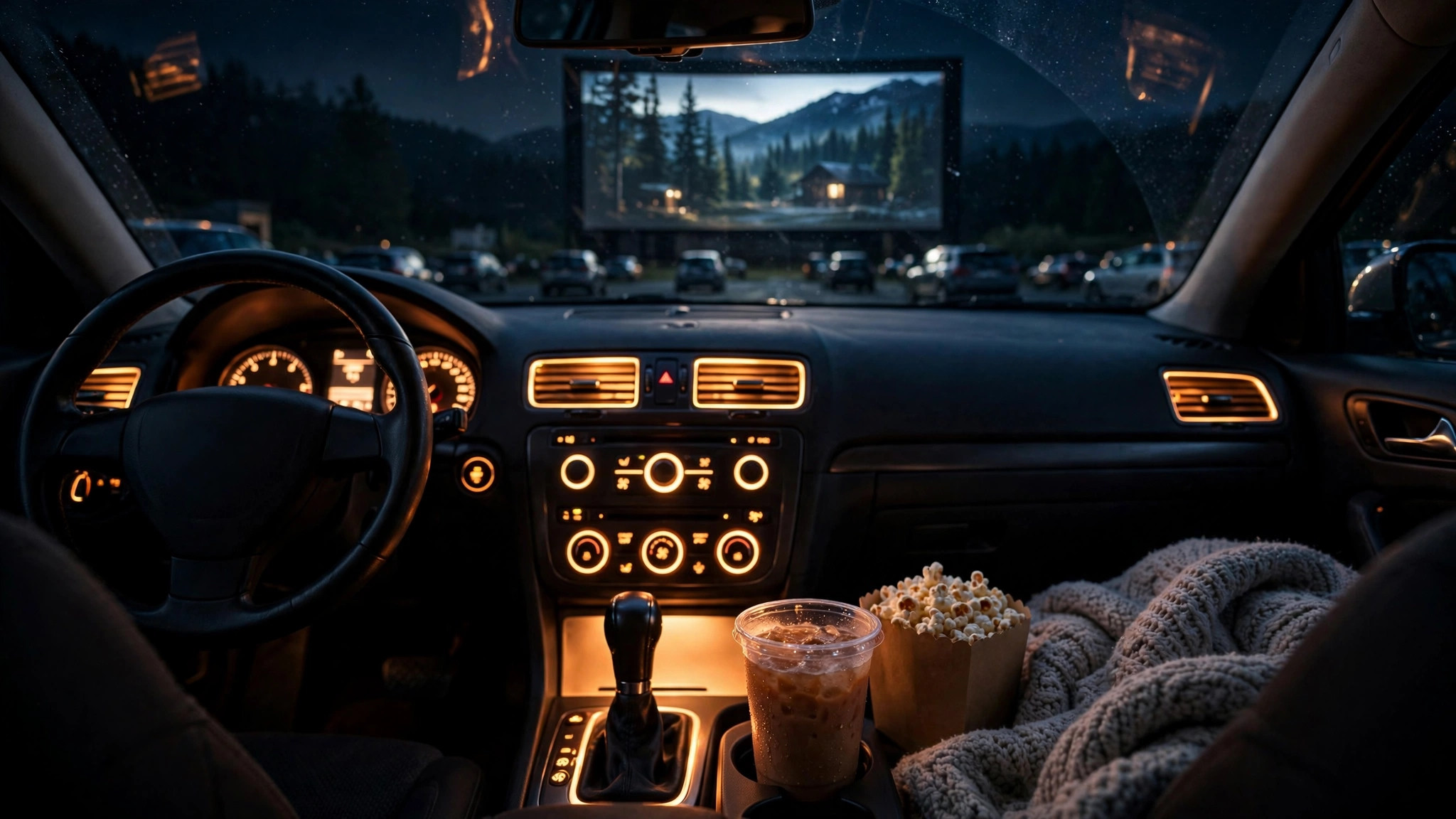
The classic drive-in rookie mistake is a dead battery at the end of the movie. Radios in accessory mode draw real power, and two hours of a movie plus pre-show music can drain a weak battery flat. Tell every driver: key to accessory, engine off, headlights off, interior dome lights off.
Between movies or during intermission, have everyone start their engines for five to ten minutes to recharge. If someone’s battery is old or questionable, park them closest to the jumper cables, or better yet, let them listen on a portable FM radio instead of the car stereo.
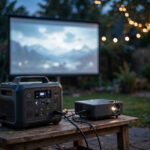
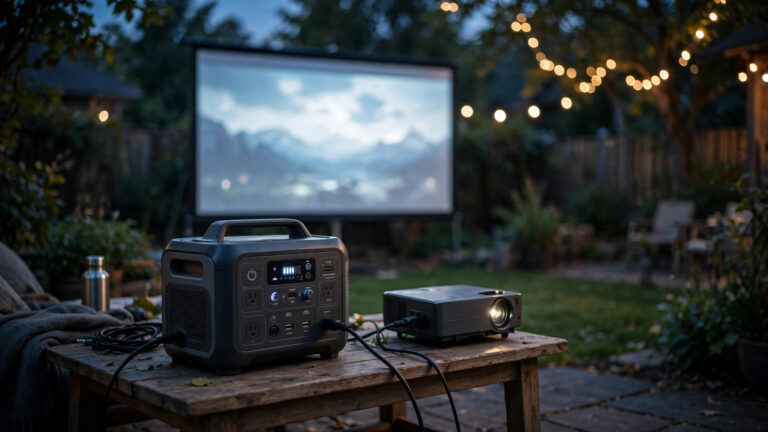
For the projector and transmitter side, a portable power station or a quiet inverter generator keeps you independent of the house outlets.
If you are still deciding on the projector itself, our guide to the best outdoor projectors covers brightness and throw distance for backyard-scale screens, and our backyard screen size guide helps you match the screen to however many cars you are parking.
Frequently Asked Questions
Do I need a license to use an FM transmitter for a movie night?
For a typical low-power transmitter at a private gathering, no. These devices operate under low-power exemptions such as the FCC’s Part 15 rules, which allow very short-range FM transmission without a license. The key is staying low-power and short-range. High-power transmitters that reach across neighborhoods are a different story and can require authorization, so stick with a standard low-power unit.
Should I connect the FM transmitter to the projector or the laptop?
Connect it to whichever device is playing the movie’s audio. If a laptop plays the film, plug the transmitter into the laptop’s headphone jack. If a streaming stick plugged into the projector is the source, use the projector’s audio-out jack. Either works; what matters is tapping the audio at the source with a wired 3.5mm connection.
Why is the audio out of sync with the video?
Almost always Bluetooth. If any link in your audio chain is wireless Bluetooth, it adds a delay of a fraction of a second, enough to make dialogue look dubbed. FM transmission itself has no meaningful delay. Replace the Bluetooth hop with a wired aux cable and the sync problem disappears.
Can I just use a big Bluetooth speaker instead of an FM transmitter?
You can for a small gathering, and many people do. But one speaker has to be loud enough for the farthest listener, which annoys the nearest ones and the neighbors. FM-to-car-radio gives every car its own volume knob and keeps the whole yard quiet. For more than a handful of viewers, FM wins. Our outdoor speaker guide covers the speaker route if you go that way.
What if another station bleeds into my frequency during the movie?
Switch to one of your backup frequencies. This is why you scout two or three empty stations in advance. Pause the movie, announce the new station, give cars thirty seconds to retune, and resume. It happens rarely if you scouted at the right time of day, but having the backup plan written on a card saves the night when it does.
The Bottom Line
An FM transmitter turns every car into its own private theater seat: wire it to your movie source, claim an empty frequency, and let car radios do the rest. Scout the dial at showtime, keep the audio chain wired, watch the car batteries, and your driveway becomes the best theater in town. For the technical side of choosing transmit power and antenna placement, Audio-Technica’s guide to FM transmission for drive-in-style events is a solid deeper read.