Why Does My Projector Keep Shutting Off Outside – Guide 2026
You’re thirty minutes into the movie, the yard’s dark, everyone’s settled — and the projector dies. You power it back on; it runs for a while, and it dies again.
When you’re asking why does my projector keep shutting off outside, the short answer is that outdoor setups expose every weak point a projector has: heat, power, and settings that never mattered in your living room suddenly do.
The longer answer is below — four causes, in order of likelihood, and a diagnostic flow that finds the real one in about ten minutes.
Why Does My Projector Keep Shutting Off Outside? The Four Usual Suspects
Indoors, projectors mostly just work. Outdoors, they’re running in hotter air, on longer power runs, with different settings than you remember configuring. Check the causes in this order — each one rules out the most likely culprit before you move to the next, so you’re not guessing.
1. Overheating and Thermal Shutdown
Overheating is the single most common reason a projector shuts off outside, and it’s not close. Projector cooling systems are designed for climate-controlled rooms.
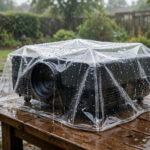
Out on the patio — warmer ambient air, direct sun baking the housing during setup, blocked vents from a tablecloth or a tight enclosure — the internal temperature climbs until the thermal shutdown sensor trips and cuts power to protect the lamp and electronics.
The pattern is the giveaway: the projector runs fine for 20–60 minutes, then shuts off. It restarts after a cooldown, then shuts off again. If that’s what you’re seeing, heat is almost certainly your answer.
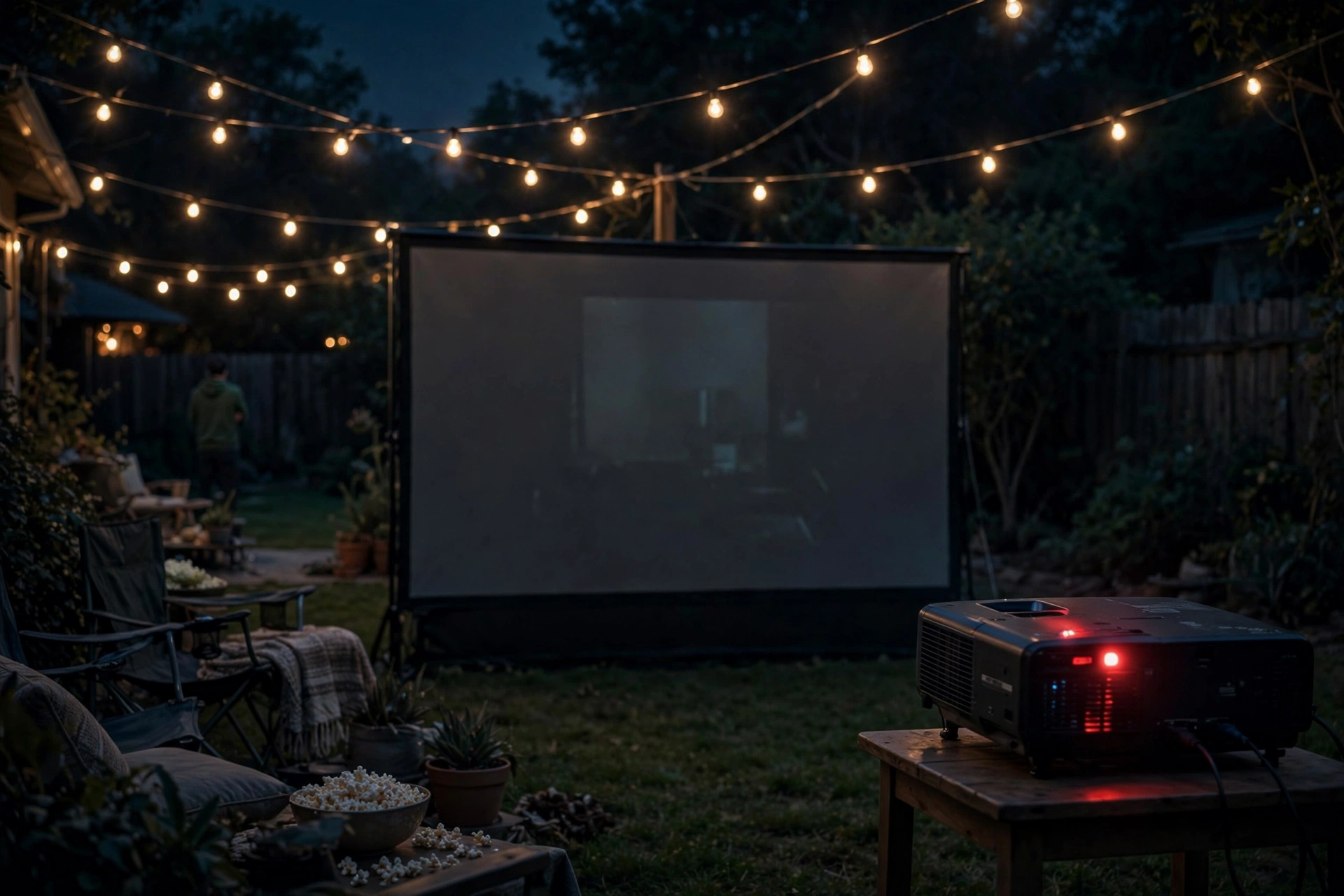
Check the obvious first: is the projector in shade? Are the intake and exhaust vents clear with several inches of open space around them — not draped in fabric, not pushed against a fence? Is the exhaust blowing into open air rather than back at the projector itself?
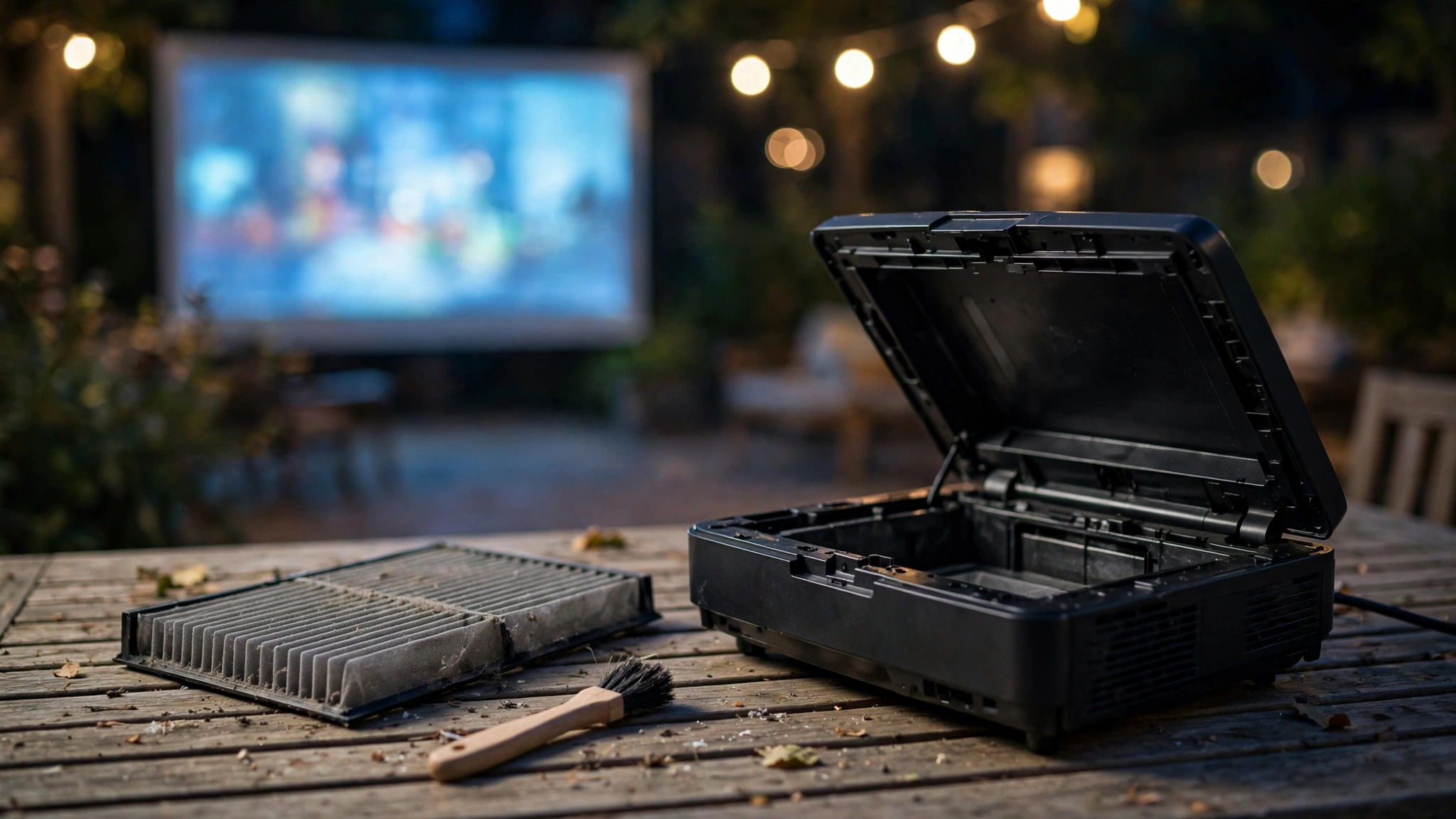
Then clean the dust filter. Backyard air carries pollen, dust, and grass that indoor air doesn’t, and a clogged filter starves the cooling fan — a frequent cause of outdoor-only shutdowns. Switch to eco mode on hot nights too; the lamp runs cooler, and the thermal margin grows.
Manufacturers like Epson document vent-clearance requirements and filter maintenance for their models if you want the exact specs. One warning: never disable or override thermal protection — it’s saving your lamp from an early death.
2. Power Problems: Long Cords, Loose Connections, and Weak Power Stations
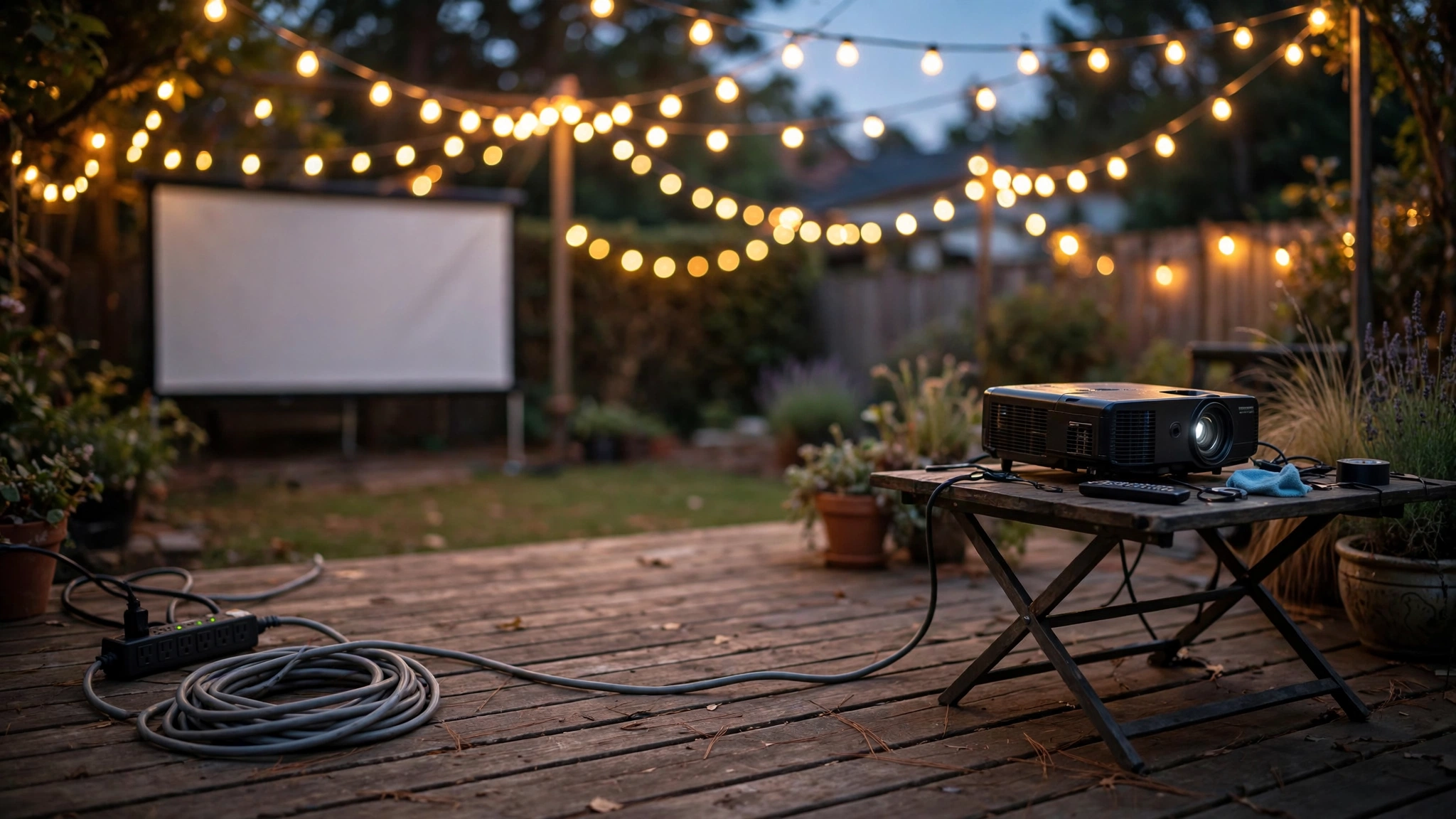
If the projector shuts off at random — not after a warm-up period, and restarting it works fine — suspect power, not heat. Outdoor power setups are notorious for this, and the usual offender is the extension cord.
Here’s the physics: every foot of wire adds resistance, and thin wire adds more. A long, thin cord causes voltage drop, meaning the projector gets less than the voltage it needs under load. The power supply trips, the projector dies, and everything looks fine until the lamp kicks back into full draw.
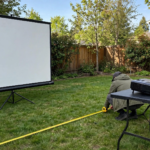
The classic setup: a 100-foot, 16-gauge hardware-store cord feeding the whole movie night — projector, speakers, string lights — with a cheap power strip at the end. If your cord feels warm, it’s too thin for the load.
Upgrade to a 12- or 14-gauge outdoor-rated cord, keep the run as short as you can, and never daisy-chain two or three cords together (each connection adds resistance and a failure point).
Plug the projector directly into the cord or a quality strip — not into a second strip at the end of a first strip.
Loose connections are the quiet second offender. Outdoor plugs wobble in worn outlets, cords get stepped on, and a momentary break in contact is enough to kill the session.
Make sure every plug seats firmly; if an outlet is loose enough that the plug sags, don’t use it. Check the projector’s own power cable too — some units have a removable IEC cable that can work its way loose during transport.
Power stations deserve a mention. Battery power stations are great for yard movie nights, but the projector plus speakers can push a small station near its output limit, especially when the lamp fires up (lamp strike draws a surge).
If the station’s inverter is marginal, it shuts off — and takes your movie with it. Size the station with real headroom above your projector’s rated wattage, and check that any eco/battery-saving mode on the station isn’t throttling the AC output mid-show.
Portable projectors with built-in batteries have the same issue in miniature: a “dead” unit may just be a battery hitting its low-voltage cutoff.
Our guide to powering a projector outdoors without an outlet walks through sizing cords and stations properly.
3. Auto-Shutoff and Sleep Timers
This is the embarrassing one, and it happens more than anyone admits. Projectors ship with timers — sleep timers, auto power-off when there’s no signal, auto-standby after inactivity — and outdoor use changes how they trigger.
The projector you set up in the living room months ago had these configured for indoor habits. Outside, a long pause while you fix the screen, or a moment of no signal while swapping inputs, can trigger a shutdown timer you forgot existed.
The no-signal auto-off is the usual culprit: many projectors shut down after 10–30 minutes of no detected input. If your movie pauses, or the streaming stick takes forever to load, the projector may decide nothing is happening and power itself down.
Dig into the settings menu — look under Eco, Power Management, or Timer settings — and disable or extend the sleep timer and no-signal auto-off for movie nights. Also check for a scheduled off-timer, which some units keep running from a previous setup.
A quick once-over of the power settings before every outdoor session takes thirty seconds and kills this cause permanently.
4. Lamp End-of-Life Warnings
Projector lamps die gradually and then protectively: as a lamp nears the end of its lamp life, it becomes harder to strike and unstable at full power, and many projectors will shut down rather than run a failing lamp.
The tell is a warning — a lamp indicator LED glowing or blinking amber/red, or an on-screen “replace lamp” message in the projector’s status menu. Some units also start taking longer to fire up, or the picture dims noticeably before the shutdowns begin.
Check the lamp hours in the projector’s info menu and compare against the rated life in your manual (eco mode usually extends it substantially).
If you’re near or past the rating and seeing warnings, it’s lamp time — and running a dying lamp hard can make it fail mid-movie, which ruins the evening far more thoroughly than a planned replacement.
Budget projectors with off-brand replacement lamps can also trip shutdowns: cheap lamps sometimes run hotter or strike inconsistently, so stick with genuine lamps for reliability.
A side note on status lights: most projectors communicate through two or three LEDs — power, lamp, and temp. The blink pattern is diagnostic: a temp LED pointing at overheating, a lamp LED pointing at the bulb. Your manual decodes them, and learning yours saves a lot of guessing.
The 10-Minute Diagnostic Flow
Work this in order — each step takes a minute or two, and most people find the cause before step four:
Step 1 — Check the heat story. Did it run a while before dying? Feel the exhaust: strong hot airflow means cooling is working; weak airflow means blocked vents or a dead fan.
Move the projector into shade, clear all vents, and check that the exhaust isn’t blowing back at the unit.
Step 2 — Check the power supply. Does it die randomly, not after warm-up? Inspect the cord: how long, what gauge, any daisy-chains? Swap in a shorter, thicker cord directly into the outlet if you can.
Wiggle-check every plug. If you’re on a power station, check its remaining capacity and output rating against the projector’s wattage.
Step 3 — Check the timers. Open the settings menu: sleep timer, no-signal auto-off, scheduled off — disable or extend all three. This costs nothing and eliminates the most facepalm-inducing cause.
Step 4 — Check the lamp story. Look for lamp/temp warning LEDs and an on-screen warning message. Open the info menu and check lamp hours against the rated life. If warnings are showing and hours are high, that’s your answer.
Step 5 — Check the daytime factor. If you’re running before dark, heat plus sun plus maximum brightness is the harshest combination a projector faces. Moving the show later — or making sure the projector is shaded — often fixes “mystery” shutdowns instantly.
See whether you can use a projector outside during the day for the full picture.
If all five steps pass and it still dies, the issue may be internal — a failing fan, a bad power supply, or a faulty temperature sensor. Those are repair-shop problems, not backyard fixes, and this is the point where the diagnostic flow has earned its keep by ruling out everything cheap and easy.
Frequently Asked Questions
Why does my projector turn off after a few minutes outside?
The most common reason is overheating: the internal thermal sensor trips after 20–60 minutes of heat buildup and shuts the projector down. Clear the vents, shade the projector, clean the dust filter, and try eco mode — if the shutdown pattern repeats, heat is your answer.
Can a long extension cord make a projector shut off?
Yes. Long, thin extension cords cause voltage drop, and the projector’s power supply can trip when voltage sags under load. Use a shorter cord, step up to 12- or 14-gauge outdoor-rated cable, and never daisy-chain multiple cords together.
Why does my projector overheat only when I use it outside?
Outdoor air is warmer than your climate-controlled living room, and sun can bake the projector’s housing far past air temperature. The cooling system that was fine indoors simply can’t keep up. Shade, vent clearance, a clean dust filter, and eco mode close the gap.
How do I turn off auto shutoff on my projector?
Open the settings menu and look under Eco, Power Management, or Timer settings. Disable or extend the sleep timer, the no-signal auto-off, and any scheduled off-timer. Do this before every outdoor session — a long pause while you adjust the screen can otherwise trigger a shutdown mid-setup.
Why does my projector shut off and blink red?
The blink pattern is diagnostic: a temperature LED points at overheating (shade it, clear the vents, clean the filter), while a lamp LED points at a failing bulb (check lamp hours and look for a replace-lamp warning). Your manual decodes the exact pattern for your model.
Bottom Line
A projector that keeps shutting off outside is telling you something specific — you just have to listen in order. Overheating is the cause most of the time, power problems (thin long cords, loose plugs, weak power stations) come second, forgotten sleep timers are the sneaky third, and a dying lamp rounds out the list.
Run the diagnostic flow from heat to power to timers to lamp, and you’ll almost always find it before you finish. And when the behavior keeps pointing at heat, the fix is almost always in the setup: shade the projector, clear the vents, clean the filter, and run eco mode.