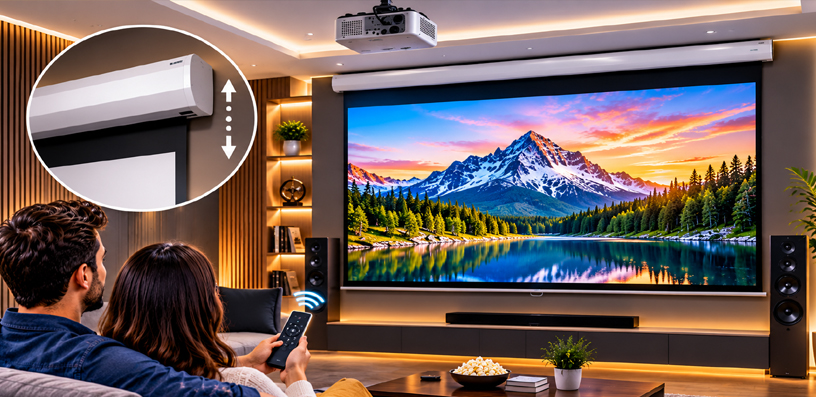
Best Motorized Projector Screen for Home Theater 2026 – Top 5 Reviews
A home theater screen should appear when the movie starts and disappear when it ends. That is the whole promise of a motorized screen: press a button, the fabric rolls down, and the room becomes a cinema; press it again, and the wall is a wall, the ceiling is a ceiling, and the living room is a living room again.
This roundup, Best Motorized Projector Screen for Home Theater, covers five electric screens that do exactly that, from a compact 84-inch model for smaller rooms to a 120-inch screen that hides inside the ceiling itself.
Every screen here is built for standard-throw projectors, the kind that sit on a shelf or hang from a ceiling mount several feet from the wall.
None of them is an ultra-short-throw screen, so if your projector sits inches from the wall, start with a different category. If the theater is outdoors instead, our backyard screens are the right list.
One honest note before the list: none of these five is tab-tensioned. At this tier, retractable screens rely on the bottom bar’s weight to keep the fabric flat, which works well when new but can show gentle waves after years of use.
If a perfectly flat surface matters more than the disappearing act, a fixed frame screen for a basement theater is the better tool. And if the same room doubles as a meeting space, the conference room screens, the installed way, cover that job.
Best Motorized Projector Screen for Home Theater 2026: Quick Comparison
| Product | Type | Screen sizes | Best for | Buy |
|---|---|---|---|---|
| Elite Screens Spectrum | Wall/ceiling electric | 84–180 in | Most home theaters | Buy from Amazon |
| VIVOHOME 84 Inch Motorized Projector Screen | Wall/ceiling electric | 84 in | Smaller rooms | Buy from Amazon |
| Elite Screens Evanesce B 120″ in-Ceiling | In-ceiling recessed electric | 92–120 in | Hidden install | Buy from Amazon |
| Akia Screens Motorized Projector Screen | Wall/ceiling electric | 110–150 in | A straightforward big screen | Buy from Amazon |
| Pyle 72″ Portable Motorized Projector Screen | Wall/ceiling electric | 72 in | Small spaces | Buy from Amazon |
Best Motorized Projector Screen for Home Theater 2026 Reviews
1. Elite Screens Spectrum — Best Overall Projector Screen
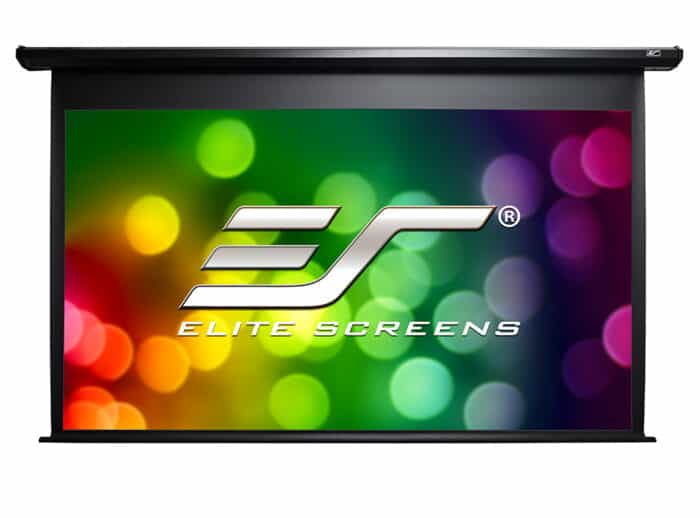
The Spectrum is the default answer for a reason. It is Elite Screens’ long-running electric line, built around the MaxWhite 2 matte white material with a 1.1 gain and a 180-degree viewing angle, which is the combination most living rooms actually need: bright enough for a mid-brightness projector, wide enough that the end seats are not punished for sitting off-center.
The material is ISF-certified and black-backed, so no light bleeds through from behind, and it handles 4K, 8K, Active 3D, and HDR without complaint.
The range is the other half of the case. The Spectrum runs from 84 inches up to 180 inches, in 16:9, 16:10, and 4:3 formats, with a black or white aluminum housing, so the same product line fits a small den and a large dedicated room.
Mounting is wall or ceiling, and the motor setup covers the practical bases: a tubular motor on larger sizes, a slower and quieter synchronous motor on smaller models, a wall box controller, and a 5–12V trigger that drops the screen when the projector powers on.
One detail to check before ordering: the remotes. The RC1 version of the Spectrum includes both IR and RF remotes, but the remote set depends on the variant the listing ships, so confirm which version is on the page before assuming both remotes are in the box. The trigger and wall box are the reliable parts of the package either way.
Like every screen in this roundup, the Spectrum is a standard-throw screen. Elite is explicit that it is not compatible with ultra-short-throw or short-throw projectors, whose steep beam angle this material is not built to catch. It is also not tab-tensioned, so the bottom bar’s weight does the flattening work.
Key Specifications
- Material: MaxWhite 2 matte white, black-backed, ISF certified
- Gain: 1.1
- Viewing angle: 180 degrees
- Sizes: 84 to 180 inches (16:9, 16:10 and 4:3 formats)
- Mount: Wall or ceiling, aluminum housing in black or white
- Motor: Tubular motor on larger sizes, synchronous motor on smaller models
- Controls: IR and RF remotes (RC1 version), wall box controller, 5–12V trigger via RJ-45
- Projector type: Standard throw only, not compatible with UST or short-throw
- Power cord: 98.4 inches
✓ Pros
- Proven MaxWhite 2 material with wide viewing angle and ISF certification
- Widest size range here, from 84 to 180 inches
- 12V trigger and wall box controller for proper automation
- Black or white housing to match the room
- Handles 4K, 8K, 3D, and HDR
✗ Cons
- Remote set depends on the variant; RC1 includes IR and RF, other versions may not
- Not tab-tensioned, so the fabric relies on the bottom bar for flatness
- Standard throw only, no UST support
- Larger sizes are a two-person install with a power outlet needed near the housing
When NOT to choose this one: Skip it if your projector is ultra-short-throw, because this material will not work with one. Also look elsewhere if you need a tab-tensioned surface that stays drum-flat for years, or a screen that hides inside the ceiling rather than hanging under it.
2. VIVOHOME 84 Inch Motorized Projector Screen — Best for Smaller Rooms
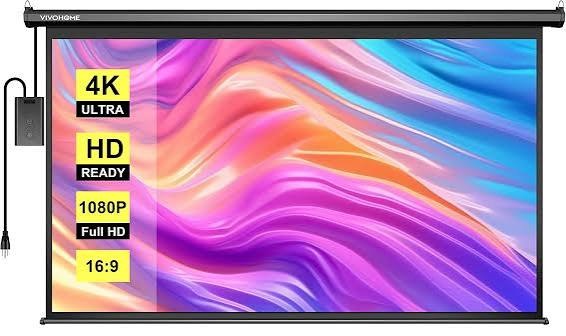 Not every theater is a theater. Some are a spare bedroom, a small den, or a living room where 100 inches would swallow the wall.
The VIVOHOME 84-inch is built for those rooms: an 84-inch diagonal, 16:9 screen with a viewing area of 73.2 by 41.1 inches, light enough at 15.4 pounds that one person can hang it without a second pair of hands on the ladder.
The fabric is a matte white, three-layer waterproof PVC, which is a practical choice for a room that also serves as a living space: it wipes clean and does not mind humidity the way a bare fiberglass weave can.
The viewing angle is 160 degrees, wide enough for a sofa and two armchairs, and the screen supports 3D, 1080p, and 4K content. Mounting is wall or ceiling, with expansion screws included, and the motor runs under 40 decibels, quiet enough that the screen’s descent is not part of the movie.
Controls are simple rather than smart. A wireless remote works up to 82 feet away, and a wired wall-mounted panel covers the days the remote has wandered off. There is no 12V trigger here, so the screen will not drop itself when the projector powers on. The remote’s battery is not included in the box.
One figure is missing on purpose: VIVOHOME does not publish a gain figure for this screen anywhere, so this article states none. Without a published gain, the honest move is to pair it with a reasonably bright projector rather than assume the fabric will do the work.
Key Specifications
- Material: Matte white three-layer waterproof PVC
- Gain: Not published by the manufacturer
- Viewing angle: 160 degrees
- Size: 84 inches diagonal, 16:9 (viewing area 73.2 x 41.1 inches)
- Mount: Wall or ceiling, expansion screws included
- Motor: Under 40 dB
- Controls: Wireless remote (up to 82 feet) and wired wall-mounted control panel
- Weight: 15.4 pounds
✓ Pros
- Compact 84-inch size suits smaller rooms that cannot take a 100-inch screen
- Quiet motor under 40 dB
- Long-range wireless remote plus a wired panel as backup
- Light enough for a one-person install
- Waterproof fabric wipes clean
✗ Cons
- No published gain figure, so brightness comparisons are guesswork
- No 12V trigger for automatic drop with the projector
- Not tab-tensioned, and reviewers note slight edge waviness over time
- Remote battery not included
When NOT to choose this one: Skip it if you need the screen to drop automatically with the projector, because there is no trigger input. Also look elsewhere if you want a screen larger than 84 inches, or a tab-tensioned surface that holds its flatness for years.
3. Elite Screens Evanesce B 120″ in-Ceiling — Best Hidden In-Ceiling Install
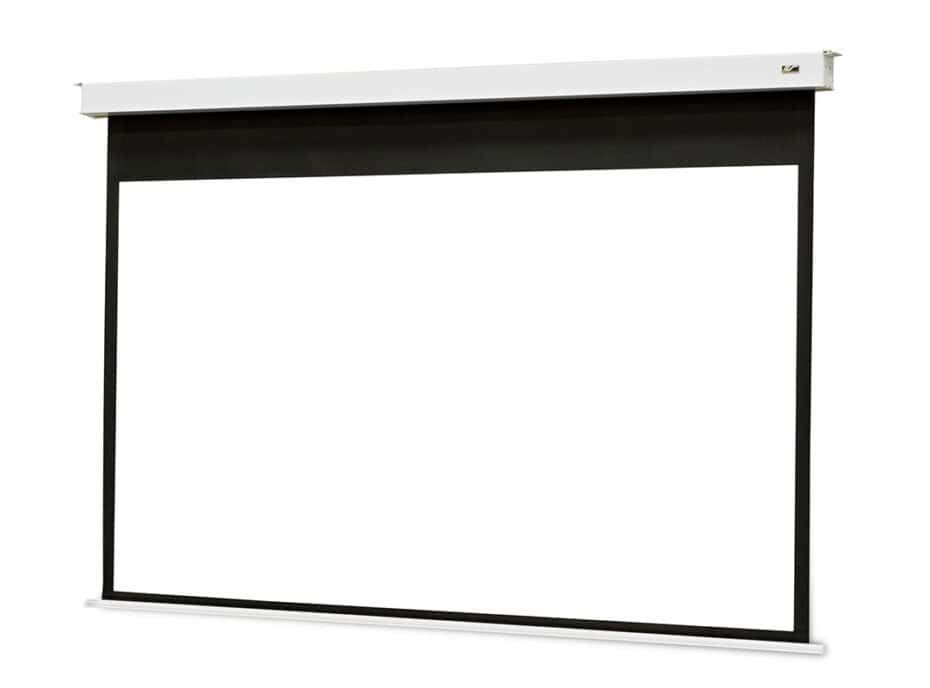
The Evanesce B is for the room where the screen must not exist at all between movies. It is a recessed in-ceiling electric screen: the housing hides above the drywall, the screen drops through a slot when called, and when it retracts, the ceiling looks untouched. For a living room that refuses to look like a theater, that is the whole point.
This model is the EB120HW2-E8, a 120-inch 16:9 screen with a viewing area of 104.6 by 58.9 inches. The material is MaxWhite FG, a fiberglass-backed matte white with a 1.1 gain and a 180-degree viewing angle, black-backed and GREENGUARD certified, with an NFPA 701 flame-retardant rating. It handles 4K, 8K, Active 3D, and HDR, and like the Spectrum, it is standard-throw only.
Elite includes both above-ceiling and below-ceiling installation kits: above-ceiling hides the housing entirely but needs access above the drywall, while below-ceiling mounts under the ceiling line and is the easier retrofit.
The control set is complete for a screen at this level: the SWIFT-RC1 system with IR and RF remotes included, a three-way wall switch, an RJ45 port, and a 5–12V trigger, plus an 8-inch top black border that lets the image sit at a comfortable height without the housing hanging low.
Do not confuse this screen with its sibling, the Evanesce Tab-Tension B. That is a different, tab-tensioned line with a different material and model number.
The plain Evanesce B here is not tab-tensioned, and its flatness relies on the bottom bar, like the rest of this list. The trade is honest: you get the disappearing act, not the tensioned surface.
Key Specifications
- Model: EB120HW2-E8
- Material: MaxWhite FG fiberglass-backed matte white, black-backed, GREENGUARD certified, NFPA 701 flame retardant
- Gain: 1.1
- Viewing angle: 180 degrees
- Size: 120 inches diagonal, 16:9 (viewing area 104.6 x 58.9 inches)
- Mount: In-ceiling recessed; above- and below-ceiling installation kits included
- Motor: SWIFT-RC1 with IR and RF remotes included, three-way wall switch, RJ45 port, 5–12V trigger
- Top border: 8-inch black drop
- Projector type: Standard throw only, not compatible with UST or short-throw
- Power cord: 98.4 inches
✓ Pros
- Disappears completely into the ceiling when retracted
- Both above- and below-ceiling installation kits included
- Full control set: IR and RF remotes, wall switch and 12V trigger
- Flame-retardant, certified material with wide viewing angle
- 8-inch black drop positions the image well from a high ceiling
✗ Cons
- Needs real ceiling work: cutting drywall and power above the ceiling for a full hidden install
- Not tab-tensioned, so flatness relies on the bottom bar
- Standard throw only, no UST support
- 120 inches is the largest size in this line
When NOT to choose this one: Skip it if you rent, or if cutting into the ceiling is off the table, because a hidden install is the entire reason to buy it. Also look elsewhere if your projector is ultra-short-throw, or if you need a tab-tensioned surface.
4. Akia Screens Motorized Projector Screen — Best No-Fuss Big Screen
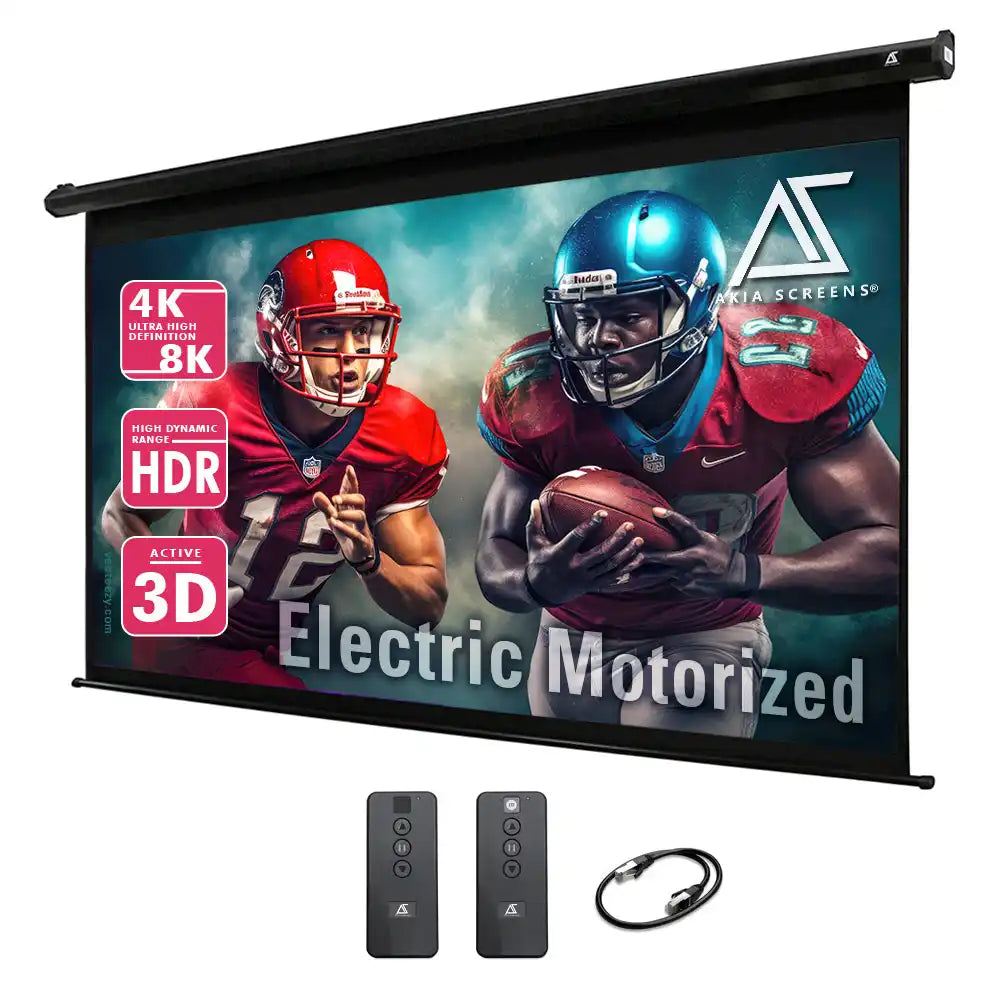
Akia Screens is Elite Screens’ value line, and the motorized Akia is the straightforward pick in this roundup: the same core material as the bigger names, a simple control set, and nothing you did not ask for.
The current RC1 version uses MaxWhite 2 matte white with a 1.1 gain and a 180-degree viewing angle, ISF and GREENGUARD certified, black-backed, handling 4K, 8K and Active 3D. It comes in 110, 125, and 150 inches in 16:9, with the 110-inch model carrying the number AK-MOTORIZE110H2.
Mounting is wall or ceiling in a durable black steel case, and installation is plug-and-play with no hardwiring: hang the case, plug it in, and the screen is running.
The RC1 control set is an IR remote plus a detachable wall box controller with a built-in IR sensor, an RJ50 port for a wired 12V trigger, and a programmable vertical drop position, which lets you set exactly how far the screen unrolls instead of accepting the factory stop every time.
Two cautions belong in the open. First, the RC1 version ships with an IR remote only; the earlier version of this screen used an RF remote and a different material, MaxWhite B, so if the listing you land on is old stock, the remote and the material facts change.
Check the version on the listing before ordering. Second, the IR remote needs line of sight to the wall box sensor, so it will not work from behind a cabinet door or around a corner the way an RF remote would.
Like the rest of this list, the Akia is a standard-throw screen with a minimum throw ratio of 1.2 times the image width, and it is not tab-tensioned.
Key Specifications
- Material: MaxWhite 2 matte white, black-backed, ISF and GREENGUARD certified
- Gain: 1.1
- Viewing angle: 180 degrees
- Sizes: 110, 125, and 150 inches, 16:9
- Mount: Wall or ceiling, black steel case
- Controls: IR remote (RC1 version), detachable wall box controller with IR sensor, RJ50 port for wired 12V trigger
- Motor: Programmable vertical drop position (RC1 version), plug-and-play, no hardwiring
- Projector type: Standard throw only, minimum throw ratio 1.2 times image width
✓ Pros
- Same core MaxWhite 2 material as the bigger names
- Programmable drop position sets the exact unroll height
- 12V trigger included for automatic drop with the projector
- Simple install with no hardwiring
- 110 inches is the smallest size, so every option here is a genuinely big screen
✗ Cons
- IR remote only on the current RC1 version, so it needs line of sight
- Not tab-tensioned, so flatness relies on the bottom bar
- Version matters: earlier stock shipped an RF remote and a different material
- Standard throw only, no UST support
When NOT to choose this one: Skip it if the remote must work through a cabinet or around a corner, because IR needs a clear path. Also look elsewhere if your projector is ultra-short-throw, or if you want a screen smaller than 110 inches.
5. Pyle 72″ Portable Motorized Projector Screen — Best Small-Screen Pick
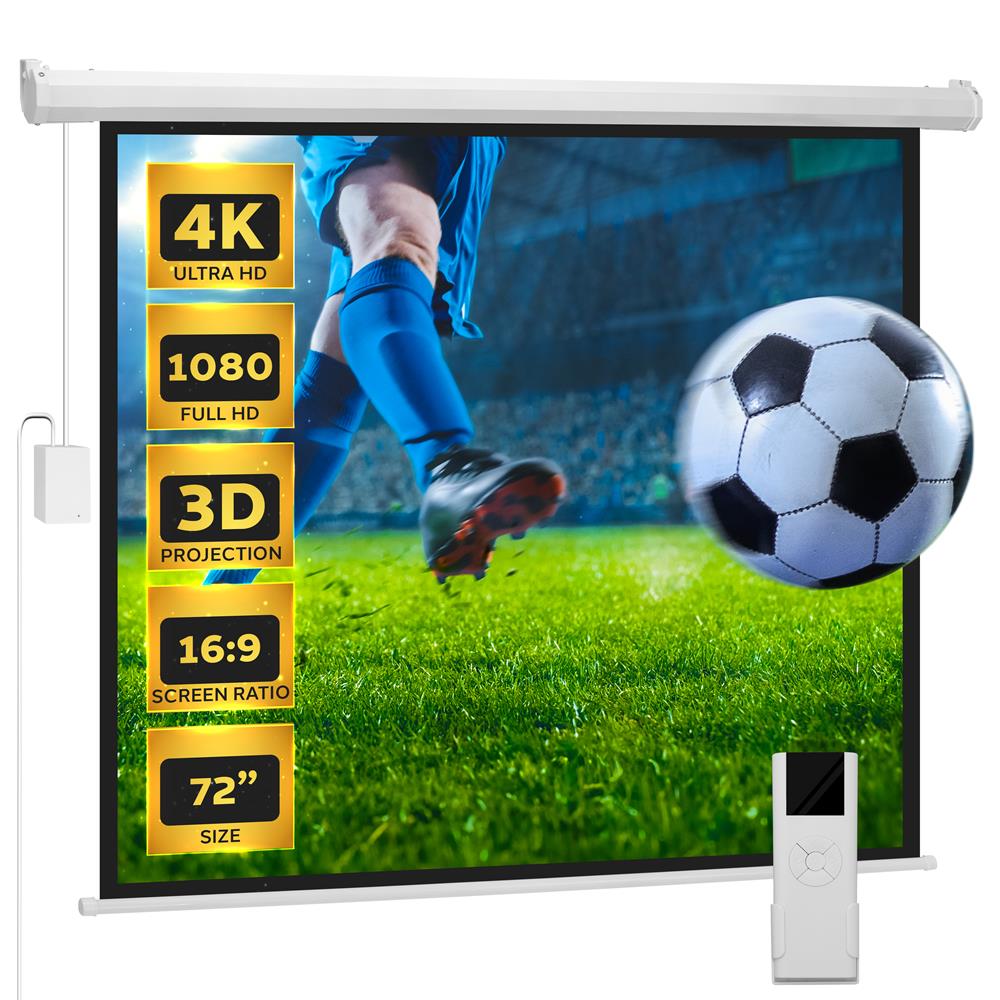
The smallest screen in this roundup comes with the biggest warning label, and it is printed right in its own name. The Pyle PRJELMT76 is sold as a “portable” motorized screen, but it is not portable in any useful sense: it is a wall- or ceiling-mount screen in a 69.3-inch-wide aluminum case, with no tripod and no carry case.
It hangs on the wall and stays there. What it actually is, is a compact 72-inch electric screen for a small room, and judged on that job, it does fine.
The second fact to get straight is the aspect ratio. This is a 4:3 screen, native, with a 72-inch diagonal viewing area of 57.0 by 42.9 inches. It is compatible with 16:9 content, but 16:9 movies will letterbox with black bars top and bottom, because the screen is taller than the picture.
For presentations or older 4:3 content, the shape is a feature; for a modern movie room, it is a compromise to go in with eyes open.
On the merits, the material is a matte white engineered PVC in a triple layer, with the highest gain in this roundup at 1.3, which keeps the picture lively even with a modest projector.
The screen carries 25 mm black masking borders on each side; the fabric is washable, stain-resistant, and flame-retardant, and the control set is a wireless remote plus a wired control box on a 106.3-inch cable, running on 120V AC.
Pyle publishes no viewing angle for this model, and there is no 12V trigger: the remote or the box drops the screen.
Key Specifications
- Model: PRJELMT76
- Material: Matte white engineered PVC, triple layer
- Gain: 1.3
- Viewing angle: Not published by the manufacturer
- Aspect ratio: 4:3 native, 16:9 compatible
- Size: 72 inches diagonal (viewing area 57.0 x 42.9 inches)
- Mount: Wall or ceiling, aluminum case 69.3 inches wide
- Controls: Wireless remote and wired control box
- Power: 120V AC, control-box cable 106.3 inches
✓ Pros
- Highest gain here at 1.3, so the picture stays bright with a modest projector
- Smallest footprint in the roundup, made for small rooms
- Washable, stain-resistant, flame-retardant fabric
- Simple remote plus wired box, no setup fuss
- Black masking borders included on both sides
✗ Cons
- 4:3 aspect ratio, so 16:9 movies letterbox with bars top and bottom
- Not actually portable despite the name: fixed wall or ceiling mount, no tripod or carry case
- No published viewing angle
- No 12V trigger for automatic drop
- Not tab-tensioned
When NOT to choose this one: Skip it if the room is mainly for 16:9 movies, because the letterbox bars are permanent. Also look elsewhere if you need a 12V trigger, a published viewing angle, or a screen larger than 72 inches.
How to Choose a Motorized Projector Screen for Your Home Theater – Buyer’s Guide
How a Motorized Screen Actually Works
A motorized screen is a roller blind with a job to do. Inside the housing sits a tube, and the screen fabric wraps around it. A small motor turns the tube, the fabric unrolls to a set stop, and the weighted bottom bar pulls it taut.
When the movie ends, the motor reverses and the fabric winds back up. The stop position is what you set during installation: too high and the image floats, too low and the bottom bar hangs in the frame.
Two motor types appear in this roundup. Tubular motors are the stronger, faster option used on larger screens, while synchronous motors are slower and quieter and appear on smaller standard models.
What matters more is the drop: the black border above the image, which sets how low the picture sits. The Evanesce B’s 8-inch top border exists for exactly this reason, so a high ceiling does not push the image out of comfortable view.
Tab-Tensioned vs Non-Tensioned: The Flatness Question
Every screen in this roundup is non-tensioned, which is worth understanding before buying. A non-tensioned screen hangs from the roller and is pulled flat by the weight of its bottom bar.
Over time, though, the edges can develop gentle waves, especially on wider screens, because nothing is actively pulling the fabric sideways.
A tab-tensioned screen solves this with thin cables running down both edges, holding the fabric drum-flat for its whole life.
It costs more and appears on higher lines, not on the five screens here. If a perfectly flat surface is the priority and the disappearing act is secondary, a fixed frame is the honest answer: the fabric is tensioned once at install and stays flat, because it never rolls at all.
Wall, Ceiling, or In-Ceiling?
Three of the screens here mount on the wall or the ceiling, one hides inside the ceiling, and the choice is really about the room.
A wall mount is the simplest install: two brackets, a level, and a power outlet nearby. A ceiling mount hangs the housing from the ceiling joists and suits rooms where the wall is taken up by windows or shelving; how ceiling mounting works covers the practical side of that job.
An in-ceiling install like the Evanesce B is a different project. The housing lives above the drywall, so the ceiling needs cutting, the housing needs support above, and power needs to reach it. It belongs in a room being built or renovated rather than one being furnished; renters should stick with wall or ceiling mounts.
Size and Seating Distance
For mixed living-room use, most households land between 100 and 120 inches, which feels cinematic from a typical sofa distance of roughly 8 to 12 feet. The 84-inch VIVOHOME suits a smaller room or a shorter throw distance, while the 150-inch Akia needs both a long wall and a long room to earn its size.
Measure the wall before the catalog seduces you. A 120-inch 16:9 screen is about 105 inches wide before the housing, and it needs a flat, unobstructed wall or ceiling plus a few inches of breathing room on each side. Then check the projector’s throw distance, which sets the largest screen the room can take.
Gain and Viewing Angle, Without the Jargon
Gain measures how much light a screen returns compared with a plain white reference surface. A gain of 1.0 matches that reference; below 1.0 the picture trades brightness for deeper blacks, and above 1.0 the screen concentrates light into a brighter but narrower viewing cone.
Three screens here sit at 1.1, which is the sensible middle: a little brighter than plain white, with the full 180-degree viewing angle intact, so every seat gets the same picture.
The Pyle’s 1.3 gain is the outlier, and it comes with the usual trade: more brightness, but Pyle does not publish a viewing angle, so how wide the bright cone is remains unmeasured. The VIVOHOME publishes no gain at all, which is why this article states none for it. Pair a low- or unknown-gain screen with a bright projector, and never chase gain alone.
Controls: IR vs RF vs 12V Trigger
The remote is where these screens differ most in daily use. An IR remote needs a clear line of sight to the sensor, which is fine when the sensor faces the room and useless when it sits behind a cabinet door.
An RF remote works through walls and around corners, which is why the Spectrum’s RC1 version and the Evanesce B include one. The Akia’s current RC1 version is IR only, so check where its wall box sensor will face before mounting it behind anything.
The 12V trigger is the quiet luxury of this category. Wire it to the projector, and the screen drops itself the moment the projector powers on, then retracts when the projector shuts down.
Three screens here offer it: the Spectrum, the Evanesce B, and the Akia. The VIVOHOME and the Pyle do not, so those two always need a button press. If the theater is used daily, the trigger is worth more than it sounds like on paper.
Aspect Ratio: 16:9 vs 4:3
Four screens here are 16:9, the shape of modern movies, streaming, and games. The Pyle is 4:3, the older television shape, which changes the math: a 16:9 movie on a 4:3 screen letterboxes, leaving black bars at the top and bottom, and the image is smaller than the screen’s diagonal suggests.
For presentations or older content the 4:3 shape is a genuine advantage, because it matches the source. For a movie room, buy the 16:9 screen and let the rare 4:3 title pillarbox instead.
Power and Installation Realities
Every motorized screen needs power near the housing, and that is the detail most often discovered too late. Plan the outlet before the brackets go in: a cord draped down the wall to a distant socket ruins the clean look the screen was bought for. Both Elites ship with 98.4-inch cords, but the outlet still has to be within reach.
Installation is a two-person job on anything over 100 inches. The housing is long, awkward, and heavier than it looks, and holding it level while marking bracket holes is not a one-handed task. The 84-inch VIVOHOME is the exception at 15.4 pounds.
Budget an evening for the job, not ten minutes: leveling, setting the drop stop, and testing the trigger take longer than the brackets do.
Motorized vs Fixed Frame
The honest comparison is not motorized versus nothing; it is motorized versus fixed frame. A fixed frame is cheaper per inch, perfectly flat forever, and always there, which is also its flaw: a dark rectangle lives on the wall full time.
A motorized screen costs more, can wave slightly over the years, and disappears completely. Buy the motorized screen when the room must stay a living room by day; buy the fixed frame when the room is a theater first, and the wall is already committed.
Frequently Asked Questions
Do motorized screens work with any projector?
No. Every screen in this roundup is built for standard-throw projectors. Ultra-short-throw projectors need a lenticular or Fresnel UST screen.
Can you mount a motorized screen on the ceiling?
Yes. Most motorized screens mount on the wall or the ceiling, and in-ceiling models like the Evanesce B hide inside the ceiling itself. Ceiling mounting needs solid joists and a power outlet near the housing.
Do motorized screens sag or wave over time?
Non-tensioned screens can develop gentle edge waves after years of use, because only the bottom bar pulls the fabric flat. Tab-tensioned screens and fixed frames hold their flatness, which is the trade for giving up the disappearing act.
What is a 12V trigger and do I need one?
A 12V trigger is a small signal wire from the projector that tells the screen to drop when the projector powers on and retract when it shuts down. It is not essential, but in a theater used daily, it removes a button press from every movie night.
IR or RF remote, which is better?
RF is more forgiving because it works through walls and around corners without line of sight. IR works fine when the sensor faces the room, but fails behind cabinet doors. If the wall box will be hidden, choose RF.
How long do motorized screens last?
The motor is usually the long-lived part, rated for thousands of cycles. The fabric ages first: dust, humidity, and edge waves matter more than the motor. Keep the screen retracted when the room is dusty, and wipe the fabric gently with a dry microfiber cloth.
Bottom Line
The best motorized projector screen for home theater use depends first on the room, and only then on the screen.
For most home theaters, start with the Elite Screens Spectrum: its 1.1-gain MaxWhite 2 material, 84-to-180-inch range, trigger, and wall box cover the job with the fewest compromises, as long as the remote variant on the listing is confirmed.
Smaller rooms should take the VIVOHOME 84 Inch: compact, quiet and light, with the honest caveat that its gain is unpublished and there is no trigger.
If the screen must vanish completely, the Elite Screens Evanesce B 120″ in-Ceiling is the only pick here that hides inside the ceiling, with the fullest control set to match.
The Akia Screens Motorized is the straightforward big screen: same core material, programmable drop and trigger, with an IR-only remote to plan around. And the Pyle 72″ Portable fits small spaces that need brightness, provided the 4:3 shape and the misleading name are understood before ordering.
Match the mount first, then the size, then the controls. Get those three right and the screen does what it was bought to do: appear for the movie, and disappear for everything else.