How Far Should Your Projector Be From the Screen Outdoors in 2026
Figuring out how far your projector should be from the screen outdoors is simpler than it looks. There’s one formula to learn, one measurement to take, and then it’s just backyard logistics.
The formula is: throw distance = throw ratio × screen width.
Your projector’s throw ratio is in its specs (or the manufacturer’s page), and your screen width comes straight from the screen’s diagonal size. Get those two numbers right, and the picture lands exactly where you want it.
Outdoors adds wrinkles the manual doesn’t cover: uneven ground changes the geometry, extension cords only reach so far, and you need the projector behind the seating so nobody blocks the beam.
This guide walks through the math with worked examples, then covers the real-world placement decisions that make or break a backyard movie night.
How Far Should Your Projector Be From The Screen Outdoors? The Throw Ratio Formula
Every projector has a throw ratio — a number like 1.2:1 or a range like 1.1–1.5:1 if it has zoom. It tells you how many units of distance the projector needs for every one unit of screen width.
A throw ratio of 1.2:1 means the projector must sit 1.2 feet back for every 1 foot of screen width (or 1.2 meters per meter — units don’t matter as long as you’re consistent).
The formula:
Throw distance = throw ratio × screen width
The tricky part is that screens are sold by diagonal, not width. For a standard 16:9 screen, the conversion is easy: screen width = diagonal × 0.87. (That comes from the 16:9 geometry — a 16:9 rectangle’s width is about 87% of its diagonal.)
Let’s work the most common example. A 100-inch 16:9 screen is 100 × 0.87 = 87 inches wide (about 7.25 feet). Now apply common throw ratios:
- Throw ratio 1.2:1: 1.2 × 87 inches = 104.4 inches ≈ 8.7 feet from the screen
- Throw ratio 1.5:1: 1.5 × 87 inches = 130.5 inches ≈ 10.9 feet from the screen
- Throw ratio 2.0:1: 2.0 × 87 inches = 174 inches = 14.5 feet from the screen
If your projector has a zoom lens with a range (say 1.1–1.5:1), that range is your placement window: for the 100-inch screen, anywhere from 1.1 × 87 = 95.7 inches (~8 feet) to 1.5 × 87 = 130.5 inches (~10.9 feet).
Zoom lets you fine-tune the image size without moving the table. A projector with a fixed throw ratio gives you exactly one distance per screen size — less flexible, but the math is unambiguous.
Going bigger? A 120-inch 16:9 screen is 120 × 0.87 = 104.4 inches wide (~8.7 feet). With a 1.5:1 throw ratio that’s 1.5 × 104.4 = 156.6 inches ≈ 13 feet back.
Notice the pattern: bigger screen or longer throw ratio, more distance needed. Before you commit to a screen size, it’s worth reading our screen size guide for backyard movie nights so the distance math and your yard’s actual dimensions agree with each other.
Measure Your Yard Before You Buy the Screen
This is the step people skip, and it’s the one that causes the most grief. The formula tells you the distance the projector needs — your yard has to actually provide it, plus room behind the screen and behind the projector.
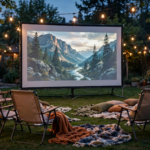
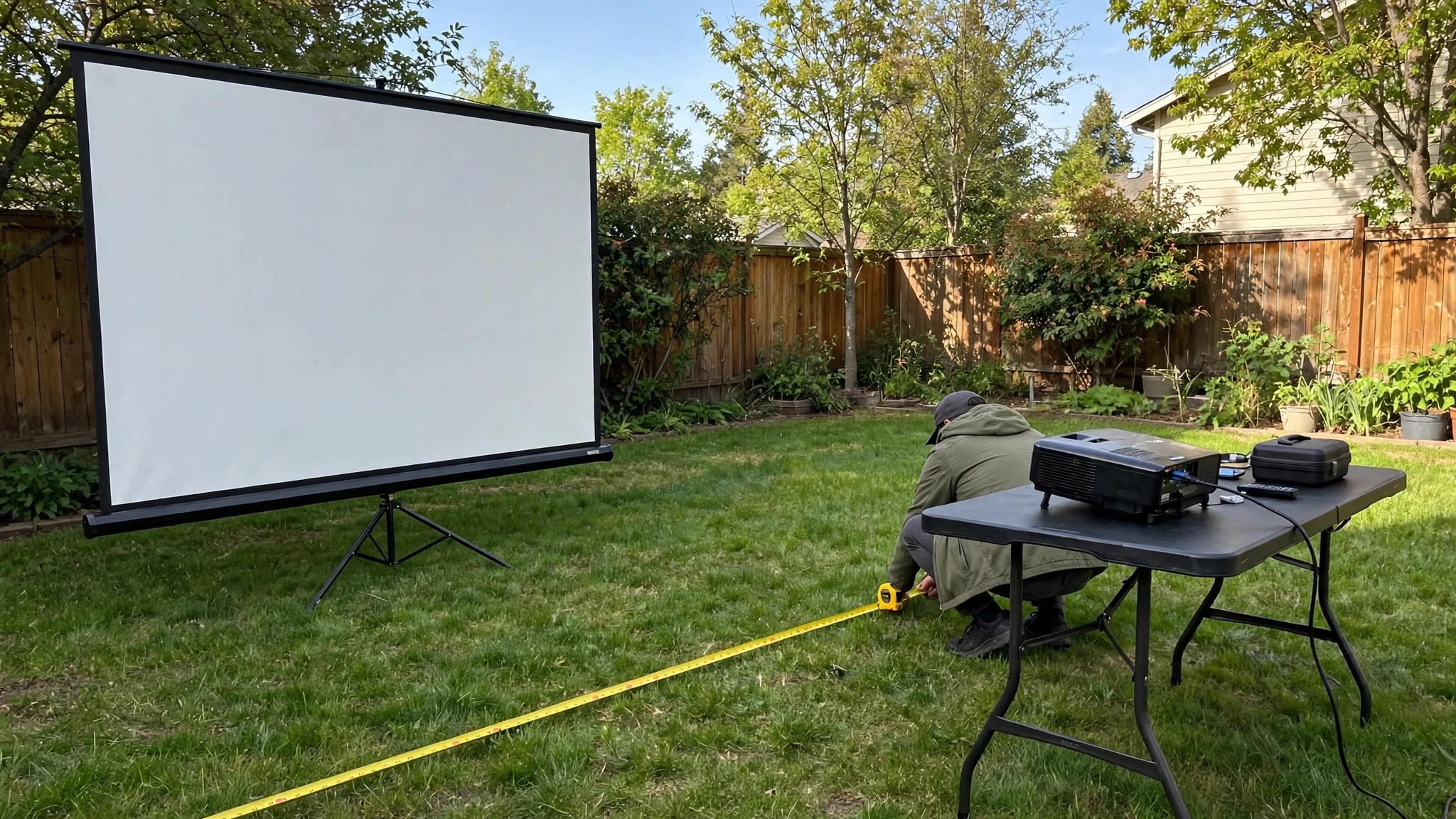
Walk it off. Put the screen where you plan to place it, then pace out the throw distance to where the projector will sit, and keep walking a few more feet past that point — that’s your seating zone, which must fit between the screen and the projector.
Nothing can sit between the projector lens and the screen except air; the projector goes behind the last row of chairs, not in front of them or off to the side.
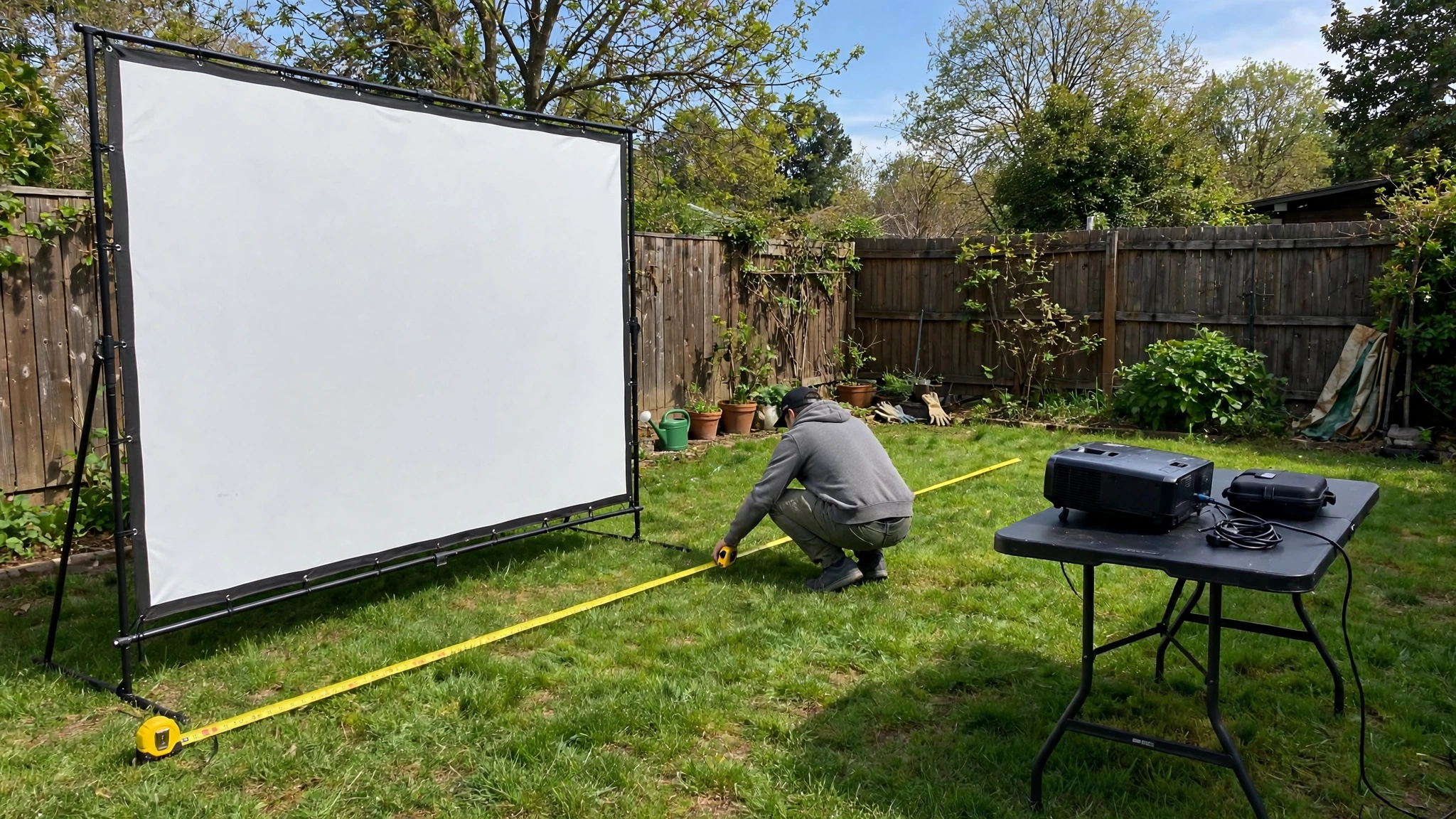
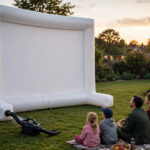
Count the hidden feet too. A freestanding screen needs a foot or two of clearance behind it for its frame and stakes. The projector needs its own table plus space for cables and ventilation.
If your yard is, say, 30 feet deep, a 120-inch screen at 13 feet of throw plus 3 feet of clearance still leaves about 14 feet for seating — workable.
But a long-throw projector on that same 120-inch screen might need 17+ feet, and suddenly the math doesn’t fit the yard. Measure first, buy second.
Outdoor Placement Realities: Ground, Power, and Sightlines
Outdoors, the ground is never as cooperative as a living room floor. Uneven ground tilts the projector, which tilts the image. Small tilts are correctable with the projector’s feet and keystone adjustment, but heavy keystone correction visibly softens the picture and wastes pixels — so start with a level table.
An inexpensive folding table with adjustable legs, or even a sturdy board shimmed with a folded towel, beats maxing out digital keystone every time. Set the table first, level it, then fine-tune.
Extension cord reach is the next constraint. Your projector, your speakers, and sometimes a streaming stick all need power, and the outdoor outlet is rarely where the formula says the projector should go.
Plan the power run before you finalize placement: one heavy-duty outdoor extension cord to a power strip at the projector table covers everything in one trip. Don’t chain multiple light-duty cords together, and keep cords out of foot traffic — run them along the edge of the seating area or under a cord cover.
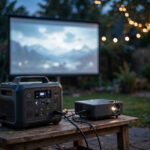
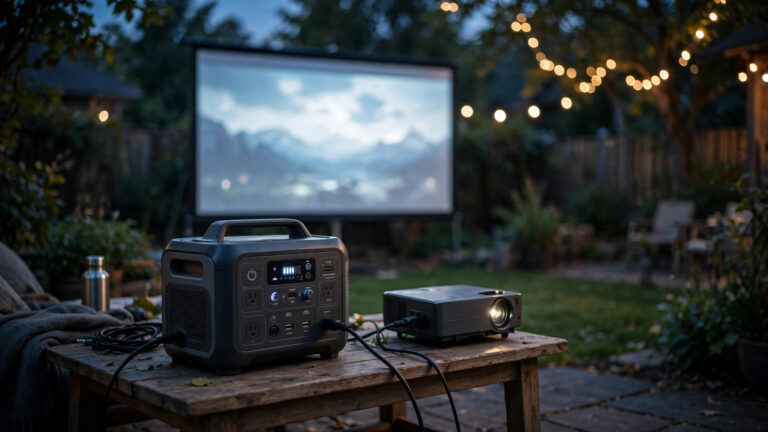
If there’s no outlet anywhere near, our guide on how to power a projector outdoors without an outlet covers battery stations and generator options.
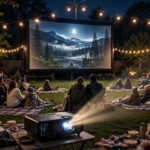
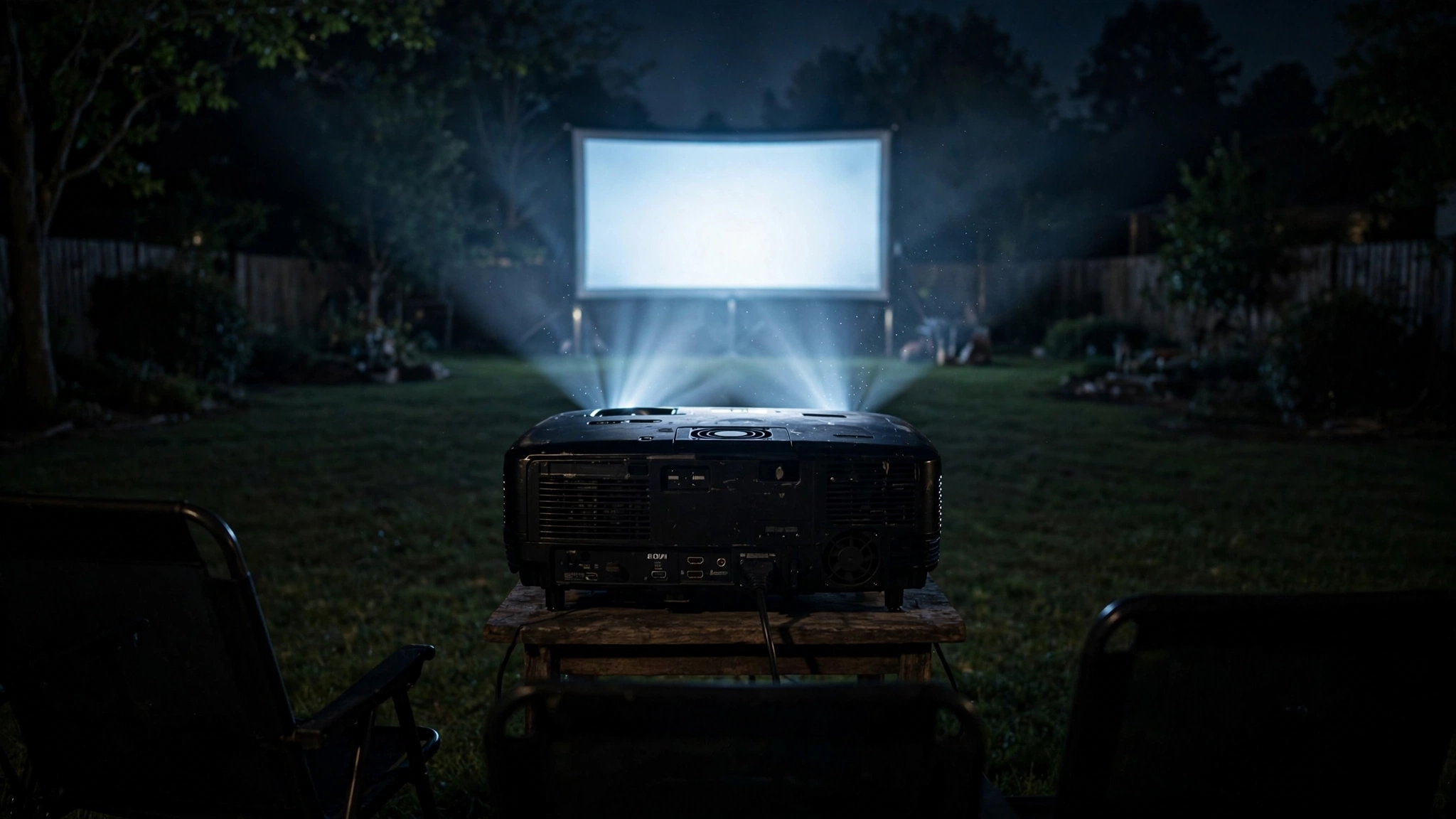
Keep the projector behind the seating. This is non-negotiable outdoors because there’s no ceiling mount to get the projector overhead. The beam travels from the lens to the screen in a straight, widening cone — anyone standing up for popcorn walks through it and casts a shadow.
Place the projector table behind the last row of chairs so the beam passes over everyone’s heads. Also keep the projector’s exhaust vents clear; projectors run hot, and a unit baking in its own heat on a still summer night will throttle its brightness or shut down.
Zoom vs. Moving the Projector
When the image doesn’t fill the screen exactly, you have two tools: the zoom ring and your feet. Use them in the right order.
Zoom first. Optical zoom adjusts the image size without moving anything and without losing quality (it’s lenses, not software). Set the projector at a convenient distance within its throw range, then zoom until the image edges meet the screen borders.
This is also the tool for seasonal changes — as the year goes on and you watch in darker conditions, you might upsize the screen; zoom absorbs small changes without a full relocation.
Move the projector second. If the zoom range can’t reach — the image is too small even at maximum zoom, or too big at minimum — the projector is at the wrong distance and needs to move.
This is the moment the formula earns its keep: measure, recalculate, reposition. Don’t “fix” a too-small image with digital zoom or keystone stretching — both degrade the picture.
One more trick for awkward yards: if the projector can’t sit centered behind the seating (a tree, a grill, a fence in the way), lens shift — if your projector has it — moves the image optically without tilting the unit. It’s far better than keystone for off-center placement.
If your projector lacks lens shift, it’s worth knowing before you buy: check the roundup of best outdoor projectors with placement-friendly features in mind.
Quick Reference: Common Setups
For a fast sanity check, here are the throw distances for popular combinations. All assume a 16:9 screen (width = diagonal × 0.87), distances measured from the projector’s lens to the screen surface:
- 100″ screen, 1.2:1 throw: ~8.7 ft — compact yards, short-throw projectors
- 100″ screen, 1.5:1 throw: ~10.9 ft — the classic backyard setup
- 120″ screen, 1.5:1 throw: ~13 ft — the sweet spot for bigger yards
- 120″ screen, 1.2:1 throw: ~10.4 ft — big screen, small yard
- 150″ screen, 1.5:1 throw: ~16.3 ft — needs a deep yard plus seating room
Add 3–5 feet behind the projector position for seating and table clearance when checking whether a combination fits your space. If you’d rather not do the math by hand, BenQ offers an online throw distance calculator on their site.
If the numbers don’t fit, the levers are: a smaller screen, a shorter-throw projector, or rearranging the yard — in that order of cost.
Frequently Asked Questions
What is throw ratio on a projector?
Throw ratio is the relationship between the projector’s distance from the screen and the width of the image it produces. A 1.5:1 throw ratio means the projector needs 1.5 feet of distance for every 1 foot of image width. Find it in your projector’s specifications.
How do I calculate projector distance for a 100-inch screen?
First, find the screen width: a 100-inch 16:9 screen is about 87 inches wide (100 × 0.87). Then multiply by your projector’s throw ratio — with a 1.5:1 ratio, that’s 87 × 1.5 = 130.5 inches, or about 10.9 feet from lens to screen.
Can the projector be off to the side of the screen outdoors?
It’s not ideal. Off-center placement requires keystone or lens shift correction, which can soften the image. If you must offset it, use optical lens shift if your projector has it — it’s much better than digital keystone. Centered behind the seating is always best.
Does a longer throw distance make the image dimmer?
The projector’s brightness doesn’t change with distance, but the same lumens spread over a larger image means less brightness per square inch. That’s why bigger screens at longer throws benefit from higher-lumen projectors — the math of the image and the math of the light go together.
How high should the projector be off the ground?
Roughly level with the vertical center of the screen, or slightly below it. Most backyard setups use a small table (24–30 inches high) behind the seating. Avoid placing it on the ground — the beam angle gets extreme and keystone correction gets heavy.
Bottom Line
Throw distance = throw ratio × screen width, and for a 16:9 screen the width is just the diagonal × 0.87. A 100-inch screen is 87 inches wide; multiply by your projector’s throw ratio, and you have your distance.
Then reality-check it against your yard: measure the actual space, keep the projector behind the seating on level ground, plan the power run, and use optical zoom before you resort to moving the table.
Get the distance right, and everything else about the movie night gets easier.