Why Is My Projector Blurry Outside? — Causes & Fixes in 2026
You set everything up, the movie starts, and the picture looks soft — edges mushy, faces a little fuzzy, subtitles hard to read. If you’re asking why my projector is blurry outside when it looked perfectly fine indoors, you’re not alone — and the good news is it’s rarely a broken projector.
Below are the causes in order of likelihood. Work through them in order, and you’ll usually have a crisp picture in ten minutes or less.
Why Is My Projector Blurry Outside? Sometimes It’s Not Blur at All — It’s Ambient Light
Here’s the sneaky one. Your focus can be perfect, and the image can still look blurry outdoors, because ambient light washes out contrast. Human vision judges sharpness largely by contrast at edges — black text on a white background looks “sharp” because the edge is crisp and dark. When stray light hits the screen, blacks turn gray, edges lose their punch, and your brain reads the whole thing as out of focus.
The culprits are things you’d never notice indoors: a porch light left on, string lights in the trees, the glow from a neighbor’s floodlight, a patio lantern, even moonlight on a light-colored screen. Any of these can flatten a perfectly good picture into something that feels fuzzy.
The fix: Walk your yard with the projector on and kill or block every light source you can. Turn off porch and landscape lights, drape a towel over glowing power-strip LEDs, and ask the neighbors to aim their motion light away if it’s spilling over.
Also wait until it’s genuinely dark — starting at sunset means the first half of the movie happens in a bright gray twilight that no amount of focusing will fix. A brighter image also helps; if you’re curious what that takes, see our guide on how to make your projector brighter outside.
1. The Focus Needs a Fine Adjustment Outdoors
Focus is the most common reason an outdoor picture looks soft, and it has nothing to do with your projector’s quality. Focus depends on the exact distance between the lens and the screen. Indoors, that distance rarely changes. Outdoors, you’re setting up on a different table, in a different spot in the yard, with a screen hung somewhere new, so the throw distance changes every time. Even a change of a few feet is enough to throw focus off.
There’s a second wrinkle: many projectors with autofocus struggle in dark outdoor environments. The autofocus sensor needs contrast to lock onto, and a pitch-black backyard gives it almost nothing to work with. It may “focus” and then leave the image slightly soft without telling you.
The fix: Focus after the projector has warmed up for five to ten minutes. Pause on a menu screen or freeze a frame with sharp text — subtitles or a title card work great — and adjust the focus ring (or run autofocus) until the text is tack-sharp.
If your projector has autofocus, try running it twice in a row. And if the image looks sharp in the center but soft at the corners, that’s usually not focus at all — it’s a screen or alignment issue, covered below.
2. Keystone Correction Is Softening the Picture
This one surprises a lot of people. Keystone correction fixes the trapezoid distortion you get when the projector isn’t level with the screen — but it does it digitally, by compressing and rescaling the image. That rescaling literally throws away pixels and re-maps the rest, which shows up as softness, especially on text and fine detail.
Outdoors, this is nearly unavoidable if you’re eyeballing it. The projector sits on a wobbly card table, the screen hangs from a fence that’s not perfectly vertical, and by the time you’ve dialed in 15 or 20 degrees of keystone correction, the picture has gone noticeably mushy.
The fix: Get the geometry right physically instead of digitally. Raise, lower, or shim the projector until it’s as square to the screen as you can get it, then reset keystone to zero and re-focus. If your projector has lens shift (optical adjustment), use that instead — it moves the image without touching the pixels.
Check your model’s manual or the maker’s site (Epson lists lens shift in each projector’s specs) to see whether yours has it. A small torpedo level from the hardware store, tossed in your outdoor-movie kit, solves this problem permanently.
For anyone choosing a new unit for yard duty, models with generous lens shift and good optics make outdoor movie nights far less fussy.
3. The Lens Is Dirty, Fogged, or Covered in Dew
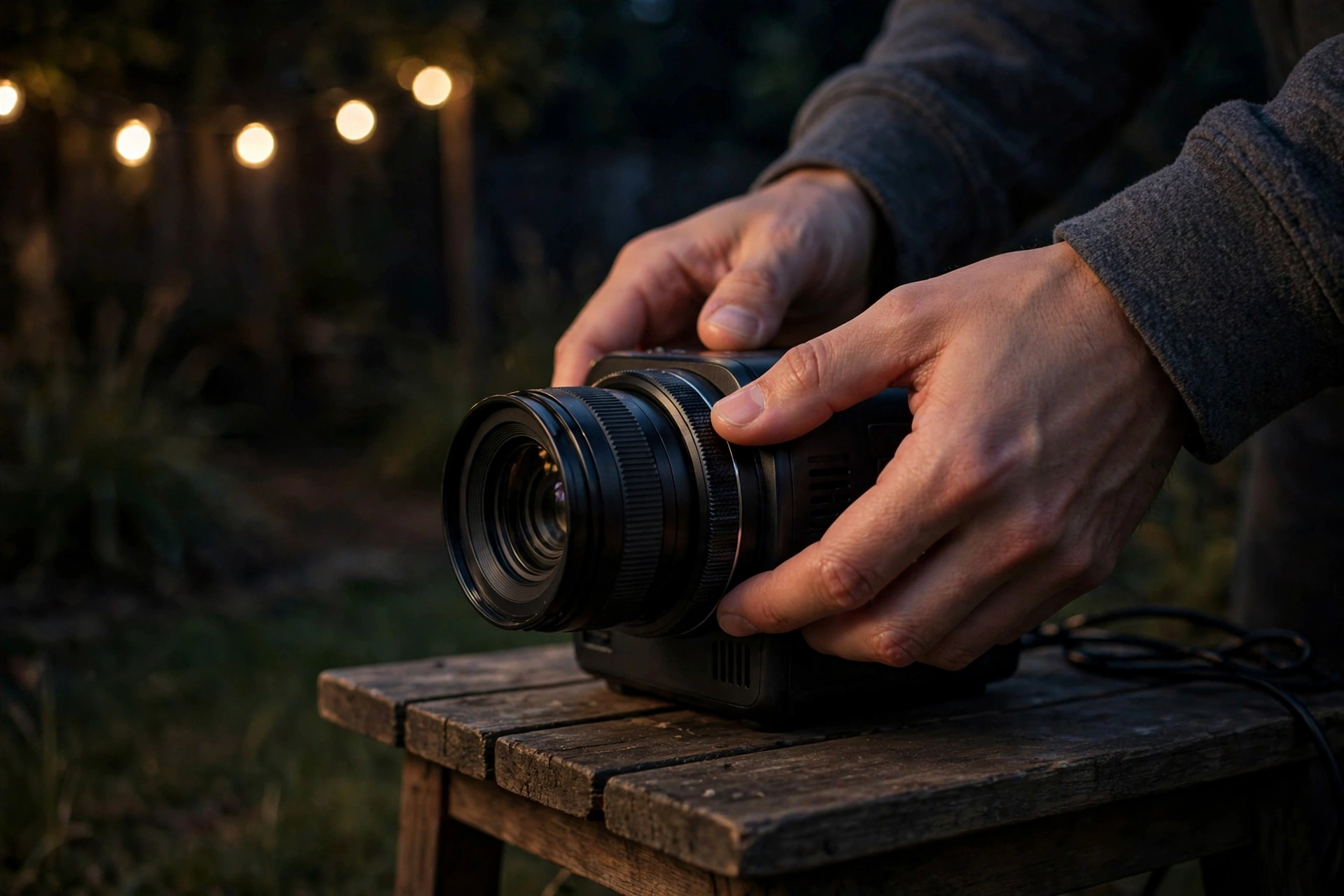
Projectors that live indoors stay fairly clean. Projectors that travel to the backyard pick up dust, fingerprints, and — the outdoor special — condensation. As the night air cools, moisture can form a thin film on the lens, especially on humid evenings or when the projector moves from air conditioning straight into warm night air.
That film scatters light and turns the whole image soft, and it can appear gradually, so the movie starts fine and gets blurrier over an hour.
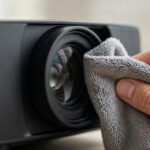
The fix: Before every outdoor session, give the lens a gentle wipe with a microfiber lens cloth (not your shirt — fabric and grit scratch coatings). If dew is the issue, let the projector acclimate to outdoor temperature for 15–20 minutes before turning it on, and keep it running steadily rather than switching it off and on.
The lamp’s own heat usually burns off light condensation once the unit is at full temperature. A simple lens cap kept on during transport prevents most of the dust problem.
4. Your Screen Is Wrinkled, Sagging, or Flapping in the Wind
Focus has a depth of field: at any given setting, there’s a range of distances that all look sharp, and outside that range things go soft. An indoor wall is flat, so the whole image sits at one distance.
An outdoor screen — a bedsheet, a hung fabric, an inflatable screen with some slack — can ripple, sag, or belly in the wind. Parts of the image then sit inches closer or farther than the rest, and no focus setting can make all of them sharp at once.
Wrinkles are the worst version of this: every fold is a little hill of fabric at a different distance, and each one smears its patch of the picture. If your image looks sharp in the middle and soft toward the edges, a sagging or loose screen is the prime suspect.
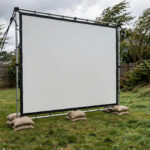
The fix: Stretch the screen drum-tight. If you hang fabric, tension it on all four sides — bungee cords to stakes in the ground work far better than tying it to a fence and hoping.
For inflatable screens, top up the air until the surface is taut, and recheck after the air cools at night (it softens slightly). Weighted hems or a bottom pole stop flapping in a light breeze. If you’re still using a bedsheet, consider upgrading to a proper tensioned surface; here’s what to look for in an outdoor projector screen.
5. You’re Sitting Too Close — or the Image Is Too Big
Sometimes the projector is fine, and the screen is fine, but you’re parked eight feet from a 150-inch image. Up close, the pixel structure and any slight softness in the optics become obvious. A picture that looks crisp from the back of the yard can look “blurry” from a beanbag right under the screen.
There’s a related version: projecting an enormous image with a modest-lumen projector. When you stretch the same number of lumens over a bigger area, each square inch gets less light, contrast drops, and — just like with ambient light — your eyes read low contrast as blur. Shrinking the image often makes it look dramatically sharper, not just brighter.
The fix: For movie night, sit back at least 1.5 times the image width (for a 120-inch-wide image, that’s roughly 15 feet). And if the picture looks dim and soft at the same time, try zooming the image down 10–20%. The brightness-per-inch goes up, contrast improves, and the “blur” disappears. It’s the fastest free upgrade in outdoor projection.
6. The Projector Moved After You Focused
This is the embarrassing one, and it happens constantly outdoors. You focus carefully, then someone bumps the table, a kid tugs the power cord, the wind gusts, or the folding table slowly settles into soft grass. The projector shifts a fraction of an inch — not enough to notice by eye — and focus is gone.
The fix: Set up on the firmest, most level surface available — a patio slab beats the lawn, and a small board under a folding table stops it sinking. Keep cables routed so nobody trips over them, and do your final focus pass after everyone has sat down and settled. If the picture drifts soft mid-movie, a quick refocus usually confirms this was the cause.
A Quick Troubleshooting Order
Next time the picture looks soft, run this sequence. It goes from most to least likely, and most fixes take under a minute:
- Refocus on sharp text after warm-up.
- Check keystone — reset it to zero if it’s cranked high, and level the projector instead.
- Look for ambient light and kill it.
- Wipe the lens; check for dew on humid nights.
- Inspect the screen for sag and wrinkles.
- Sit farther back or shrink the image.
- Make sure the projector hasn’t shifted on its table.
If none of that helps, the issue may be the projector itself — an old lamp near the end of its life loses both brightness and crispness, and some budget models simply have soft optics at the edges. But in our experience, nine times out of ten it’s one of the setup issues above, not the hardware.
Frequently Asked Questions
Why does my projector look blurry only when I use it outside?
Because outdoor setups change everything that affects focus: the throw distance is different, the screen may ripple, ambient light flattens contrast, and dew or dust can film the lens. Indoors, your distance, screen, and lighting never change, so focus stays dialed in.
Can dew on the lens really make a projector blurry?
Yes — a thin layer of condensation scatters light and softens the whole image, and it often forms gradually, so the movie starts sharp and gets blurrier. Let the projector acclimate to outdoor air for 15–20 minutes before powering on, and wipe the lens with a microfiber cloth if it fogs.
Does keystone correction make the image blurry?
Digital keystone correction can, yes. It rescales the image in software, which loses pixel detail and shows up as softness — especially on text. Keep keystone at or near zero by leveling the projector physically, and use optical lens shift instead when your projector has it.
Why is only one side of my outdoor projector image blurry?
That’s usually geometry, not focus: the projector isn’t square to the screen (one side is closer than the other), or the screen is sagging so one edge sits outside the focus depth. Level the projector, tension the screen, and refocus — if one side stays soft, that’s edge softness in the lens itself.
Why did my projector get blurry in the middle of the movie?
The most common cause is something moving: the table shifted, the cord got tugged, or the inflatable screen softened as night air cooled. Dew forming on the lens over the evening is the other usual suspect. Pause, refocus, and check the screen tension.
Bottom Line
A blurry outdoor picture is almost never a broken projector — it’s focus drift, keystone overuse, ambient light, a dirty or dewy lens, a wrinkled screen, or just sitting too close. Refocus after warm-up, level the projector instead of relying on keystone, kill every stray light, wipe the lens, and stretch that screen tight.
Run through that checklist and your backyard movies will look as crisp as the theater — minus the sticky floors.