How to Make Your Projector Brighter Outside in 2026
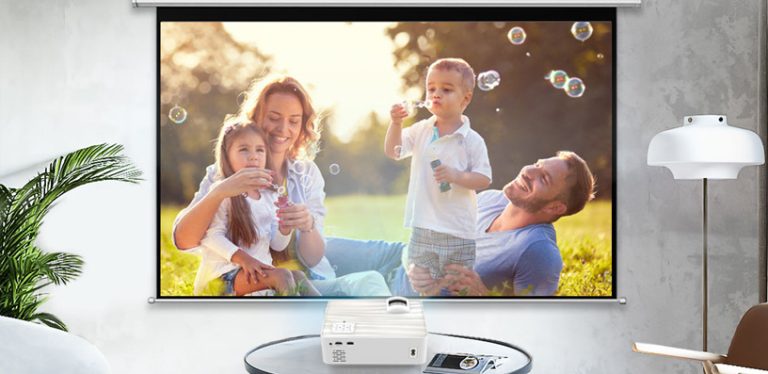
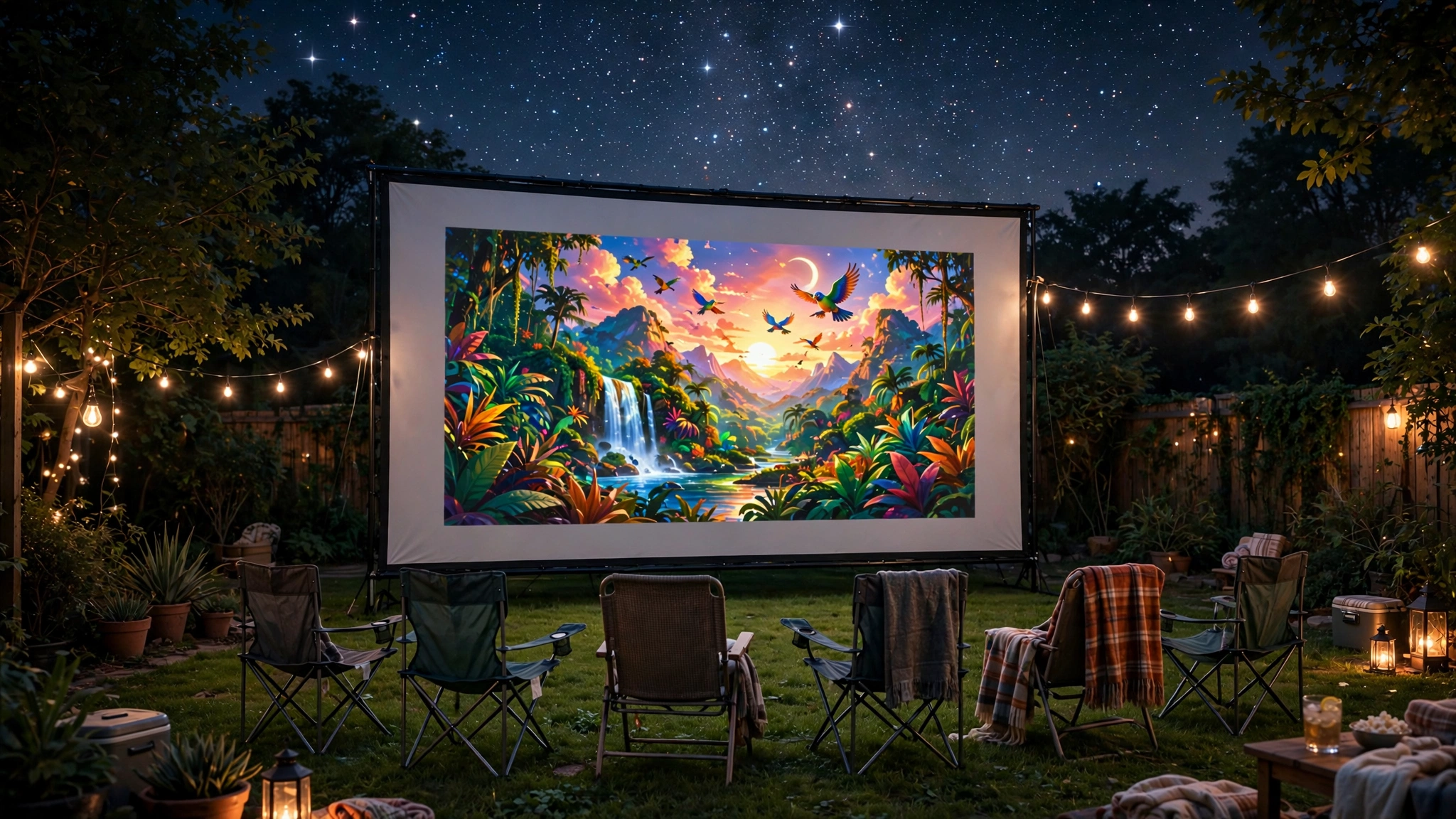
Outdoor movie nights live or die on brightness. A picture that’s a little dim indoors becomes almost unwatchable in the backyard, where even a small amount of stray light steals contrast. If you’re wondering how to make projector brighter outside, the good news is that most of the gains come free — settings, positioning, and setup choices do far more than people expect. These tactics work with whatever projector you already own.
One important note on scope: this guide is about squeezing maximum brightness out of your gear at night.
Watching in broad daylight is a different battle entirely (see our take on daytime projector use), and no setting overcomes the sun. Everything below assumes evening viewing, where the gains are real and large.
How to Make Your Projector Brighter Outside – Start With Total Darkness
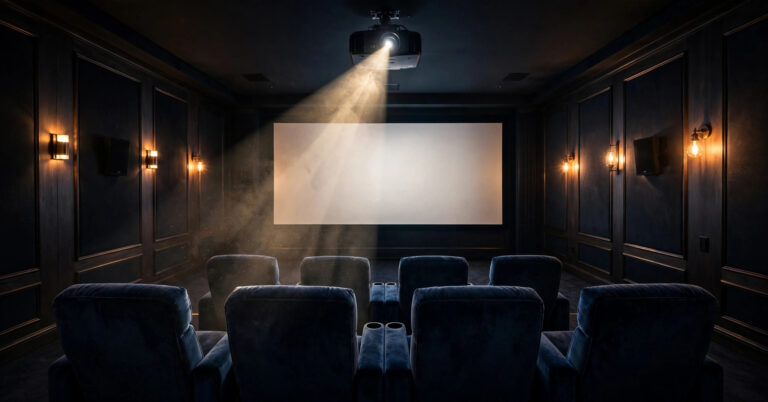
Before touching a single setting, understand this: perceived brightness is relative. Your eyes don’t judge the image by absolute light output — they judge it against everything around it. A 2,000-lumen projector in a pitch-dark backyard looks stunning; the same projector fighting a porch light and sunset glow looks washed out.
So the single biggest “brightness upgrade” costs nothing: wait until it’s genuinely dark. Starting your movie at sunset means the first 45 minutes play against a bright gray sky, and no menu setting fixes that.
Aim to press play at least 30–45 minutes after sunset, when the sky has gone fully black. If you want to double-check timing, most weather apps list sunset and the end of twilight.
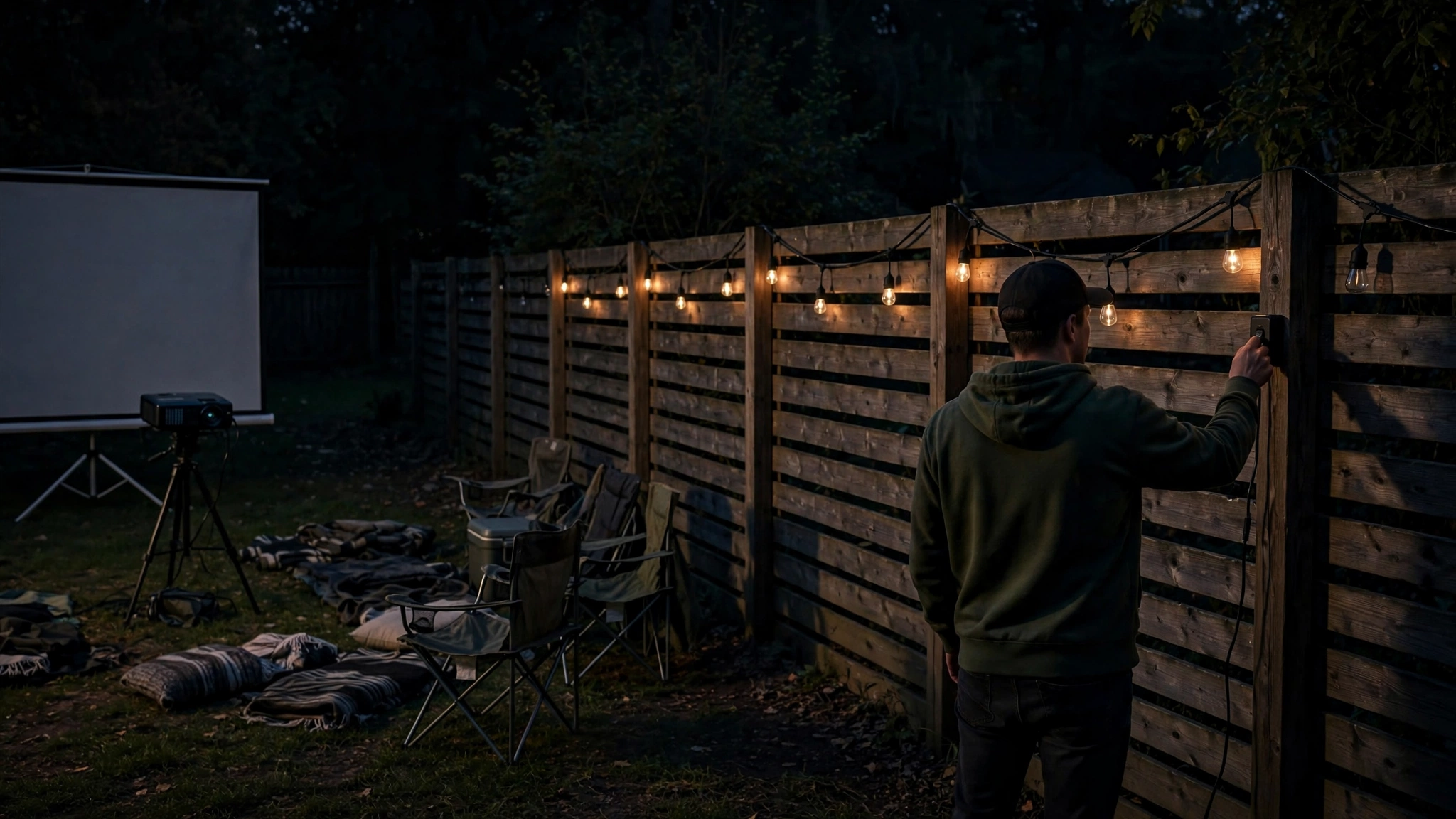
Then kill every light you control. Porch lights, landscape lighting, string lights (charming, but deadly for contrast), tiki torches, the glowing LED on your power strip, even the screen of the laptop feeding the movie.
Walk the yard with the projector running and hunt them down one by one. If a neighbor’s floodlight is the problem, a polite ask usually solves it — or hang a dark sheet on your fence as a light baffle. Every lumen of ambient light you remove is brightness you keep on the screen.
Turn Off Eco Mode and Use the Brightest Picture Mode
Most projectors ship in Eco mode, which dims the lamp to extend its life and quiet the fan. Outdoors, that’s exactly backwards — you want every photon the lamp can produce. Dig into the picture or lamp settings menu and set the lamp to full power (often labeled “Normal,” “High,” or “Bright”).
Yes, the fan gets louder and the lamp ages faster, but a lamp that’s too dim to enjoy the movie defeats the purpose. Save Eco mode for the bedroom.
Next, switch the picture mode. Modes like “Cinema” or “Movie” prioritize accurate color over brightness — great in a dark theater room, wrong for the backyard. Switch to “Dynamic,” “Vivid,” or “Bright” mode, which pushes the lamp and color processing toward maximum light output.
The colors won’t be reference-grade, but outdoors nobody is grading your color accuracy — they’re watching a movie under the stars. Some projectors also have a separate “Brightness” slider versus “Contrast”; nudge brightness up moderately, but don’t max it into clipping, where bright details blow out to pure white, and you lose the picture’s texture.
One more setting to check: turn off any automatic brightness or “adaptive” lamp features. These dim the lamp during dark scenes to deepen blacks indoors, but outdoors they just make the whole image pulse and dim unpredictably. Manual full power is the backyard setting.
Use a High-Gain Screen
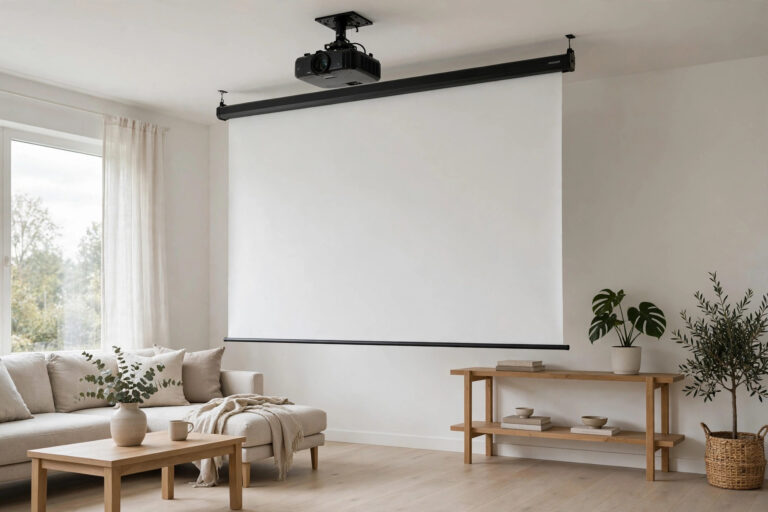
The screen is half the brightness equation, and it’s the one most outdoor setups get wrong. A bedsheet or an old white tarp scatters light in every direction — fine indoors, wasteful outdoors, where you need as much reflected light as possible heading back to your seating area.
That’s what screen gain measures: how much light the screen reflects toward the audience compared to a perfectly neutral white surface (gain 1.0).
A high-gain screen (around 1.3 to 1.5) concentrates reflected light toward the viewers, which can make the image look dramatically brighter from your seats — sometimes equivalent to a meaningful bump in projector output, without touching the projector at all.
There’s a trade-off to know about: high-gain screens have a narrower viewing angle. Light gets focused back toward the center, so viewers seated far off to the sides see a dimmer image. For a backyard setup where everyone sits in a rough arc in front of the screen, that’s a fine deal.
Matte white (gain 1.0) screens give even brightness from every angle but no boost. Silver or gray high-contrast screens reject ambient light but actually reduce peak brightness — wrong choice when brightness is the goal. For most outdoor setups, a proper high-gain white surface is the sweet spot; here’s what to look for in an outdoor projector screen.
Shorten the Throw Distance (Make the Image a Bit Smaller)
This is the fastest free brightness boost in outdoor projection, and it comes down to simple physics. Your projector outputs a fixed number of lumens. Spread those lumens over a 150-inch image, and each square inch gets relatively little light.
Shrink the same image to 120 inches, and the image area drops by more than a third — so each square inch gets roughly 50% more light. Brightness falls off with the square of the image size, which means small reductions in size buy big gains in punch.
In practice: if your picture looks dim, zoom out or move the projector closer until the image is 10–20% smaller than you had it. You probably won’t miss the size, but the brightness jump is immediately visible — colors get richer, blacks get deeper, and the whole image gains the contrast that makes it feel “bright.”
This is also why throw distance matters when you set up: don’t default to the biggest image your yard allows; default to the biggest image that still looks bright.
There’s a bonus too: a slightly smaller image from closer up is easier to focus sharply, so this trick doubles as a clarity upgrade.
Clean the Lens and Check the Air Filter
A dirty projector is a dim projector. Dust, fingerprints, and outdoor grime on the lens scatter light before it ever reaches the screen, and the loss adds up — a filmed-over lens can eat a noticeable chunk of your brightness without you realizing, because it happens gradually. Projectors that travel between the house and the yard pick up more grime than ones that stay put.
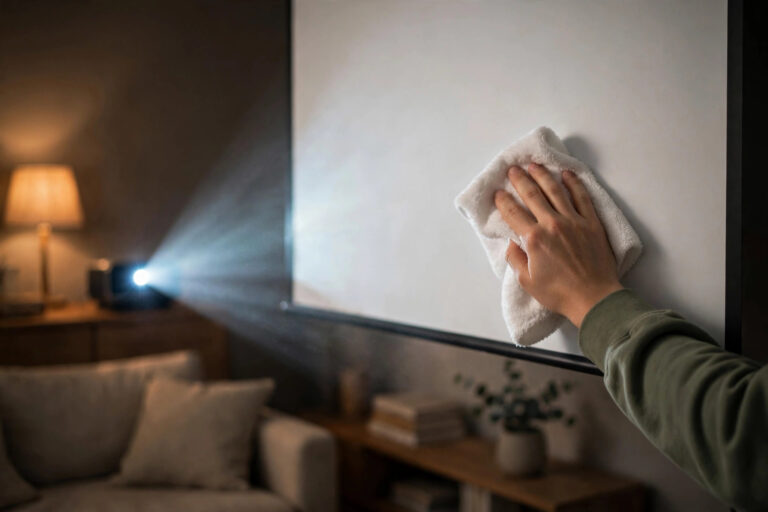
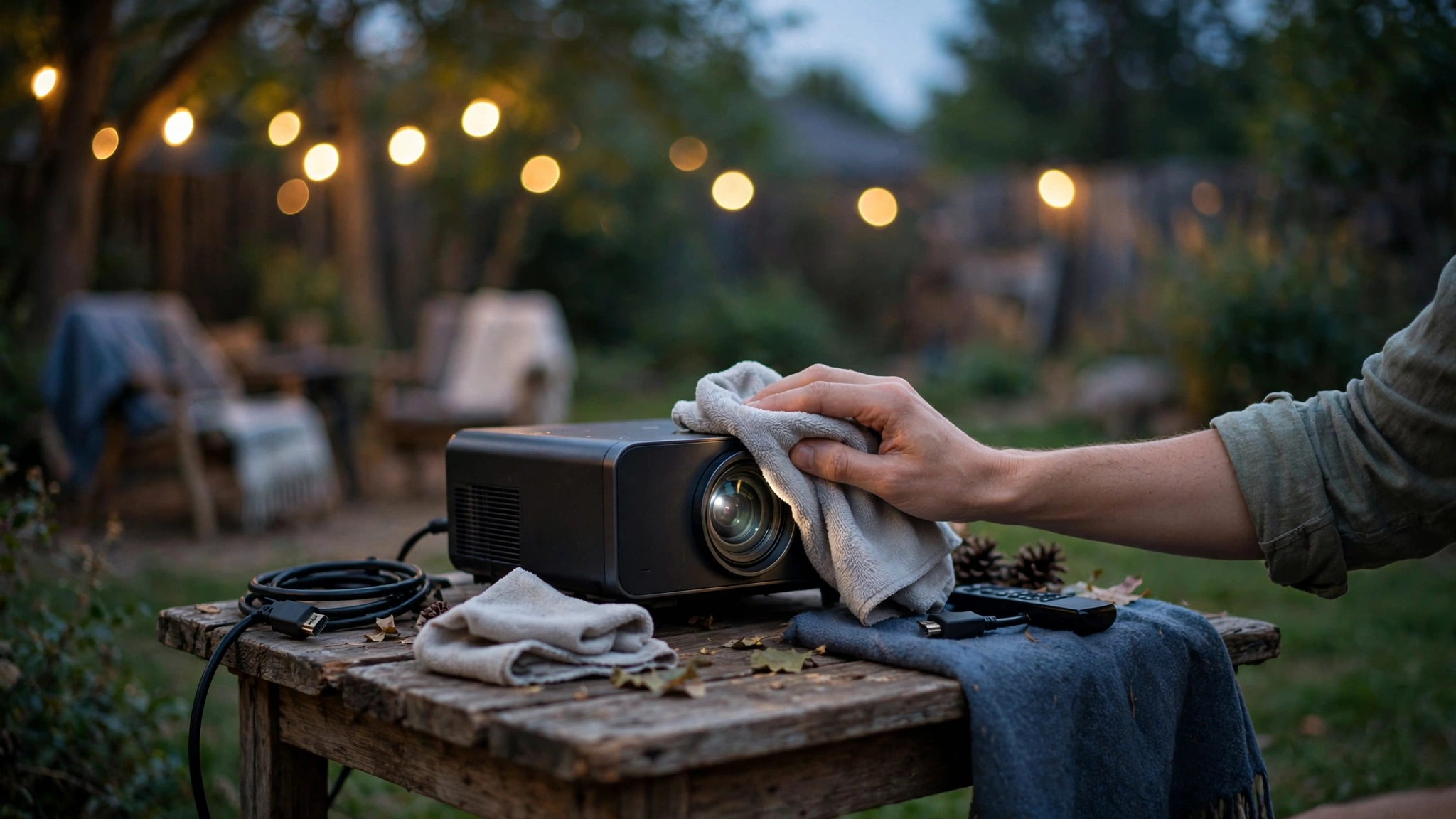
Wipe the lens gently with a microfiber cloth before every outdoor session. Never use paper towels or your shirt, which can scratch the coating, and never spray cleaner directly onto the lens — dampen the cloth instead.
While you’re at it, check the air filter (usually a small mesh panel on the side or bottom). A clogged filter chokes airflow; the projector runs hotter, and many units automatically dim the lamp to protect themselves when overheating. A quick rinse or brush of the filter keeps cooling — and brightness — where it should be.
Also check the lamp’s age. Projector lamps dim gradually over their life, and a lamp near the end of its rated hours can be substantially dimmer than when new, even in full-power mode.
If your projector has a lamp-hours readout in the menu, compare it against the rated life in the manual — a tired lamp that you replace can feel like buying a whole new projector.
Keep the Light Path Short, Square, and Clean
A few positioning details squeeze out the last free lumens. First, place the projector as close to the screen as your image size allows, with the lens centered horizontally on the screen. Every foot of extra throw distance beyond what you need spreads light wider and dims the picture — plus, long throws amplify any softness in the optics.
Second, minimize keystone correction. Keystone fixes crooked geometry by digitally rescaling the image, and that rescaling doesn’t just soften the picture — it also uses fewer pixels for the image area, which effectively wastes light. Level the projector and square it to the screen physically, keep keystone at or near zero, and more of your lamp’s output lands on the screen where it belongs.
Third, watch for anything in the light path. Hanging decorations, a low tree branch, even the smoke from a fire pit drifting through the beam will scatter light and visibly dim the image. A backyard fire pit and a projector beam do not mix — keep the fire upwind or skip it on movie night.
When You’ve Done Everything: Consider the Upgrade Path
If you’ve waited for full dark, maxed the lamp settings, tensioned a high-gain screen, shrunk the image, cleaned everything, and the picture is still underwhelming, you’ve found the actual limit of your hardware. At that point, the honest answer is ANSI lumens — the standardized brightness rating.
For outdoor use after dark, look for projectors rated meaningfully higher than what works indoors; ambient conditions outdoors demand more raw output. When comparing models, check independent reviews for real measured lumens rather than trusting marketing numbers alone — some manufacturers are optimistic.
Most projector makers (for example, BenQ) publish their ANSI lumen specs on each model’s page, which makes side-by-side comparison easier. Our roundup of the best outdoor projectors focuses on models with the brightness and contrast that actually hold up in a backyard.
But try the free tactics first. Most people who think they need a brighter projector actually need a darker yard and a smaller image — and those fixes cost nothing.
Frequently Asked Questions
Can I make my projector brighter without buying a new one?
Yes — turn off eco mode and use the brightest picture mode, wait for full darkness and kill ambient light, shrink the image 10–20% by shortening throw distance, use a high-gain screen, and clean the lens and filter. Together, these can transform a dim setup at zero cost.
Does eco mode make the projector dimmer outside?
Yes, noticeably. Eco mode reduces lamp power to extend lamp life and quiet the fan, which can cut light output substantially. For outdoor use, always switch the lamp to full power (Normal/High/Bright) — the brightness matters far more than lamp longevity on movie night.
Is a white wall or a screen brighter for outdoor movies?
A proper screen is brighter. A wall has gain of roughly 1.0 at best and often less if it’s textured or off-white, while a high-gain screen concentrates reflected light toward your seating. Walls also tend to be unevenly lit and colored, which kills both brightness and color.
How many lumens do I need for outdoor movie night?
For viewing after full dark, a projector rated around 2,000–3,000 ANSI lumens usually delivers a satisfying image on a 100–120 inch screen. Bigger screens, any ambient light, or starting before full dark all push the requirement higher. Treat marketing lumens skeptically and look for measured ANSI lumens in reviews.
Why does my projector look dim even at night?
Usually one of these: eco mode is on, ambient light is leaking in (porch lights, string lights), the image is oversized for the projector’s output, or the lens and filter are dirty. An aging lamp near the end of its life is the other common cause — check the lamp-hours readout in the menu.
Bottom Line
Making a projector brighter outside is mostly about removing what steals brightness, not buying more of it. Wait for full dark, kill every stray light, run the lamp at full power in the brightest picture mode, shrink the image a little, use a high-gain screen, and keep the lens and filter clean.
Do all of that and even a modest projector throws a vivid, punchy image across the backyard — no new hardware required.