What Happens If a Projector Gets Wet? – 2026 Guide
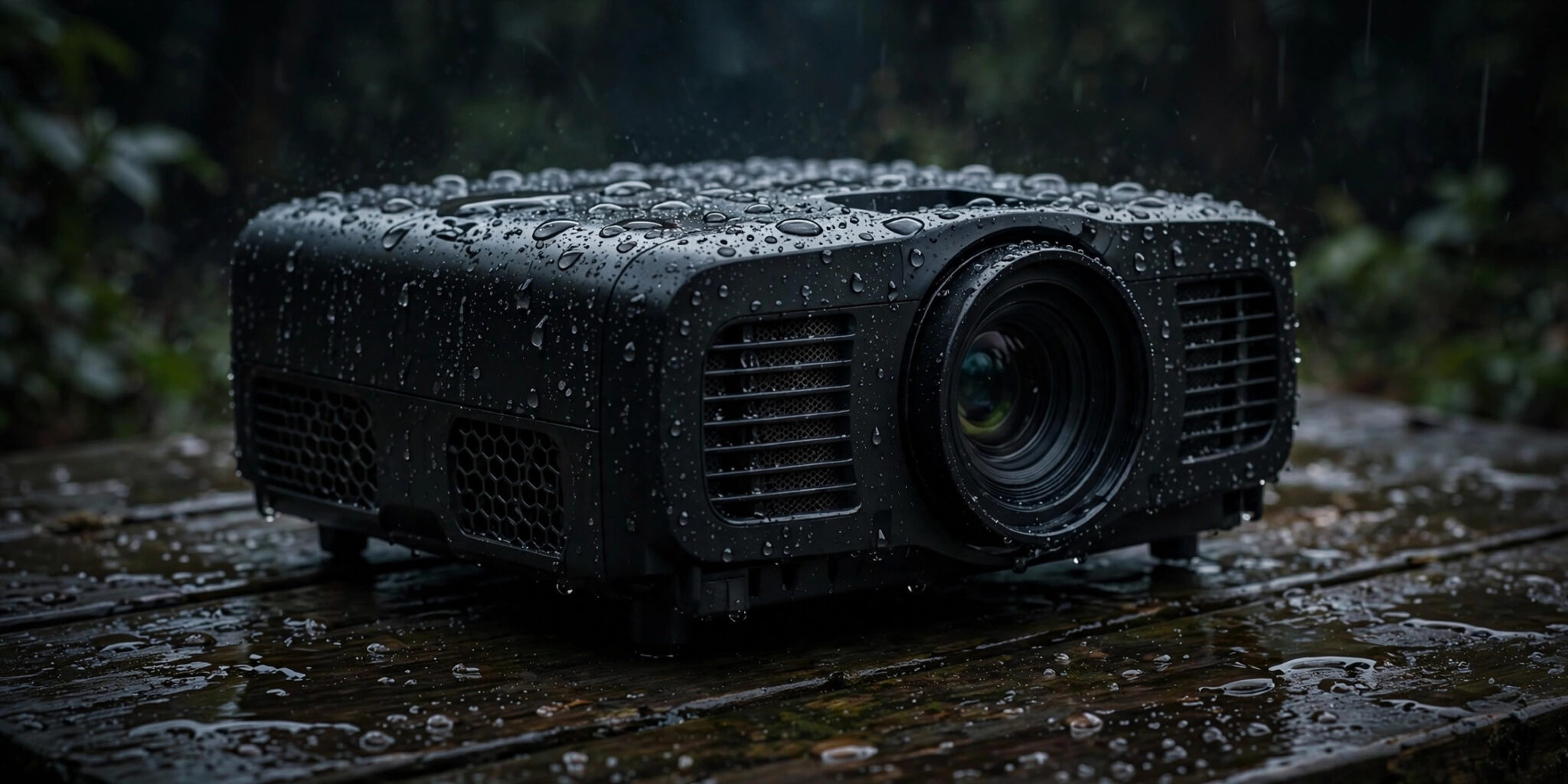
If the projector was powered on when it got wet, water will very likely kill it — a short circuit across live electronics can fry the mainboard in seconds, and even if it seems fine at first, corrosion eats at the damage over the following days.
If it was powered off and you dry it completely before switching it on, many projectors survive with no lasting harm. Either way, the single most important rule is this: unplug it immediately and do not turn it on “just to check.”
Water damage in projectors is sneaky because the worst of it is often invisible. Here’s what actually happens inside, what to do in the first minute, and how to give a wet projector its best shot at survival.
What Happens If a Projector Gets Wet? The Damage, Step by Step
The instant it happens (power on): water bridges solder points and traces on the powered circuit boards. That creates short circuits — current flows where it shouldn’t, components overheat, and the power supply either trips or dies trying. This is the “it just went black and smells faintly of ozone” scenario, and it can happen in seconds.
Heat meets water: projector lamps run extremely hot. Cold water hitting a hot lamp envelope causes thermal shock — the glass can crack or shatter outright. Laser and LED light sources are less fragile this way, but their driver electronics are just as vulnerable to shorts as anything else.
The lens assembly: water itself rarely cracks a lens, but what it leaves behind does the damage. Mineral deposits from tap water dry into spots on the coatings, moisture trapped between lens elements causes fogging, and wiping a wet lens grinds those minerals straight into the anti-reflective coating — turning a cleaning attempt into permanent damage.
The slow kill (hours to days): even if the projector survived the initial soaking, corrosion begins wherever water reached metal — port contacts, mainboard traces, ribbon connectors.
Tap water minerals feed it; chlorinated pool water, salt water, and sugary drinks are far more corrosive than rain. A projector that “worked fine yesterday” can die a week later when a corroded trace finally gives out.
The worst case: manufacturer safety manuals are blunt about this — liquid penetration into a projector can cause fire or electric shock. The vents and fan that cool the projector also wick water deeper inside, and capacitors inside the power supply hold charge even after unplugging. Never open the case yourself to “dry it out faster.”
The First 60 Seconds: What to Do Immediately
Speed matters, but so does doing the right things in the right order:
- Unplug it from the wall. Switch off at the power button first if you can reach it safely, then pull the plug. Do not press the power button to “see if it still works” — powering wet electronics is how salvageable projectors die.
- Disconnect every cable. HDMI, USB, and power cables wick moisture straight into the ports. Pull them all.
- Battery portables: power off and do NOT plug in to charge. Charging a wet battery circuit is asking for trouble.
- Move it away from the water and blot the exterior with a dry cloth. Tilt it gently so water drains out through the vents — don’t shake it.
- What NOT to do: no hairdryer or heat gun (heat warps plastics and drives moisture deeper into the optics), no rice (starch dust gets into vents and the light path — rice is for phones, not projectors), no shaking, and no opening the case.
Drying It Out the Right Way
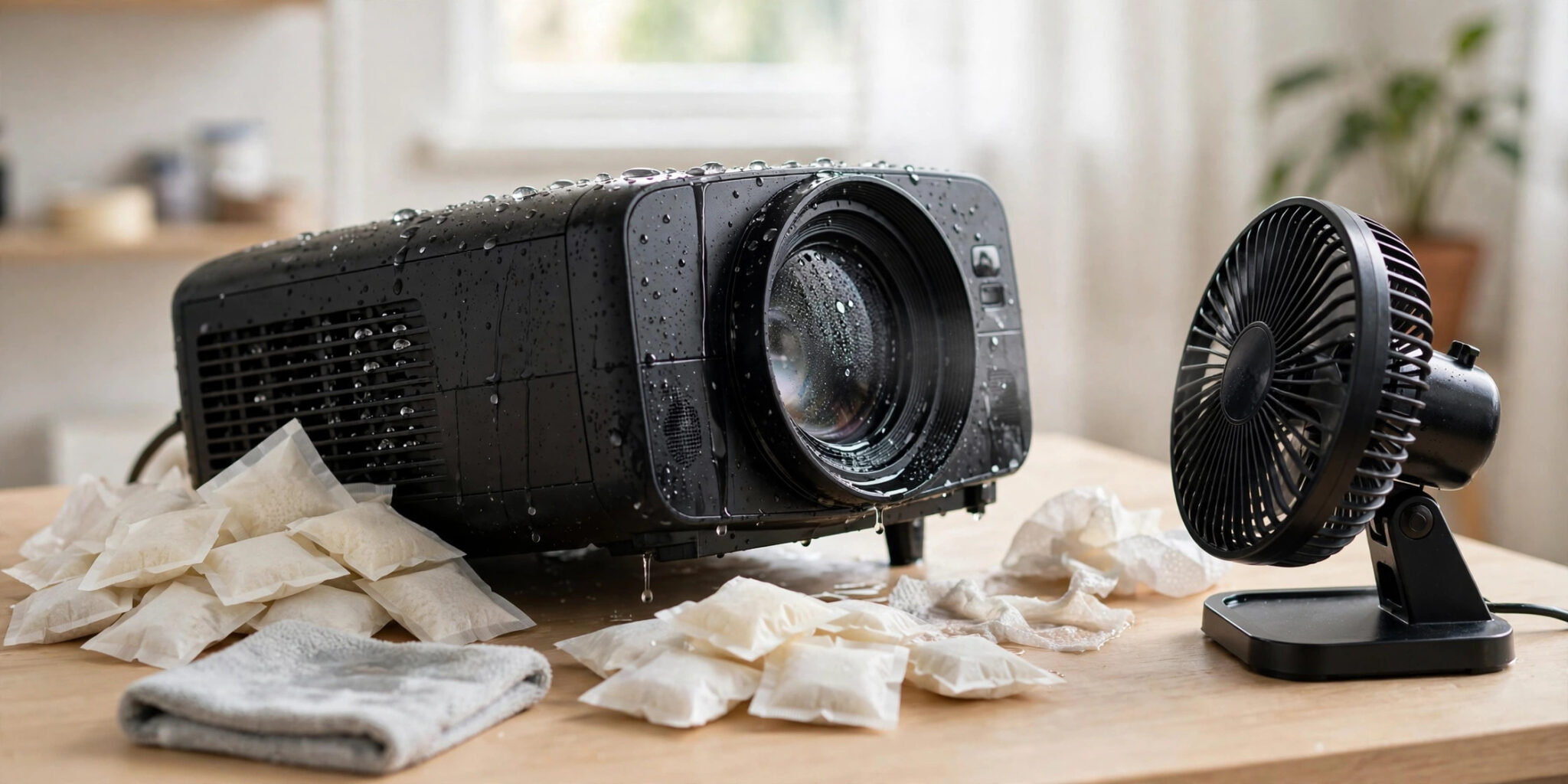
Patience is the entire method. Set the projector with its vents facing down so gravity helps, and run a room fan nearby for gentle airflow — across the unit, not blasting into it. Room temperature only. Give it 48 to 72 hours minimum; longer if it was submerged rather than splashed. Tossing silica gel packets around it in a loosely closed box works far better than rice.
For the lens: never wipe it while wet. Let it air-dry completely, then use a blower brush and a proper lens pen. Any mineral spots left behind are better handled by a camera shop than by rubbing harder at home.
Before the first power-on, inspect the ports and vents with a flashlight — look for white or green crusty residue (corrosion) and sniff for any burnt smell.
Then do a brief test: power on, watch, listen, and smell for a minute. Any flickering, odd noises, distorted image, or strange odor — unplug immediately. At that point it’s a repair-shop job, not a DIY one.
Rain vs. Splash vs. Humidity: Not All Water Is Equal
A quick splash on the casing while the projector is off and unplugged? Dry it thoroughly and you’ll almost certainly be fine. Rain falling on a running projector? That’s the dangerous scenario — live boards plus incoming water.
Then there’s the slow killer nobody thinks about: humidity. Running a projector in a steamy bathroom or over a boiling kitchen pot coats the internals in condensation over time.
High humidity can damage the case, the electronics, and create the same shock risks as a spill — which is why manufacturers warn against it explicitly.
Other slow-moisture traps: bringing a cold projector into warm humid air (condensation on the lens and boards) and leaving a projector outside overnight, where dew settles into every vent by morning.
And not all water is equally destructive. Clean rain is the most forgiving. Chlorinated pool water, salt spray, and spilled drinks are far more corrosive — if any of those got inside, be extra generous with drying time and extra skeptical at the test power-on.
“Waterproof” Projectors and IP Ratings: Read the Fine Print
Here’s the uncomfortable truth: the overwhelming majority of projectors have no water protection rating at all. Assume zero protection unless the spec sheet says otherwise.
The honest measure is the IP code — the standardized ingress-protection rating where the second digit rates liquid protection. IPX4 means splash-resistant from any direction; IPX7 means it survived 30 minutes under a meter of water in a lab.
A few rugged portable projectors carry IPX ratings, but they’re the exception. And “water-resistant” in marketing copy without an actual IP code means nothing at all — it’s an unregulated claim. You can read exactly what each digit certifies on Wikipedia’s IP code breakdown before trusting any waterproof claim.
Two more caveats even when a rating exists: the tests use fresh water (not pool or salt water), ratings above IPX6 aren’t cumulative the way you’d expect, and seals degrade with age, heat, and drops. An IPX4 rating means it shrugs off splashes — it does not mean you can leave it out in the rain.
Keeping Your Projector Dry Outdoors
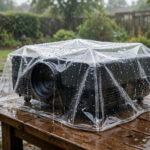
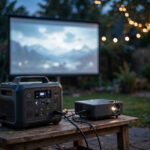
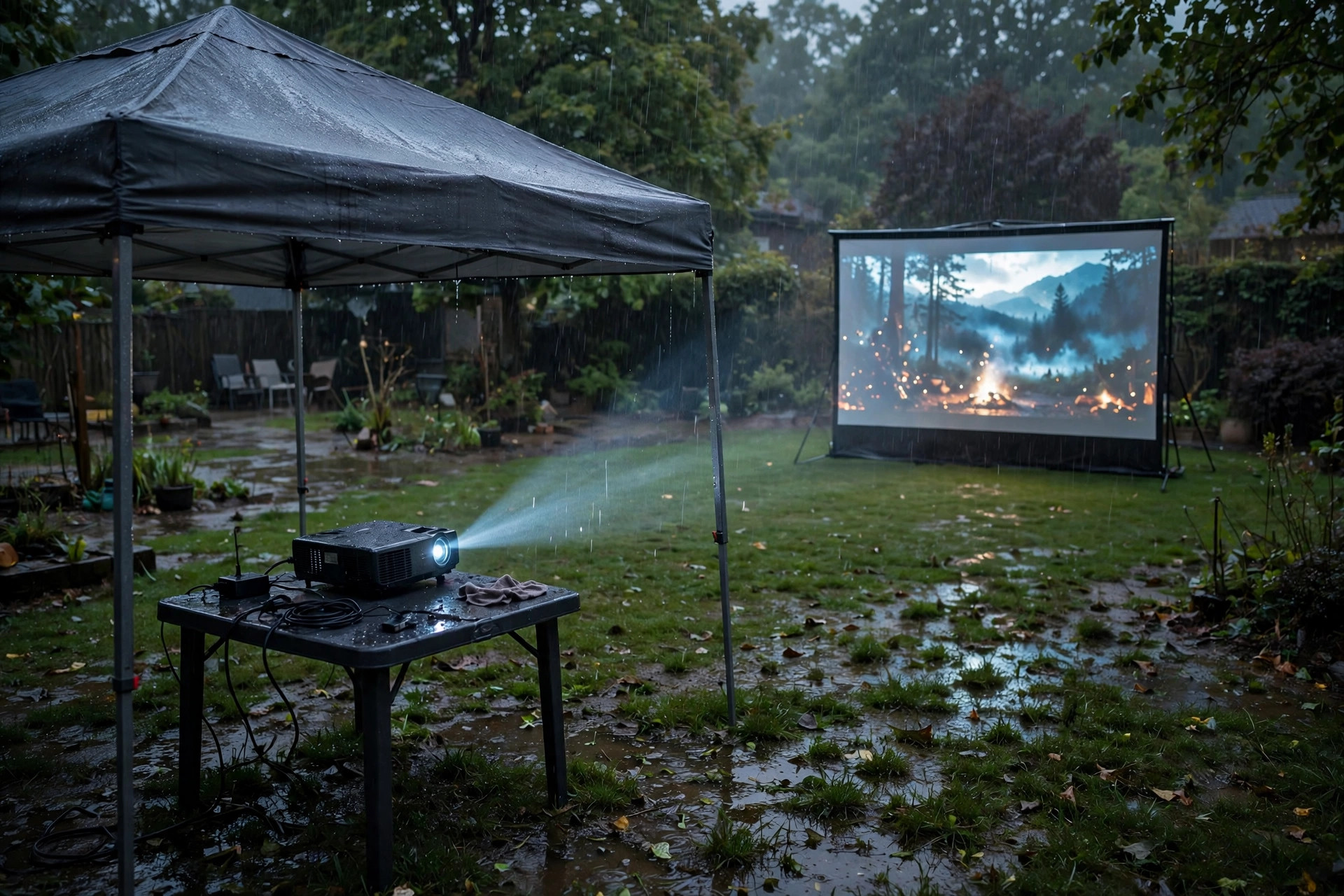
Most wet-projector stories start the same way: a backyard movie night and a surprise shower. A few habits prevent nearly all of them. Check the forecast before you set up, and keep a cheap pop-up canopy over the gear — shade the projector itself, not just the seating.
Elevate the projector off damp ground, route cables with drip loops so water runs away from the ports, and plug into a GFCI-protected outlet outdoors.
Position the screen where it stays dry too, but remember the projector is the fragile one — a wet screen dries out, a wet mainboard often doesn’t. And whatever you do, bring everything inside when the movie ends. Overnight dew is the most common “it just stopped working” culprit of all.
If you’re building a regular outdoor setup, start with projectors actually designed for outdoor use — our best outdoor projectors guide covers brightness, throw, and weather toughness — and read our daytime projector guide for managing light, shade, and timing so the gear stays safe while the image stays bright.
Frequently Asked Questions
Can a projector survive getting rained on?
Sometimes — it depends on whether it was powered on and how fast you act. A projector that was off, gets rained on, and is then dried completely for 48–72 hours often survives.
One that was running when the rain hit has much worse odds, because short circuits happen in seconds on live boards. Either way: unplug immediately, dry thoroughly, and only then test.
How long should I wait before turning it back on?
A minimum of 48 hours with good airflow, and 72 hours or more if it was heavily soaked or submerged. This is the step people skip — powering on even slightly damp electronics is the number one way a salvageable projector becomes a dead one. When in doubt, wait another day.
Does the rice trick work for projectors?
Not really. Rice absorbs moisture slowly, and the starch dust it sheds gets into vents, fans, and the optical path — creating new problems while solving the old one slowly. Silica gel packets with a fan for airflow dry a projector faster and cleaner.
Will water damage void my warranty?
Almost always, yes. Manufacturers treat liquid damage as accidental damage, not a defect — and they can tell. Corrosion patterns and liquid-contact indicators inside the unit make it obvious. Don’t waste a warranty claim on it; check your home insurance or the retailer’s accidental-damage plan instead.
My projector screen got wet — is it ruined?
Usually not. Screens are passive fabric with no electronics, so water is mostly a cosmetic threat. Blot (don’t scrub), let it air-dry flat and fully before rolling it up, and keep it out of direct sun while drying to avoid warping. If the image looks fine once dry, you’re good — see our outdoor projector screen guide for weather-tough options.
The Bottom Line
Water plus a powered-on projector usually means a dead projector; water plus a powered-off projector plus patient drying often means a survivor. Unplug first, keep it unplugged for days, not hours, never trust “water-resistant” marketing without an IP rating — and get the gear under cover before the clouds open, not after.