How to Keep Your Projector Cool Outside in Summer 2026
When summer rolls around and you’re learning how to keep your projector cool outside in summer, you’re really fighting a simple battle: your projector already runs hot, and now it’s sitting in the hottest air of the year.
A lamp or LED light source stuffed into a small plastic box has to dump a lot of heat just to stay alive — and every degree of ambient heat outside makes that harder.
The payoff for getting this right is real, though: a projector that runs cool lasts longer, runs quieter, and won’t ruin movie night by shutting itself off halfway through.
Why Heat Is a Projector’s Worst Enemy
Inside every projector there’s a light source burning at hundreds of degrees. In a traditional lamp projector, the bulb arc reaches temperatures that would melt most metals; even LED and laser projectors generate serious heat at the light engine and power circuitry.
The cooling system — fans plus heatsinks — is sized for a normal living room, not a 95-degree patio.
When the cooling can’t keep up, two bad things happen. First, the projector protects itself with a thermal shutdown: an internal temperature sensor trips, the unit powers off, and you get the blinking red light of doom mid-movie.
That’s annoying, but it’s the good outcome. The second is slower and worse: sustained high heat degrades the lamp faster, shortens lamp life, yellows internal optics, and stresses the electronics board. Heat doesn’t just interrupt your movie — it quietly spends your projector’s lifespan.
The encouraging part: summer heat management is almost entirely about setup, not hardware upgrades.
Rule #1: Never Run a Projector in Direct Sunlight
This is the single biggest mistake I see. Running a projector in direct sun — even in the late afternoon “it feels fine” stage — does two things at once.
The dark plastic housing absorbs solar radiation and heats up well past the air temperature, and the cooling fan starts ingesting air that’s already warm instead of cool. Your projector is effectively trying to cool itself with hot air.
Schedule around this when you can. The easiest heat strategy in summer is simply to start movie night after dark, when the sun’s heat has left the air and the projector’s cooling system has real room to work.
If you’re setting up during daylight for daytime viewing, that takes a daylight-capable setup — and an even more aggressive cooling plan.
Shade the Projector, Not Just the Screen
Most people shade the screen so they can see the picture, then park the projector itself in full sun next to the snack table.
Flip that thinking: the projector is the part that actually suffers from sun exposure. A screen just looks dim in bright light; a projector in bright light bakes.
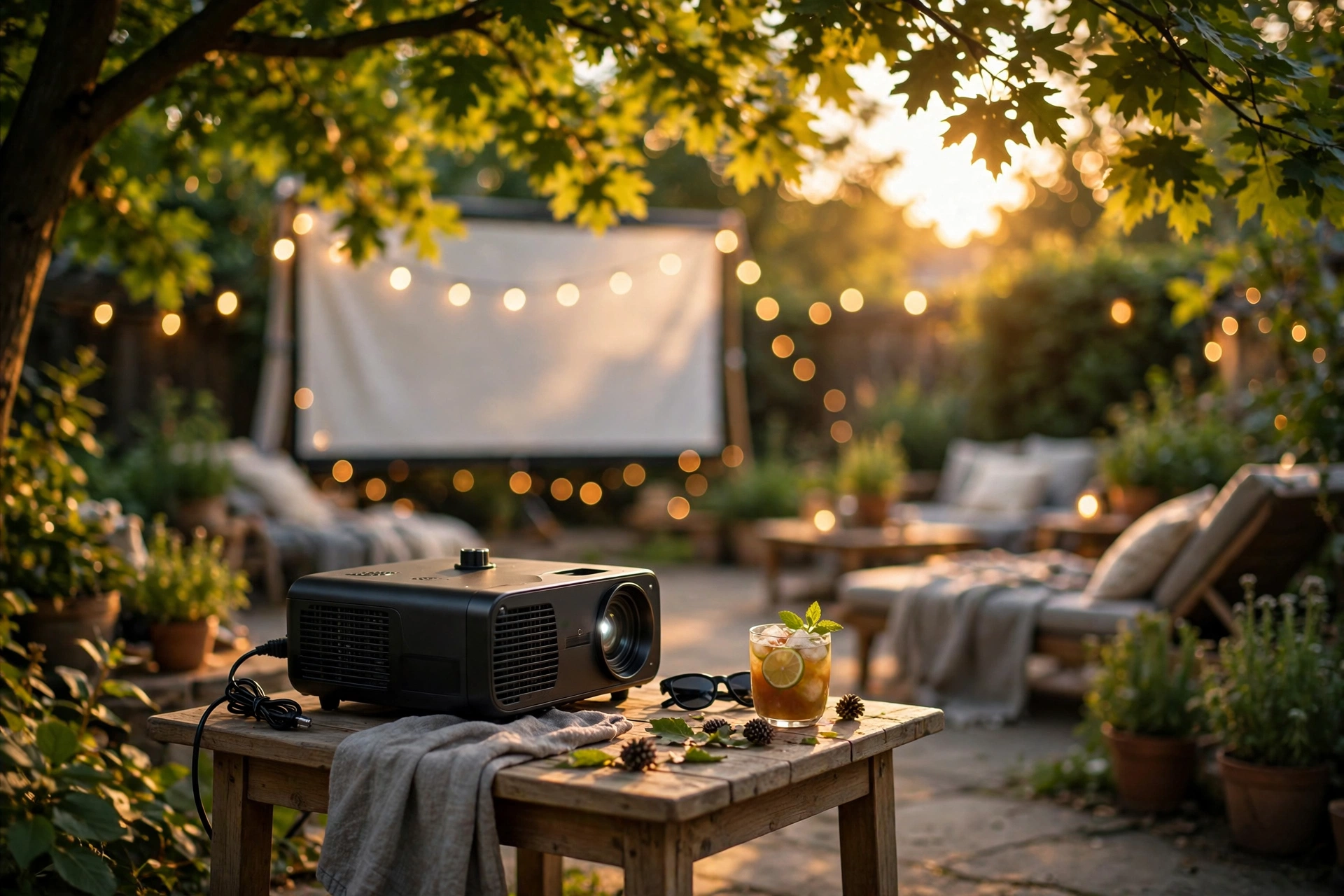
Give the projector its own shade. A patio umbrella works, a pop-up canopy is ideal, and even a simple cardboard or foam-core shield propped to cast a shadow on the projector body (without touching it or blocking the vents) does the job.
Two rules for improvised shade: never drape anything on the projector, and leave airflow paths open in every direction. A beach towel thrown over the top turns your projector into a Dutch oven — it’s worse than no shade at all. Shade should cast a shadow, not make a blanket.
Give the Vents Room to Breathe
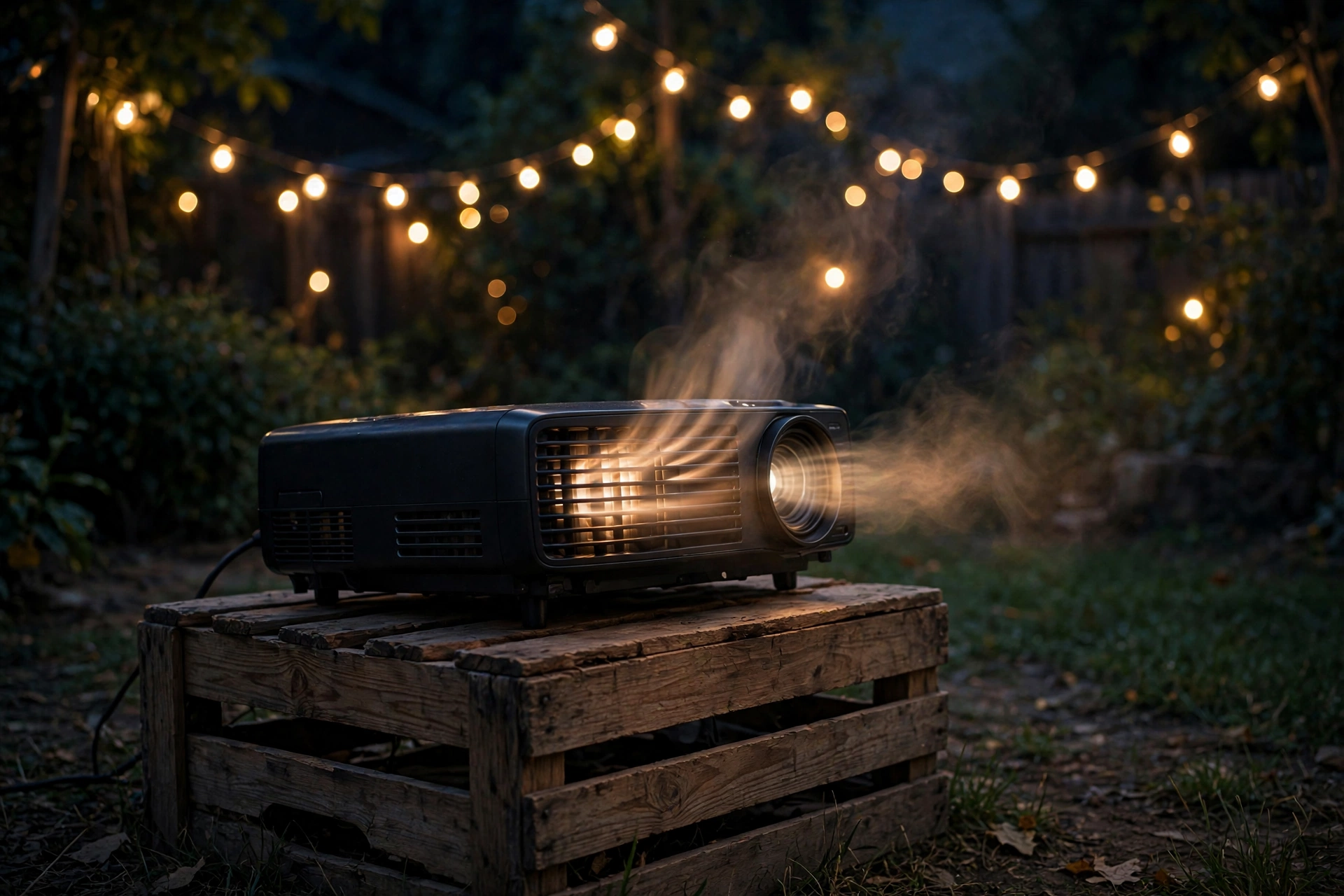
Projectors breathe in through intake vents and blow hot air out through exhaust vents. Blocking either one is the fastest way to force a thermal shutdown — and outdoors, it’s easy to do by accident.
The projector sits on a tablecloth that drapes over the side, or it gets wedged between a cooler and the wall, or it slides back against a fence until the exhaust is blowing into solid wood.
The fix is clearance: keep at least six inches of open space around every vent, and more on the exhaust side. Before you press play, crouch down and check — put your hand near the exhaust for a second and feel the hot air leaving.
If you can barely feel airflow, something’s wrong: check for a blocked vent, a failed fan (unusually quiet units are suspicious), or a vent facing into an obstruction. Also think about where that hot exhaust goes.
If it blows straight onto the intake of the projector itself — common when a projector sits in a corner or inside an enclosure — the unit ends up cooling itself with its own waste heat.
Placement matters more outdoors than indoors because there’s no room air circulation to save you. A flat, open tabletop beats a shelf, a crate, or the inside of a cooler. And resist the urge to put the projector inside a protective box or bag while it’s running — that’s a greenhouse with a fan.
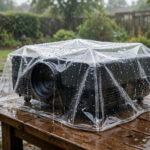
Weather protection belongs around the setup as rain cover when needed, not wrapped around a running projector; here’s how to protect a projector from rain outside without choking its airflow.
Clean the Dust Filter Before Summer
Here’s the maintenance step everyone skips: the dust filter. Most lamp projectors have a foam or mesh filter guarding the intake. When it clogs — and backyard air carries pollen, dust, cut grass, and patio grime that indoor air doesn’t — airflow drops, internal temperature climbs, and the fan spins louder trying to compensate.
A dirty filter can easily be the difference between a stable movie night and a thermal shutdown on the first hot evening of the season.
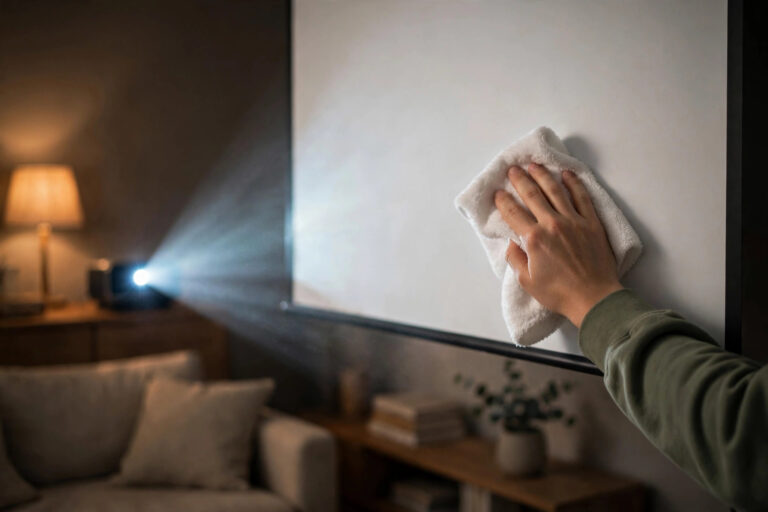
Clean it at the start of every summer and monthly if you run outdoor sessions regularly. Most filters slide or pop out from a door on the side or bottom of the projector; rinse washable foam ones gently and let them dry fully, or tap and vacuum the dry-mesh kind.
Your projector’s manual shows the exact procedure, and manufacturers like Epson publish filter-care guides for their models. While you’re in there, check the intake grille itself — wipe off any dust buildup with a dry cloth so the new filter isn’t fighting a blocked doorway.
Switch to Eco Mode When You Can
Eco mode (sometimes called economy or low-power mode) dials the lamp brightness down — typically to around 70–80% of full power.
Two wins follow: less light means less heat generated inside the lamp housing, and the fan can drop to a lower, quieter speed since there’s less to cool. On a genuinely hot night, eco mode alone can be the difference between a stable session and a shutdown.
The trade-off is brightness, and outdoors at dusk that’s a real consideration — but after dark, most modern projectors have lumens to spare for a backyard screen.
Try it: start the movie in eco mode and only switch to full power if the picture looks dim on your particular screen. You’ll also extend lamp life meaningfully, since lamps burn cooler and last longer in eco — some manufacturers rate eco-mode lamp life substantially higher than full-power life.
Models built for yard duty with good cooling design make this decision easy; if you’re shopping, our guide to the best outdoor projectors factors in fan noise and heat handling.
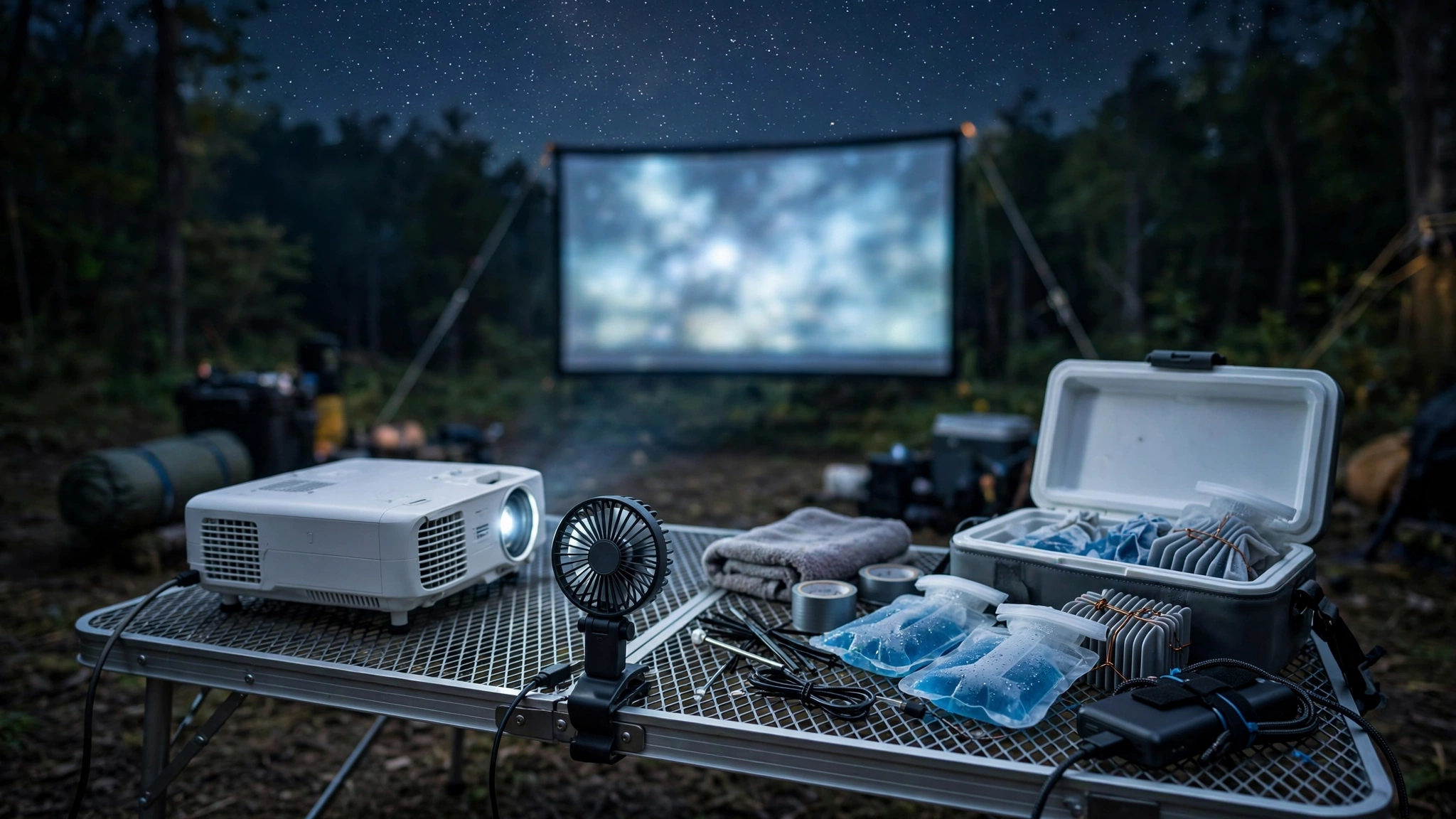
A small clip-on USB fan aimed near (not into) the intake is a fine supplemental trick on brutal nights — it feeds the projector slightly cooler air. Just don’t point it directly into the intake; forced air can fight the projector’s own fan direction and create turbulence instead of flow.
How to Keep Your Projector Cool Outside in Summer: The Cooldown Routine
What you do after the movie matters as much as the setup. When you power down a hot projector, let it run its fan cycle — most projectors keep the fan spinning for a minute or two after shutdown to cool the lamp.
Don’t unplug it the instant the screen goes dark; that fan cycle is the lamp’s lifeline.
Then the part people get wrong: don’t carry the hot projector straight into air conditioning. A warm projector entering a cold house pulls humid indoor air against cooling surfaces, and condensation can form inside — on the lens, the sensor, and the electronics.
That moisture can fog the lens, spot the image, and over time damage components. Let the projector cool down to near ambient outdoor temperature first — ten to fifteen minutes sitting in the shade with the fan off is plenty on a warm night — then bring it inside.
If you’re packing up in a hurry, at least let the lamp cool before bagging it, and leave the case zipper open for the first few minutes indoors so residual heat can escape.
And never leave a projector sitting in a hot car trunk or a sunny shed between sessions — enclosed spaces can hit temperatures far beyond what summer air delivers, and that’s where long-term damage happens.
The 2-Minute Pre-Show Heat Checklist
Run this before every summer movie night and heat stops being a problem:
1. Projector in shade, vents clear on all sides.
2. Exhaust blowing into open air, not back at the projector or into a wall.
3. Dust filter cleaned this season.
4. Eco mode on unless the picture genuinely needs full power.
5. Start after dark when possible.
6. After the movie: let the fan finish its cooldown, then let the projector cool to outdoor ambient before bringing it inside.
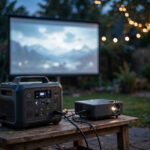
Power setups matter for heat-adjacent problems too — underpowered extension cords and power stations cause their own shutdowns, so if you’re running far from an outlet, read our guide on powering a projector outdoors without an outlet.
But with the checklist above handled, your projector’s cooling system will have every advantage it needs.
Frequently Asked Questions
Can a projector overheat outside even when it feels cool out?
Yes. The air can feel pleasant while direct sun bakes the projector’s housing well past air temperature, or blocked vents trap the lamp’s own heat inside. Shade, vent clearance, and a clean filter matter on mild evenings too, not just heat waves.
Is it okay to use a projector in 90-degree weather?
Most projectors can handle hot evenings if they’re shaded, ventilated, and running eco mode — but check your manual’s operating temperature range, since many units top out around 95°F. Above that, postpone movie night; the thermal shutdown will trigger, and you risk cutting lamp life short.
Can I point a fan at my projector to cool it?
A small fan blowing gently near the projector helps feed it cooler air, but don’t blast it directly into the intake vents. Forced air can fight the projector’s own internal fan and create turbulence. Think gentle breeze, not leaf blower.
Does eco mode actually reduce projector heat?
Yes — noticeably. Eco mode runs the lamp at reduced power, which generates less heat and lets the fan spin slower. It’s one of the simplest ways to stabilize a projector on a hot night, and it extends lamp life as a bonus.
Why does my projector shut off after an hour outside?
That’s the classic thermal shutdown pattern: heat builds gradually until the internal temperature sensor trips, usually 30–90 minutes in. Check shade, vent clearance, the dust filter, and switch to eco mode — and make sure you haven’t left it baking in late-afternoon sun during setup.
Bottom Line
Keeping a projector cool outside in summer comes down to five setup habits: never run it in direct sun, shade the projector body, keep every vent clear with the exhaust blowing into open air, clean the dust filter at the start of the season, and use eco mode on hot nights.
Then cool it down properly — let the fan finish, let it reach outdoor temperature, and only then bring it inside. Do those things and your projector stays cool, stays quiet, and keeps its lamp healthy through many summers of movie nights.