XGIMI Horizon Ultra Review 2026 — Best 4K Smart Projector
Most projectors ask you to change how you live around them: darken the room, measure twice, run cables, and start setup over if you move the unit a few inches. This XGIMI Horizon Ultra review covers a projector built for the opposite approach.
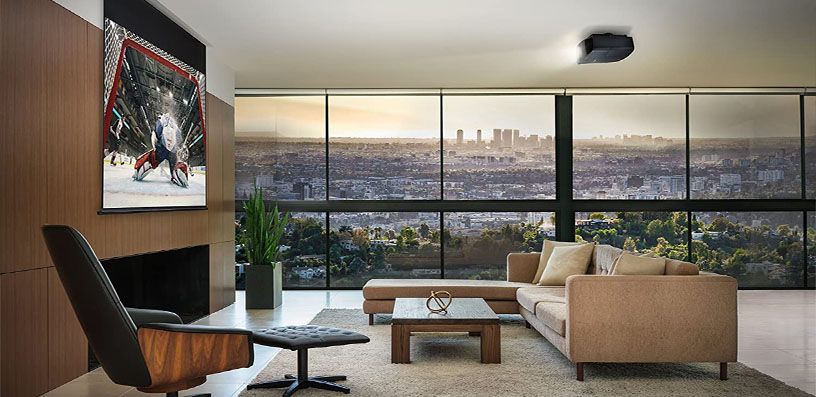
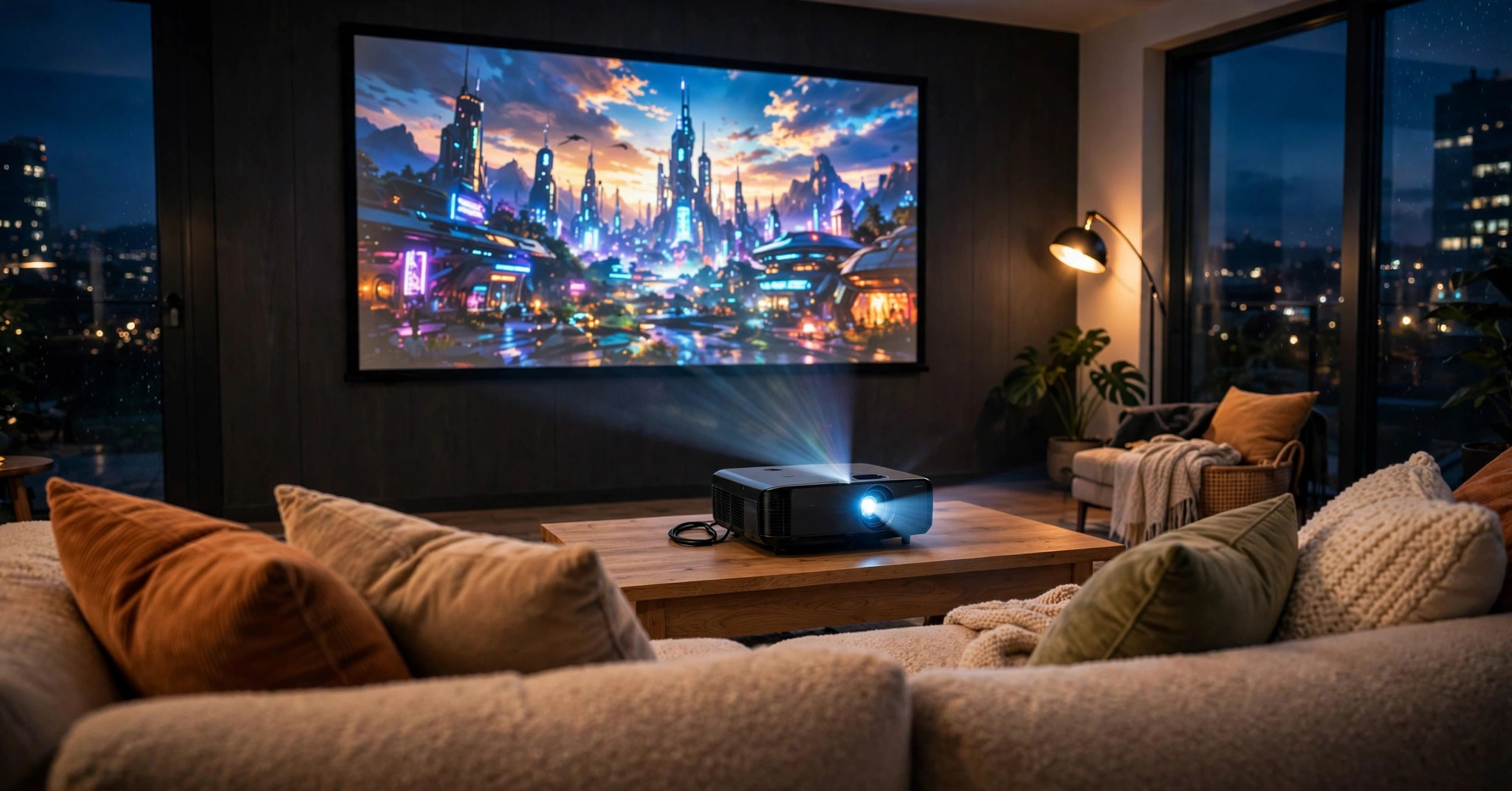
The Horizon Ultra is a compact 4K smart projector designed to sit in a normal living room, adapt itself to the wall in front of it, and still offer one feature almost no other standard-throw projector in its class can match: Dolby Vision.
XGIMI Horizon Ultra Review
XGIMI launched it as the first long-throw 4K home projector with Dolby Vision, pairing that headline with a Dual Light hybrid light source, a rated 2,300 ISO lumens, optical zoom, and the ISA 3.0 auto-setup system.
Based on verified specifications and measured data from reputable review publications, the real picture is more nuanced: a bright, colourful, exceptionally easy projector whose biggest weakness — native contrast in dark scenes — is the thing its marketing talks about least.
XGIMI Horizon Ultra: The Verdict in Brief
It suits three buyers best: living-room viewers wanting a big, bright image without a dedicated cinema room; film and series watchers curious what Dolby Vision actually adds on a projector; and casual console gamers wanting a huge screen without sluggish controls. Dark-room purists should read Performance and Picture Modes first.
Preview verdict: for bright, colourful, everyday viewing with minimal fuss, this is one of the most convincing all-in-one projectors available; for shadow-heavy cinema in a darkened room, its measured contrast tells a different story.
XGIMI Horizon Ultra: Key Specifications
- Display: DLP, 0.47-inch DMD with XPR pixel shifting
- Resolution: 3840 × 2160 on screen (native chip 1920 × 1080)
- Light source: Dual-light hybrid — LED plus laser, 25,000-hour rated life
- Brightness: 2,300 ISO lumens (manufacturer rating, High Power mode)
- HDR: Dolby Vision, HDR10, HLG
- Colour: Up to 95.5% DCI-P3, factory accuracy rated ΔE ≈ 1 in High Colour Accuracy mode
- Throw ratio: 1.2–1.5:1, 1.25× optical zoom
- Image size: 40–200 inches (60–120 inches recommended)
- Auto setup: ISA 3.0 — auto keystone, auto focus, screen alignment, obstacle avoidance, eye protection, wall colour adaptation
- OS: Android TV 11, 2GB RAM, 32GB storage
- Audio: 2 × 12W Harman Kardon, Dolby Audio, DTS-HD, DTS Virtual:X
- Input lag: Rated 18ms or less at 4K/60Hz in Game Mode, auto keystone off (independent results vary — see Gaming)
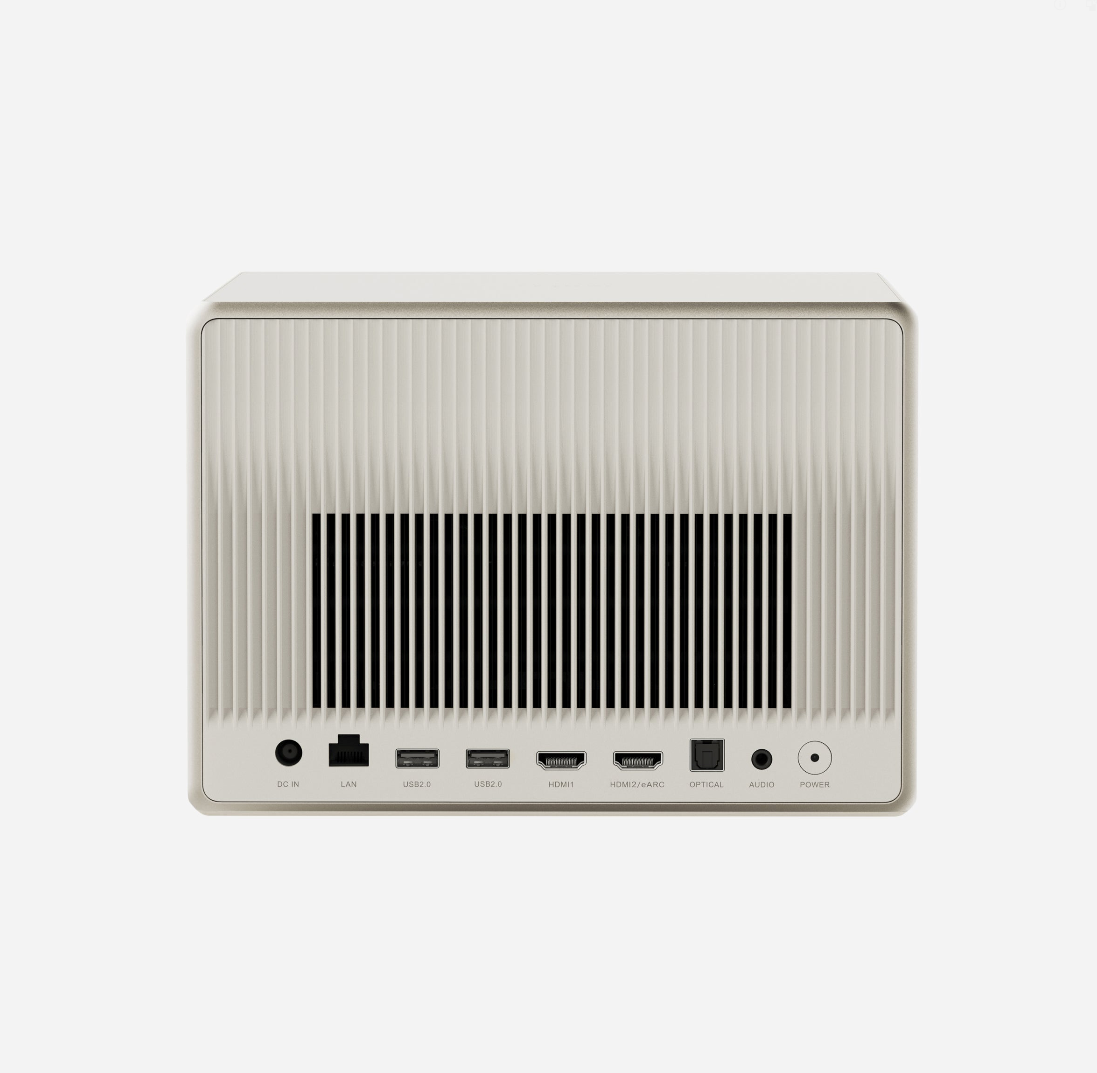
- Connections: 2 × HDMI (one eARC), 2 × USB, LAN, optical out, 3.5mm out
- Wireless: Wi-Fi 6, Bluetooth 5.2, Chromecast built-in
- Noise rating: Under 28dB at 1 metre (manufacturer figure)
- Size and weight: 265 × 224 × 170mm, 5.2kg
- Extras: MEMC motion compensation, dynamic iris, active 3D
✓ Pros
- Dolby Vision with effective scene-by-scene tone mapping — still rare on standard-throw projectors
- Dual Light source: wide DCI-P3 colour, excellent measured accuracy, no laser speckle
- Bright in real-world modes (roughly 1,100–1,600 lumens measured), not just on paper
- ISA 3.0 auto setup works quickly: keystone, focus, screen alignment, obstacle avoidance, wall colour adaptation
- 1.25× optical zoom, which most lifestyle rivals omit
- Strong twin 12W Harman Kardon audio, plus eARC for a clean soundbar upgrade
- Quiet in normal modes (under 28dB rated), premium furniture-friendly design, motorised lens cover
- Low input lag for console gaming; active 3D support for existing disc collections
✗ Cons
- Weak native contrast (about 240–316:1 measured): grey blacks; dark scenes can look flat or milky
- No certified native Netflix in 4K; sideloaded workaround limited to 1080p SDR — an external streamer is effectively required
- High Power mode is loud, runs hot, and inaccurate; do not plan around 2,300 lumens
- Android TV 11 feels dated next to Google TV; remote is not backlit
- Only two HDMI inputs; no lens shift; no 4K/120Hz, VRR or ALLM
- Input lag measurements vary (roughly 18–35ms) — treat the rated figure as best case
Full manufacturer specifications are on the official XGIMI Horizon Ultra product page. Still deciding what class of projector fits your room? Our guide on how to choose a projector for home theater covers throw, brightness and screen decisions first.
Design & Build
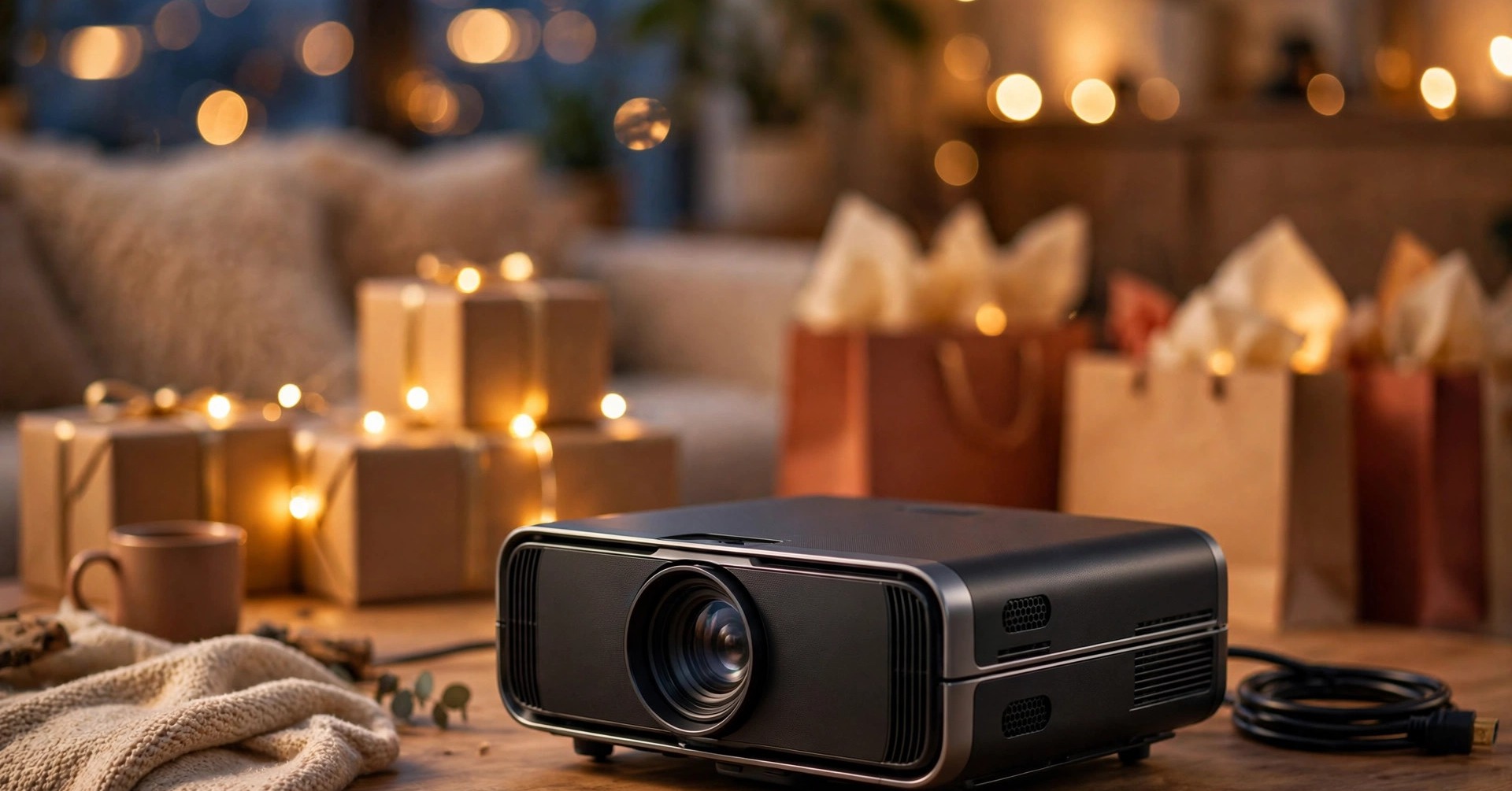
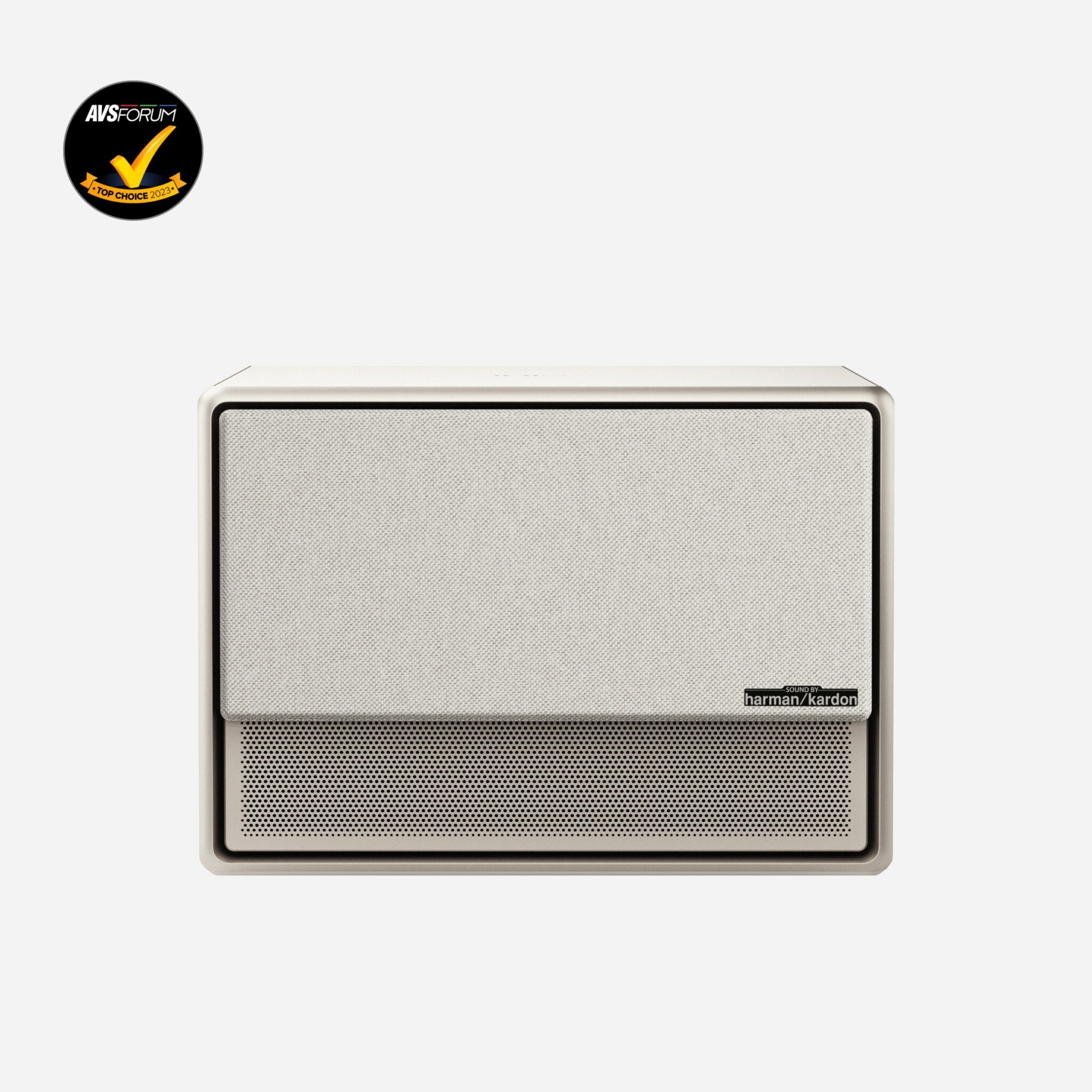
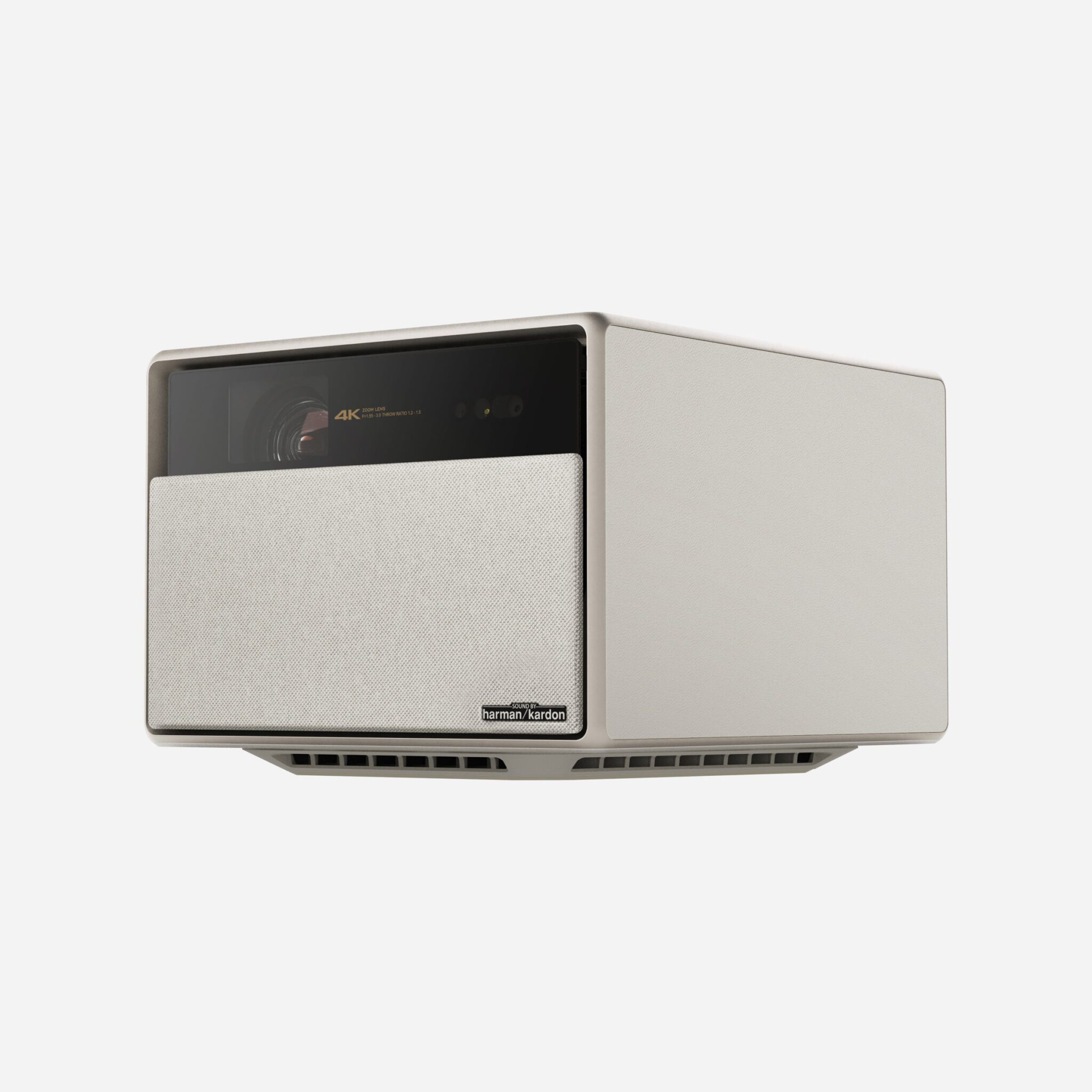
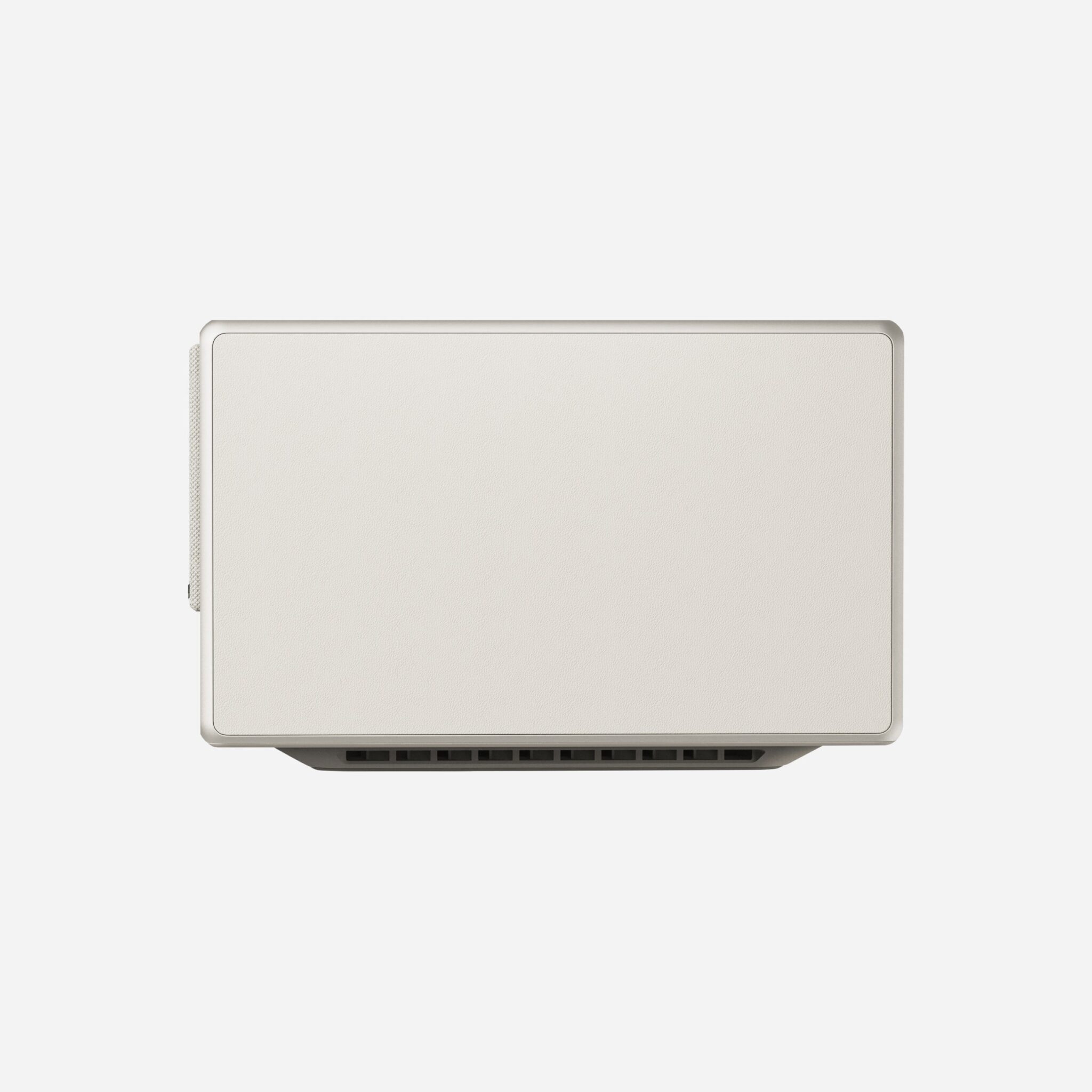
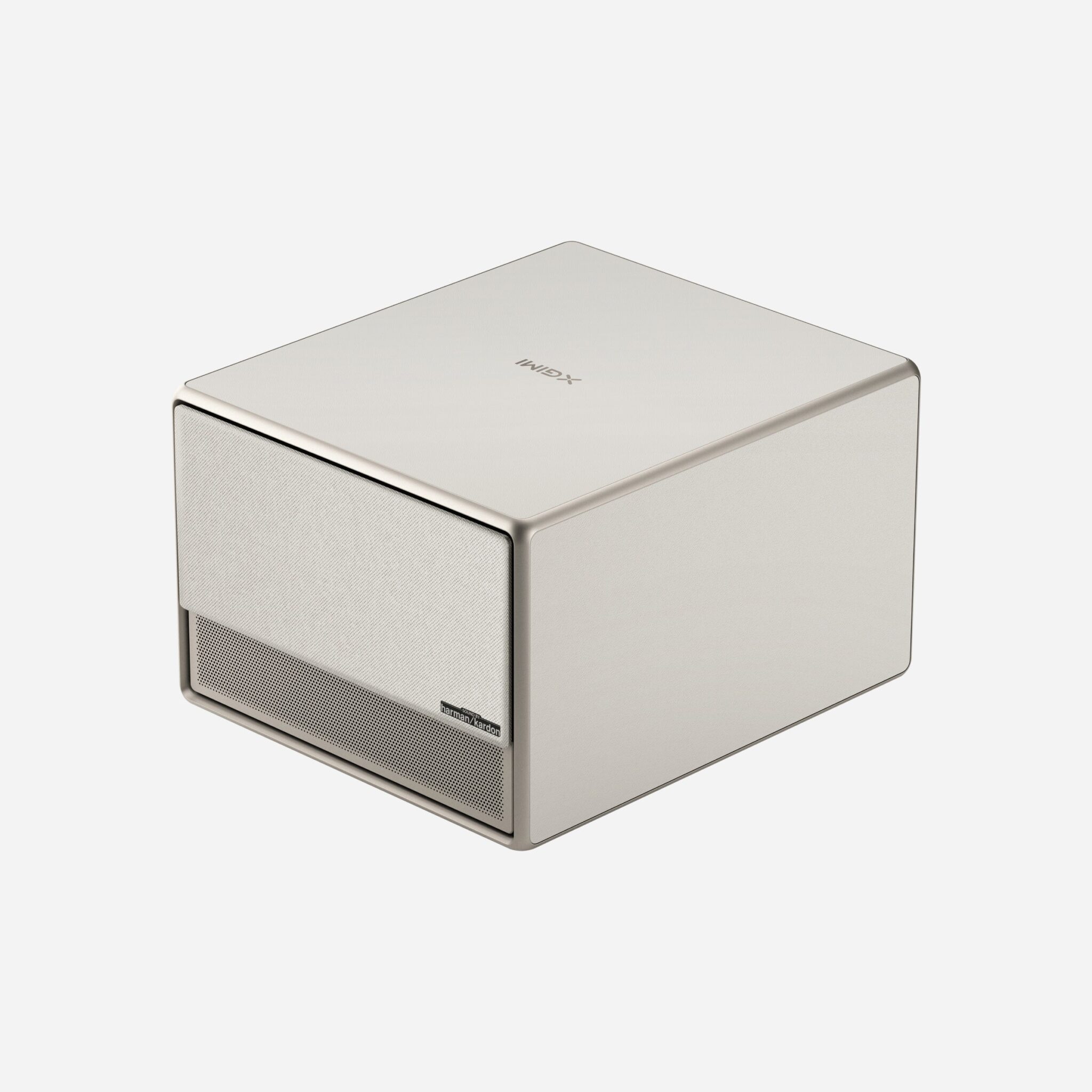
The Horizon Ultra does not look like traditional home-theatre hardware. The body combines a warm-toned finish with fabric and leather-effect surfaces, rounded edges and a scaled ventilation pattern.
At 265 × 224 × 170mm and 5.2kg, it feels closer to a premium speaker than a black-box projector, so it can live on a sideboard without the room looking like a lecture hall.
The signature detail is the motorised front panel. Powered off, a cover protects the lens from dust and knocks; power on, and it slides down to reveal the lens and form part of the front speaker presentation.
Practical as well as theatrical — less dust, no loose cap to lose — though any motor is one more mechanism that could wear over years of use. Build quality is consistently described as premium, with a dense chassis and a substantial external power brick needing shelf space.
On-unit controls are minimal (power, volume); everything runs through the Bluetooth remote, which has Google Assistant voice search and focus shortcuts but, a recurring complaint, no backlight.
Placement flexibility is good but not unlimited. There is no lens shift, so auto keystone does the heavy lifting when the projector cannot sit square to the screen — with the usual caveat that heavy digital correction costs resolution and brightness.
The 1.25× optical zoom resizes with no quality penalty, a feature many lifestyle rivals omit. Ceiling, rear, and rear-ceiling projection are all supported for permanent installs.
XGIMI Horizon Ultra: Features
Dual Light Technology: Why a Hybrid Light Source?
The light engine combines LED and laser — an RGBB LED array with a red laser, per independent reviews. Pure laser is bright but can show speckle, a grainy shimmer in bright areas; LED is speckle-free but historically dimmer.
Blending them targets high brightness and up to 95.5% DCI-P3 colour with no speckle — reviewers confirm there is none. The source is rated for 25,000 hours, with no lamp changes.
Dolby Vision: What It Actually Does on a Projector
Where HDR10 applies one static set of brightness instructions to a whole film, Dolby Vision carries dynamic metadata that maps tones scene by scene.
On a projector — far dimmer than Dolby Vision mastering monitors — that matters: the display chooses which highlights and shadow detail to preserve instead of applying one blunt curve.
Reviewers comparing the same content generally preferred Dolby Vision here, for better-controlled highlights and a more natural HDR balance.
Two caveats: Dolby Vision cannot create contrast the hardware lacks, so dark scenes stay limited by the black level in Performance; and MEMC was originally unavailable in the main Dolby Vision presets — a firmware update added it via Dolby Vision Custom, so keep firmware current.
ISA 3.0: Auto Setup That Actually Saves Time
ISA 3.0 is the feature owners praise most. It combines uninterrupted auto keystone and auto focus — the image stays watchable while adjusting — with screen alignment, obstacle avoidance that shrinks the image around frames or shelves, and eye protection that dims the light when someone crosses the beam.
Nudge the projector or move rooms and the picture is square and sharp again in seconds.
Two additions are specific to this model: Wall Colour Adaptation measures your wall’s tint and corrects for it (best on light walls in dim light; a screen still wins), and adaptive brightness responds to ambient light.
Throw Distance and Screen Sizes
Many guides skip the throw table; here it is, from the 1.2–1.5:1 ratio. For 16:9: 80 inches from 2.1–2.7 metres; 100 inches from 2.7–3.3 metres; 120 inches from 3.2–4.0 metres; 150 inches from 4.0–5.0 metres. Each span is the zoom range.
XGIMI rates 40–200 inches but recommends 60–120 honestly; beyond 120 inches, brightness per area drops and HDR impact fades.
Motion, MEMC and 3D
MEMC motion compensation smooths pans and sports, with adjustable strength — used lightly, it steadies film movement without a soap-opera look. The projector also keeps active 3D support (frame packing, side-by-side, top-and-bottom), now rare on televisions and many rivals. If you own 3D Blu-rays, that alone can decide the purchase.
Performance: Bright and Colourful, With One Clear Limit
The gap between the box claim and usable, measured performance is the most useful thing a buyer can know. The 2,300 ISO lumen rating is specified in High Power mode under laboratory conditions.
Reviews measured about 2,335 lumens in that mode — validating the claim — but also found poor colour accuracy there, loud fans, and a mode intended only for short bursts.
In modes you would actually watch, the same measurements put Movie at roughly 1,199 lumens, Standard at about 1,129, TV at about 1,612, and Sport at about 1,628 recorded about 1,333 lumens in the most accurate normal setting, in line with that picture.
Plan your screen size around 1,100–1,600 usable lumens, not 2,300. Our explainer on how many lumens you need for a projector translates that into screen size and room light.
Colour is the counterweight, and it is excellent. Measured accuracy is a genuine strength: Reviews recorded average colour tracking error considered outstanding after light CMS adjustment, and impressively good results before any calibration, while XGIMI rates factory accuracy at ΔE ≈ 1 in High Colour Accuracy mode.
Skin tones look natural, saturated scenes pop without clipping, and there is no laser speckle. Sharpness is equally strong: XPR pixel shifting puts a full 3840 × 2160 addressable image on screen, and fine detail — text, fabric, hair — resolves cleanly at normal distances.
It is shifted rather than native 4K, standard at this level and hard to fault on real content.
Now the limit: contrast measured native contrast of about 316:1, and other measurements land nearby — roughly 240:1 with the iris fully open in one careful test, improving to around 500–650:1 as the iris closes, at the cost of brightness.
In dark scenes, blacks render as dark grey, shadowy sequences can look flat or slightly milky, and some reviewers noted a faint warm cast in the darkest material. The dynamic iris and Dolby Vision tone mapping help perceived contrast, but neither changes the underlying figure.
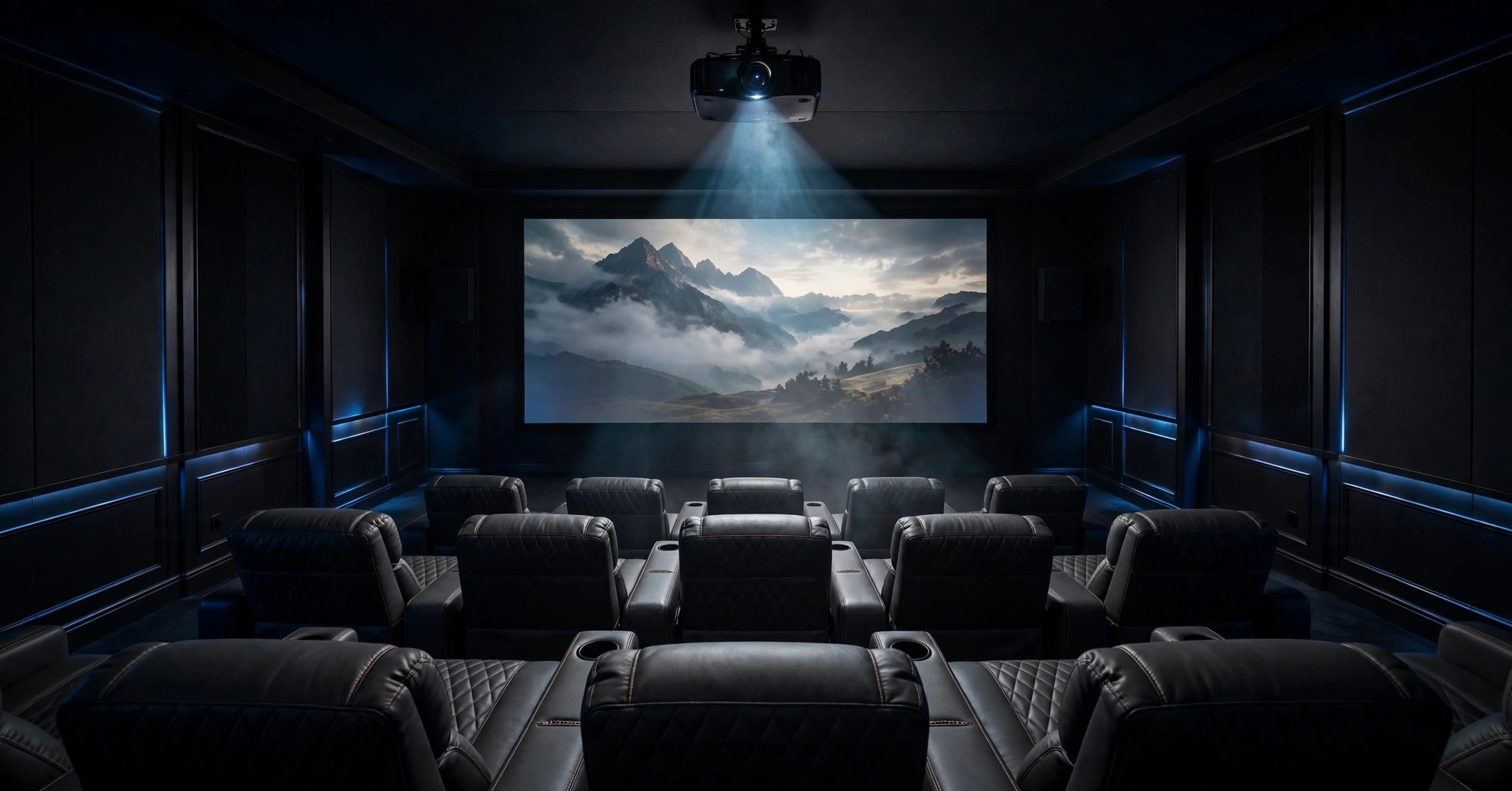
Reviewers converge on a counterintuitive workaround: dark scenes look better with a little ambient light, which lifts your eye’s black reference, than in a pitch-black cinema where grey blacks are exposed. Its weakness is least visible in exactly the environment it was designed for.
On the DLP rainbow effect — brief colour fringing some viewers catch on single-chip DLP designs — reports are reassuring: multiple reviewers noted how little they saw, some reporting none across films and games, likely helped by the hybrid source.
No guarantee if you are highly rainbow-sensitive, but it should not be assumed against this model as with older colour-wheel designs.
Picture Modes: What Each One Changes and When to Use It
The modes are not cosmetic labels: measured brightness and colour temperature swing widely between them, so choosing well beats most tweaks.
Movie Mode — The Accurate Default
Movie is the most accurate preset, measuring near 6,800K — close to the D65 standard — at roughly 1,200 lumens. Use it for films and series in a dimmed room: natural skin tones and the fewest artefacts, in exchange for headline brightness.
Careful reviewers often settled here with the iris near mid-range, trading a little output for better contrast.
Standard and Brilliant Modes
Standard measures around 1,100–1,300 lumens with a much cooler temperature above 9,000K: punchier blue-white whites, less faithful skin tones. Brilliant follows the same recipe. Both suit mixed daytime viewing — news, YouTube, casual TV — where clarity beats accuracy. Neither should be your film mode.
TV and Sport Modes
TV and Sport are the brightest everyday presets, both around 1,600 lumens measured, pushing blue and green to maximise perceived brightness; Sport adds stronger motion compensation.
Use them with curtains open for daytime matches and general television, accepting vivid rather than faithful colour — for sport, usually the right trade.
High Power Mode — Read the Fine Print
High Power produces the rated output but is an emergency reserve, not a viewing mode: colour accuracy drops sharply, fan noise rises dramatically, and reviewers saw on-screen temperature warnings in extended use. Keep it for brief fights against bright light, not an evening’s film.
Dolby Vision Bright, Dark and Custom
Dolby Vision signals switch the projector to its own preset family.
Bright lifts the tone curve for rooms with some ambient light; Dark assumes a dark room and preserves more nuance as intended; Custom offers a single-point RGB adjustment and, after firmware updates, the motion compensation the fixed presets lock out.
For most owners: Dark at night, Bright otherwise, Custom only when calibrating.
Game Mode and Custom Mode
Game mode strips processing to cut input lag (see Gaming) at some cost to picture refinement — the right exchange for interactive content. Custom is the enthusiast sandbox with full colour management, gamma and temperature controls, where measured accuracy becomes genuinely excellent.
One documented quirk: Custom can forfeit direct iris control, which is why some calibrators tune within Movie instead. Start with Movie, set the iris for your room, and move to Custom only if you are measuring as you go.
Audio: Harman Kardon Sound That Delays the Soundbar Purchase
Built-in projector audio is usually an apology; here it is a feature. The twin 12W Harman Kardon speakers — 24 watts total — support Dolby Audio and DTS-HD decoding plus DTS Virtual:X for a wider perceived stage. Reviewers converge: dialogue is clear, effects have real body, and the system fills a small-to-medium room without the thin character typical of built-ins. It also doubles as a Bluetooth speaker. The limits are physical — compact drivers cannot produce deep bass, and stereo width is bounded by the box.
The upgrade path is complete, though: HDMI eARC passes full-quality audio including Atmos to a soundbar or receiver, optical serves older systems, and 3.5mm and Bluetooth cover headphones.
Smart Features & OS: Android TV 11 and the Netflix Question
The Horizon Ultra runs Android TV 11 — not the newer Google TV interface — on 2GB of RAM with 32GB of storage.
Daily performance is fine: Disney+, Prime Video, YouTube and Apple TV apps work as expected, Chromecast is built in, AirScreen covers Apple devices, and Google Assistant voice search via the remote is genuinely useful. Wi-Fi 6 keeps streaming stable, with wired Ethernet available.
The gap every buyer must know is Netflix. There is no certified native Netflix app delivering 4K HDR here. XGIMI’s sideloaded workaround is limited — independent reviews report a ceiling of 1080p SDR and mouse-style navigation — so the most-watched service looks worse through the built-in system than it should.
It is a licensing issue affecting several Android TV projectors, not a hardware fault, but it remains the platform’s biggest flaw.
The clean fix is an external streamer — Chromecast with Google TV, Fire TV Stick, Roku, or Apple TV 4K — which restores full 4K Dolby Vision Netflix and a slicker interface. Plan for that small addition from day one and the issue largely disappears.
Also note: only two HDMI inputs (one may go to an eARC soundbar), so console plus streamer plus Blu-ray player may need an HDMI switch.
Gaming: Low Lag, With a Measurement Caveat
XGIMI rates input lag at 18ms or less at 4K/60Hz in Game Mode with auto keystone off, and several reviewers measured in that high-teens range — responsive enough that all but competitive esports players feel no delay in shooters, racers or fighters on a 100-inch screen.
The caveat: at least one instrumented review measured around 35ms in game-mode testing — still below what most players perceive, but double the marketing figure. Settings explain much of the spread: use Game Mode, disable auto keystone, position the projector squarely.
Expect 18–35ms: good for console play, short of dedicated gaming projectors. There is no 4K/120Hz, VRR, or ALLM, so consoles run at 4K/60 — where most console performance modes target anyway, and MEMC should stay off, since interpolation adds delay.
If gaming is your primary use, compare dedicated options in our roundup of the best 4K projectors under 2000.
Who Should Buy / Who Should Skip
Buy it if…
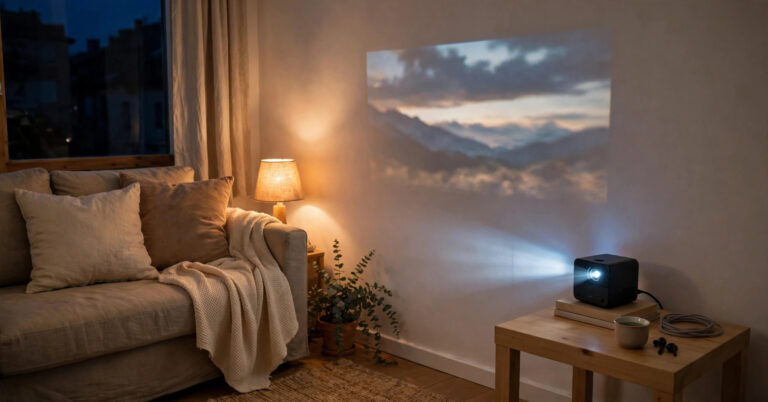
you view in a living room rather than a blacked-out cinema; watch bright, colourful content — series, animation, sport, family films — and want HDR properly vivid; value set-and-forget convenience, move rooms, or project on a wall; play console games casually; or want built-in sound strong enough to postpone a soundbar.
Skip it if…
inky blacks in a darkened theatre room are your priority — measured contrast will disappoint in every film. Skip it if you refuse an external streamer yet expect flawless built-in 4K Netflix, need 4K/120Hz or lens shift, or are highly rainbow-sensitive and cannot demo a single-chip DLP first.
Alternatives Worth Comparing
Hisense C1
The closest rival: a lifestyle 4K DLP projector with a triple-laser engine, very wide colour and Dolby Vision, plus proper Netflix certification in many regions. The XGIMI counters with optical zoom and ISA auto-setup; compare black levels and the smart platform closely.
BenQ GP500
A 4LED 4K projector preferred overall in direct comparison, notably for stronger HDR10 dark-scene performance — the Ultra’s weak spot. No Dolby Vision, but for film-heavy viewing in a dim room its contrast makes it the thinking alternative.
Epson Home Cinema 3800
Different technology: 3LCD means no rainbow effect at all, with generous lens shift and zoom for permanent installs. Bulkier, without Dolby Vision or XGIMI-style automation, and also pixel-shifted — but a benchmark for placement flexibility.
XGIMI Horizon Pro
The step-down sibling: same design and auto-setup ideas, conventional LED source, lower brightness, no Dolby Vision. Fine for a small, dark room — but the Ultra’s Dual Light colour and brightness are a real step up, not just a badge.
Frequently Asked Questions
Is the XGIMI Horizon Ultra native 4K?
No. It uses a 0.47-inch DLP chip with native 1920 × 1080 resolution and XPR pixel shifting to address a full 3840 × 2160 image — standard in this class, and reviewers found the sharpness hard to distinguish from native 4K at normal distances.
Does the Horizon Ultra have Netflix?
Not as a certified native 4K app. The Android TV 11 system lacks a fully certified Netflix app, and XGIMI’s sideloaded workaround is limited to 1080p SDR per independent reviews. An external streamer by HDMI — Chromecast with Google TV, Fire TV Stick, Roku or Apple TV 4K — restores full 4K Dolby Vision Netflix.
How bright is the Horizon Ultra in real use?
The 2,300 ISO lumen rating applies to High Power mode, which measurements confirm but which is loud and colour-inaccurate. In watchable modes, measurements put output at roughly 1,100–1,600 lumens by preset, with Movie mode near 1,200 lumens — enough for a 100–120-inch screen in a dimmed living room.
Is the Horizon Ultra good for gaming?
Yes, for console gaming. The rated lag is 18ms or less at 4K/60Hz in Game Mode with auto keystone off; independent measurements range from the high teens to around 35ms depending on settings and method, all comfortable for single-player and casual multiplayer. There is no 4K/120Hz, VRR, or ALLM, so competitive players should choose a dedicated gaming projector.
How far away should it be for a 100-inch screen?
With a 1.2–1.5:1 throw ratio and 1.25× optical zoom, a 100-inch 16:9 image needs roughly 2.7–3.3 metres (about 8.7–10.9 feet) from lens to screen; 120 inches needs about 3.2–4.0 metres. XGIMI recommends 60–120-inch images for the best brightness and HDR balance.
Will I see the rainbow effect?
Most reviewers reported little to none, partly credited to the hybrid LED-plus-laser source, and there is no laser speckle. It remains a single-chip DLP design, however, so viewers who know they are highly sensitive to rainbow artefacts should demo any single-chip DLP before buying.
Bottom Line
The Horizon Ultra is really two projectors in one box. As a living-room appliance it is superb: bright, vivid, colour-accurate, quiet and handsome, with setup so automatic it stops being a task.
Dolby Vision is no sticker feature — its tone mapping visibly improves HDR material — and the Harman Kardon audio means this box can be the whole system.
As a dark-room cinema projector, the same machine is compromised by the specification that matters most in the dark: measured native contrast in the low hundreds-to-one, leaving blacks grey and shadow-heavy films flatter than they should be.
Neither half cancels the other; they describe different rooms.
Buy it for the room it was designed for — a normal living room, some ambient light, mixed content, a premium on convenience, and it earns a strong recommendation, with one condition: pair it with an external streamer for proper Netflix.
Expect dedicated-theatre black levels instead, and you will be disappointed in exactly the scenes you care about.